52
Crossfeed
Crossfeed only applies to Headphones. It is the process of blending the left and right channels of
a stereo audio recording. It is generally used to reduce the extreme channel separation when
monitoring with headphones vs. speakers (e.g., where instruments are panned entirely on one
side or the other). Apply Crossfeed to make audio played through headphones sound more
natural, as when listening to a pair of external speakers. Select and turn the Anubis Rotary Knob
to apply. Range: 0 (no crossfeed applied) to 100% (equivalent to mono).
Talkback
It is first recommended that you configure your Talkbacks from the Settings>Talks page.
Once having configured the Talkback #1 and/or #2, those settings will determine if and which
Talker will be inserted into the selected Monitor Set, Headphones or Cue when engaged.
Sources Dim: When talkback is engaged all the listening sources feeding the monitor are dimmed
to the value selected. Example: To Dim the DAW playback source when talking to a musician.
Talker Dim: Apply a Dim attenuation to the talkback Mic when engaged.
Example: To avoid feedback in a Studio control room when engaging the talkback while monitoring
speakers and the talkback simultaneously or to allow to make a pleasant balance between Music
listening and talking (without needing to change the monitor volume each time somebody is talking).
Talk A: Select a Talk source available, in order to inject this source when selected in this Cue or
Monitor set Note: Talks must first be configured in the Settings>Talks.
Talk B: If you need a second talkback, select a Talk source available, in order to inject this one
when engaged in this Cue or Monitor set Note: Talks must first be configured in the Settings>Talks.
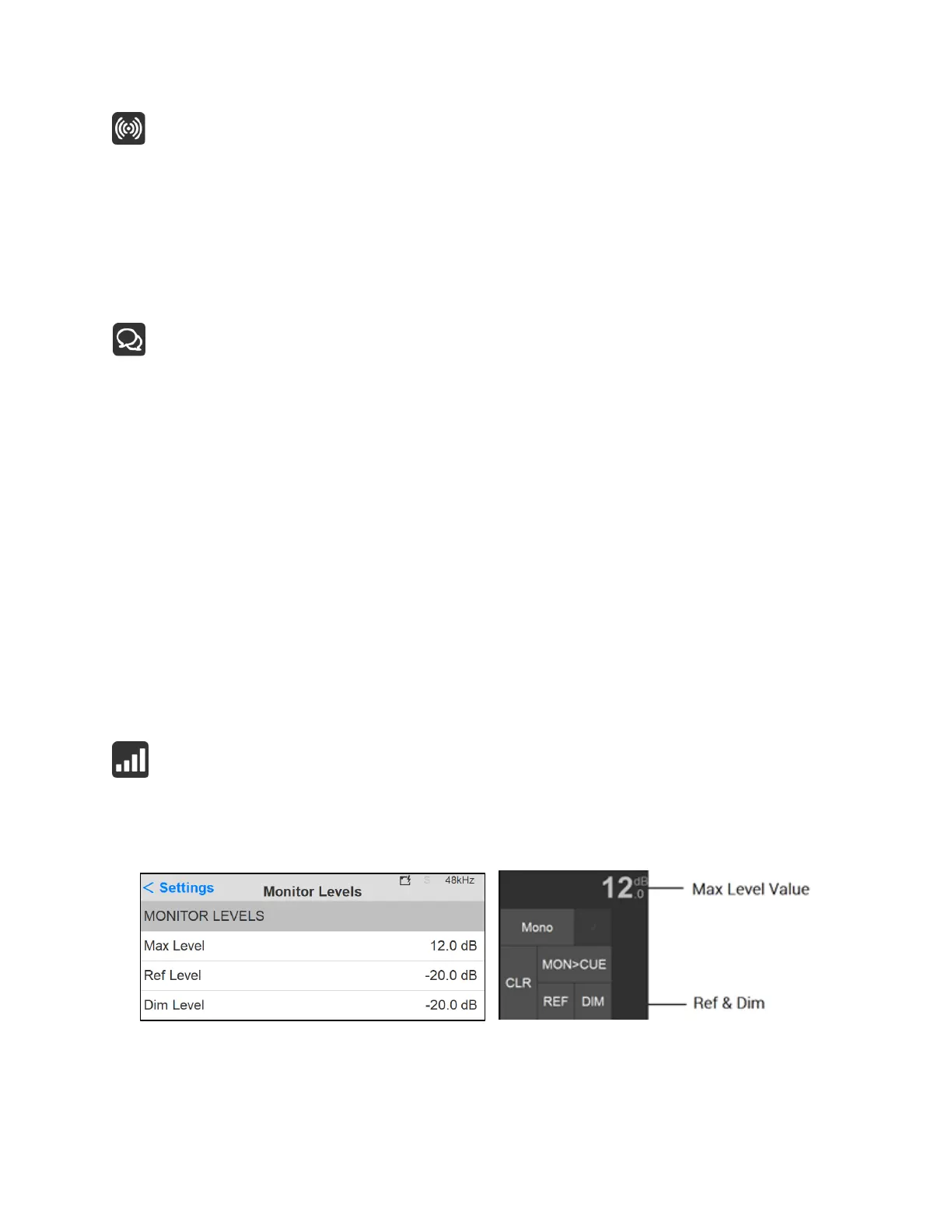
Monitor Levels
The Monitor Levels settings are in relation to the Monitor Control section of the Main pages and
can be recalled from this section.



 To Next Page