54
Name: Select the Talk name from the pre-defined naming listing
Trim: Apply a trim value to the Talk source
Patch: Patch the Talk source, you can choose the local Built-in Mic, any Anubis input where you
would connect a Microphone or an AoIP Stream that could be a Microphone connected to
another RAVENNA/AES67 compliant device.
Triggers
The operator can define how the Talkback is triggered, that can be from either Anubis Talk
Button or from GPI (footswitch), a trigger can engage multiple Talkbacks at a time. Refer to the
GPIO Settings for more details (under development).
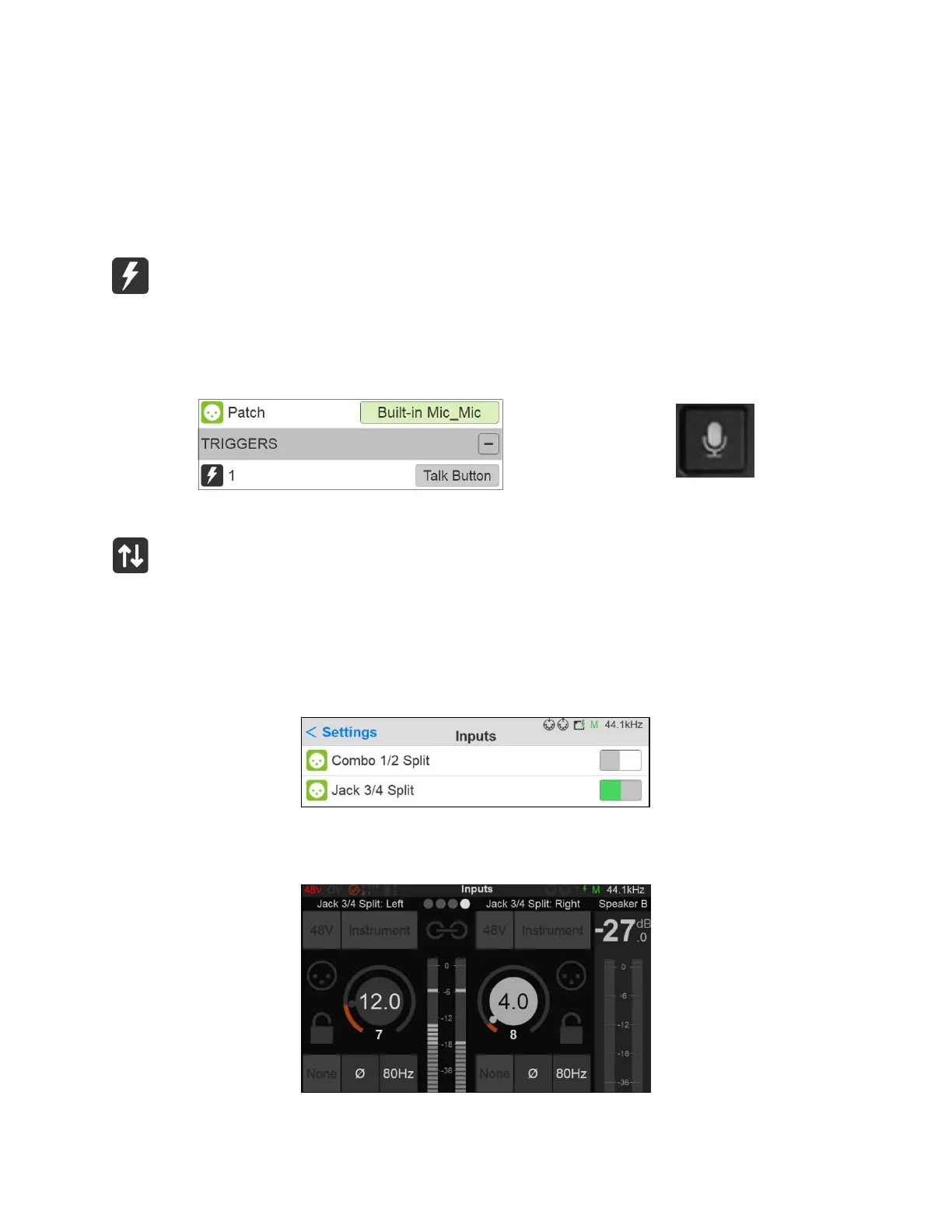
Figure 7 Example: Patching the Anubis Built-in microphone and using the Anubis Talk button as the Trigger
INPUTS Settings
Split channel settings. The Anubis AD front-end topology offers the split channel functionality,
where every input channel has a separate split gain control for sending them to different paths.
Enable the Split channel option for the Anubis Preamps channels pair of your choice. The Anubis
XLR Combo 1/2 inputs or the Jack 3/4 inputs.
When enabled, within the Anubis Preamps pages a second pair of Preamps will appear for each
Split Channel pair. Allowing you Split control over: Gain, Polarity and Low Cut parameters.



 To Next Page