70
SOURCE PAGE
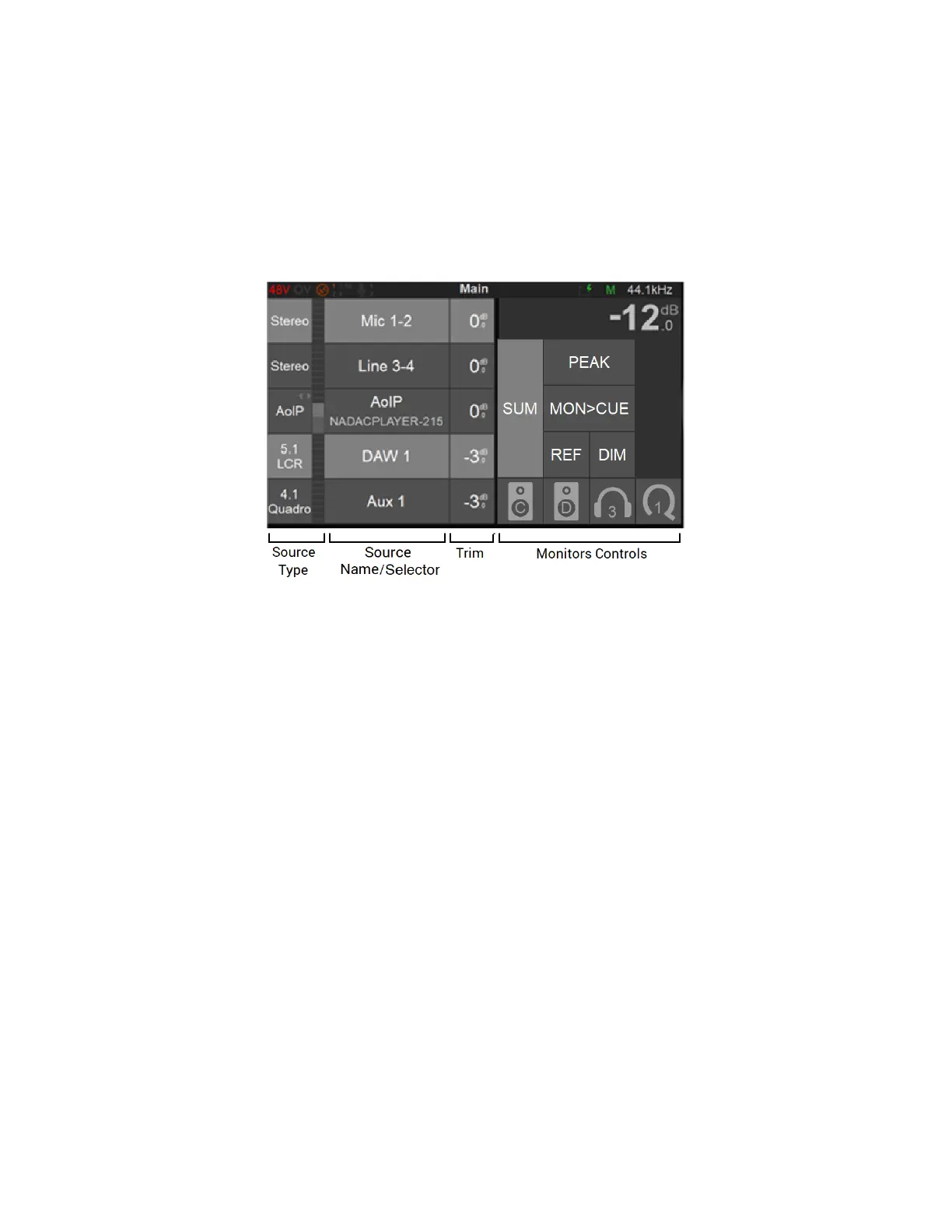
The Source page allows the operator to select the different Sources he wishes to monitor. You
can exclusively select a Source or sum multiple Sources and as well apply level Trim. The
Sources page also gives you Monitor Controls, with similarities to the Monitor page.
Source Type
This first section on the left indicates the Source Type name as well as the Metering of the
Source, once this one has been configured and patched form the Settings>Sources.
Note: The meters peak level displays the max of all corresponding channels.
There are two types of Sources.
1. Standard Sources: Full control over Channel type and Speaker set, with a dedicated Source
entry. The source must be created and routed from the settings or from ANEMAN.
2. AoIP/Stream listeners: Used to monitor streams available over a RAVENNA/AES67 network.
Those must be created from the Settings>Sources and will then appear in the main Sources
page. Available Streams are listed in the AoIP dialog once tapping in the AoIP selection area.
From the dialog choose the AoIP/Stream source you wish to Monitor.
Note: AoIP Streams up to 8 channels (currently limited to 7.1 ITU-I default channel type) are supported.



 To Next Page