71
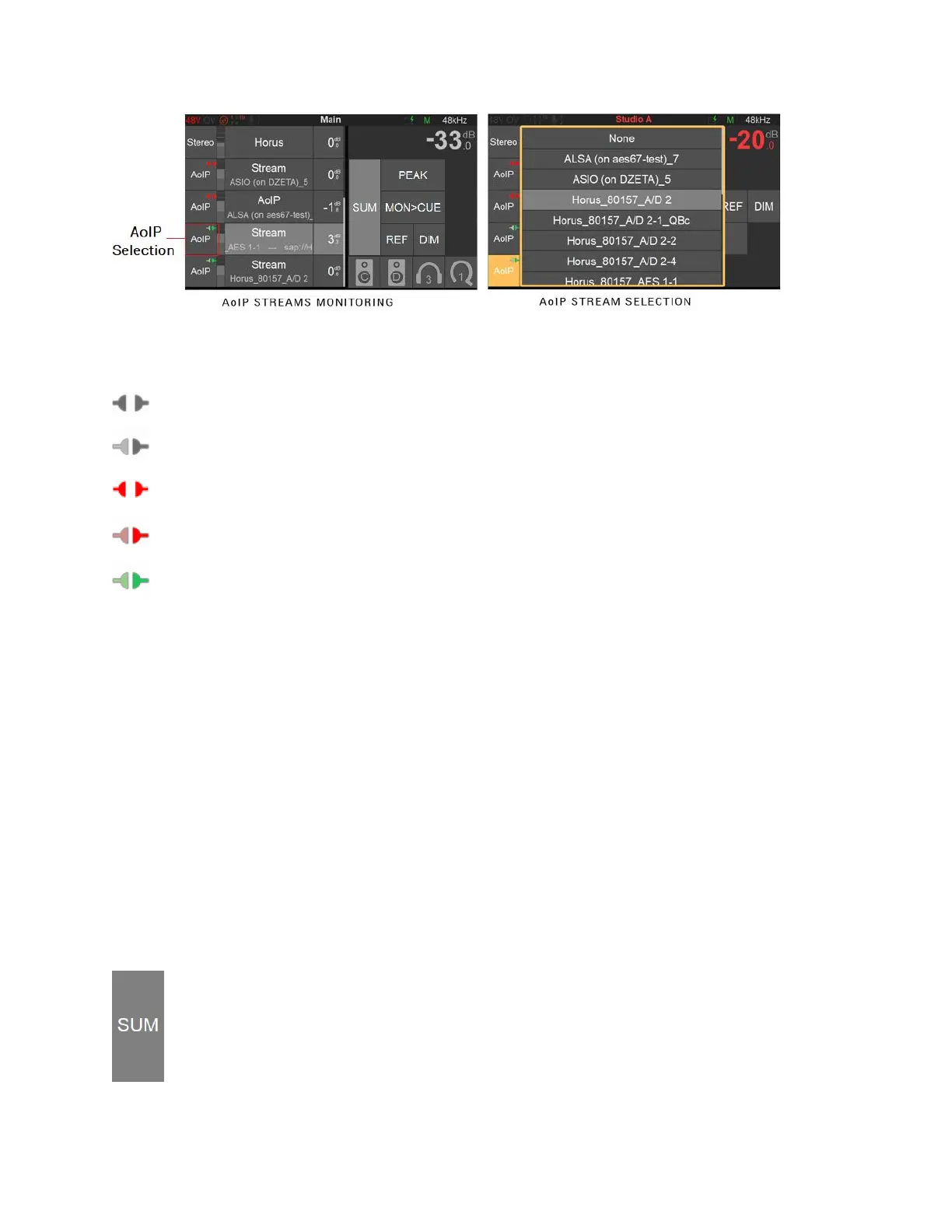
AoIP streams icons status
AoIP disconnected
AoIP partially connected
AoIP connection error
AoIP RTP Error
AoIP receiving
Source Name/Selector
Name of the Source and selector. Tap the source you wish to monitor, this one will be highlighted
when active, to select multiple Sources make sure you enable the SUM option, otherwise the
selection is exclusive.
Note: Predefined Names are available under the Sources configuration Settings
Trim
Source Trims are applied to all monitors and can be adjusted by holding the finger on the Source
name while turning the Anubis Rotary knob. Turn the Rotary clockwise to increase a Trim value
and turn the Rotary counter-clockwise to decrease a Trim value.
Note: The Trim value is displayed in orange during adjustments.
Monitors Controls
Sum:
Enable the Sum option to select multiples Sources and sum them together into your
Monitor set. When disabled the Source section is exclusive.



 To Next Page