78
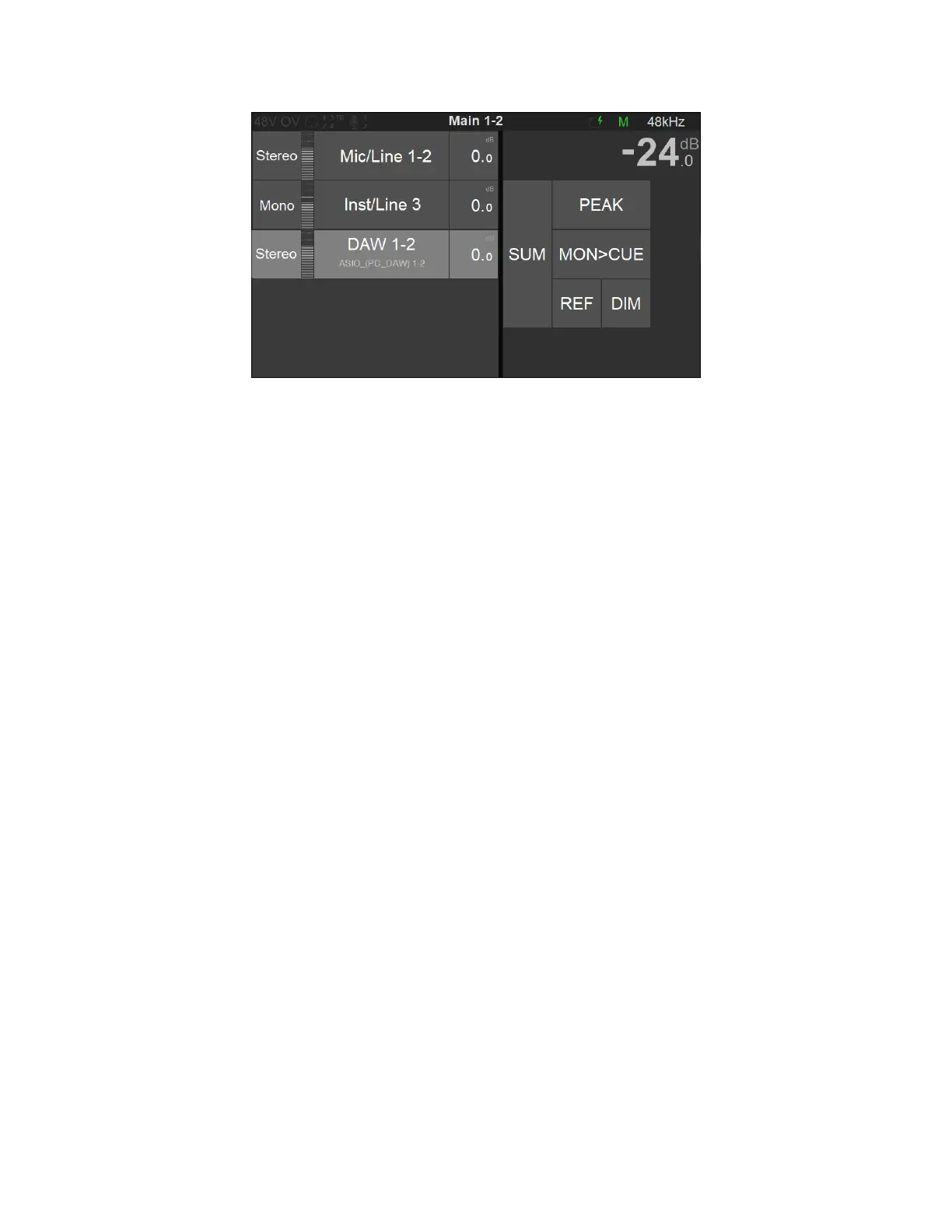
Figure 15 Select DAW 1-2 Source
6. In order to monitor multiple sources simultaneously enable the SUM option and sum your
Sources selections.
To control the Headphones volume, simply select the Headphone 1 button and use the Anubis
Rotary knob to adjust its Volume.
Note: The Speakers Set mode and Headphones mode listen to the same Sources selection. In order to
listen to different Sources, a Monitoring Cue must be configured (refer to the Settings>Monitors Cue
mode section)
You are ready to start your Anubis Monitoring Mission and have full control over your DAW
monitoring.



 To Next Page