80
Procedure:
1. Your DAW playback and Monitoring should already be setup and wired as explained in the
Basic Monitoring use case.
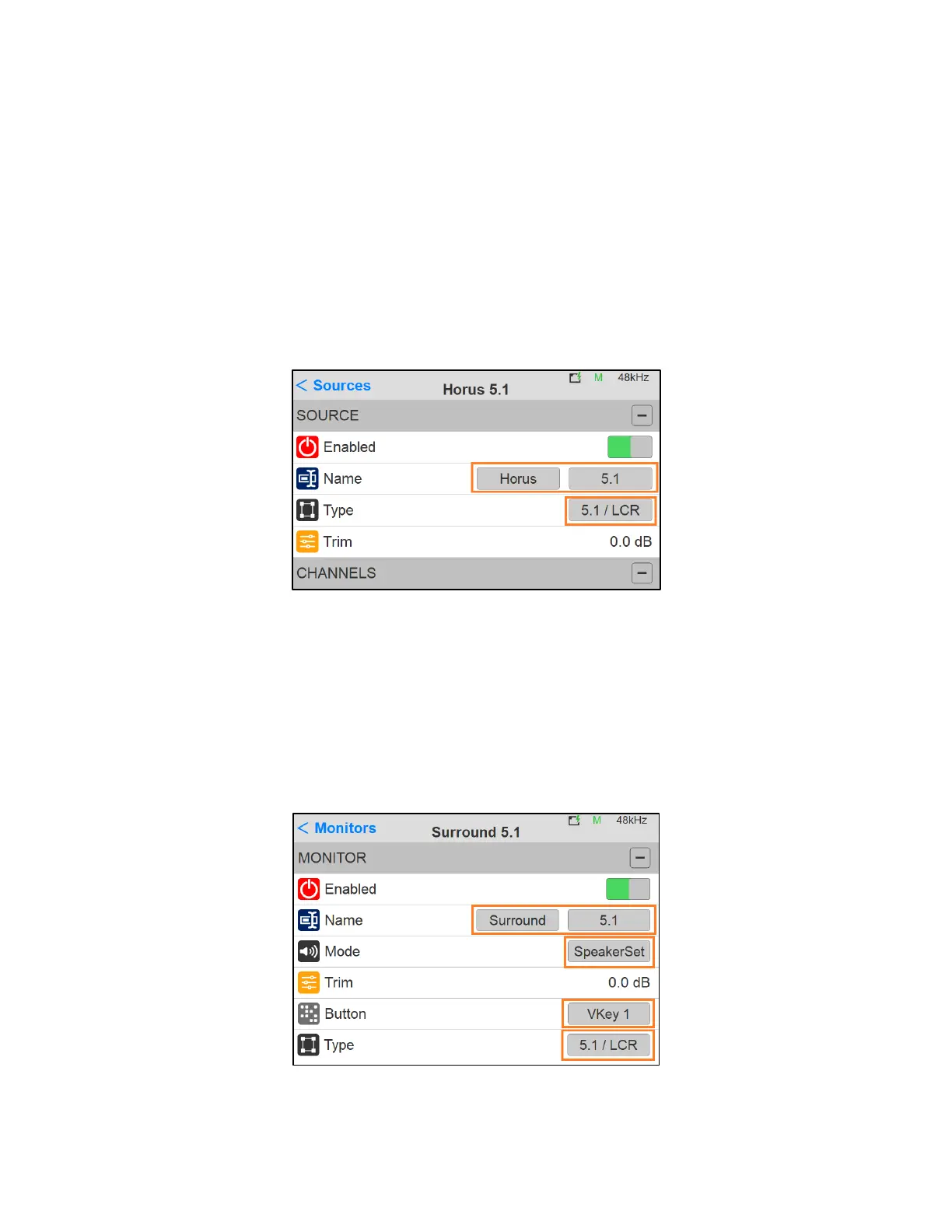
2. Create a new source from the Anubis Settings>Sources page
3. Select a given name from the Anubis predefined Source names and a numeric/alphabetical
tag. Most importantly choose your Surround Speaker Set layout from the Type entry field listing.
Figure 16 In the example here we have created a Horus 5.1 LCR Source
4. Create a new Monitor Set. Exit the Source Setting and enter the Settings>Monitor Page where
you can create a new Monitor Set.
5. Within the new Monitor, select a given name from the Anubis predefined Monitor names and
choose a numeric/alphabetical tag. Assign the Monitor to the button of your choice and most
importantly choose your Monitor Set layout from the Type entry field listing (5.1 / LRC).
Figure 17 In the example here we have created a Surround 5.1/LCR Monitor set assigned to the VirtualKey 1



 To Next Page