32
AQUALAB 3
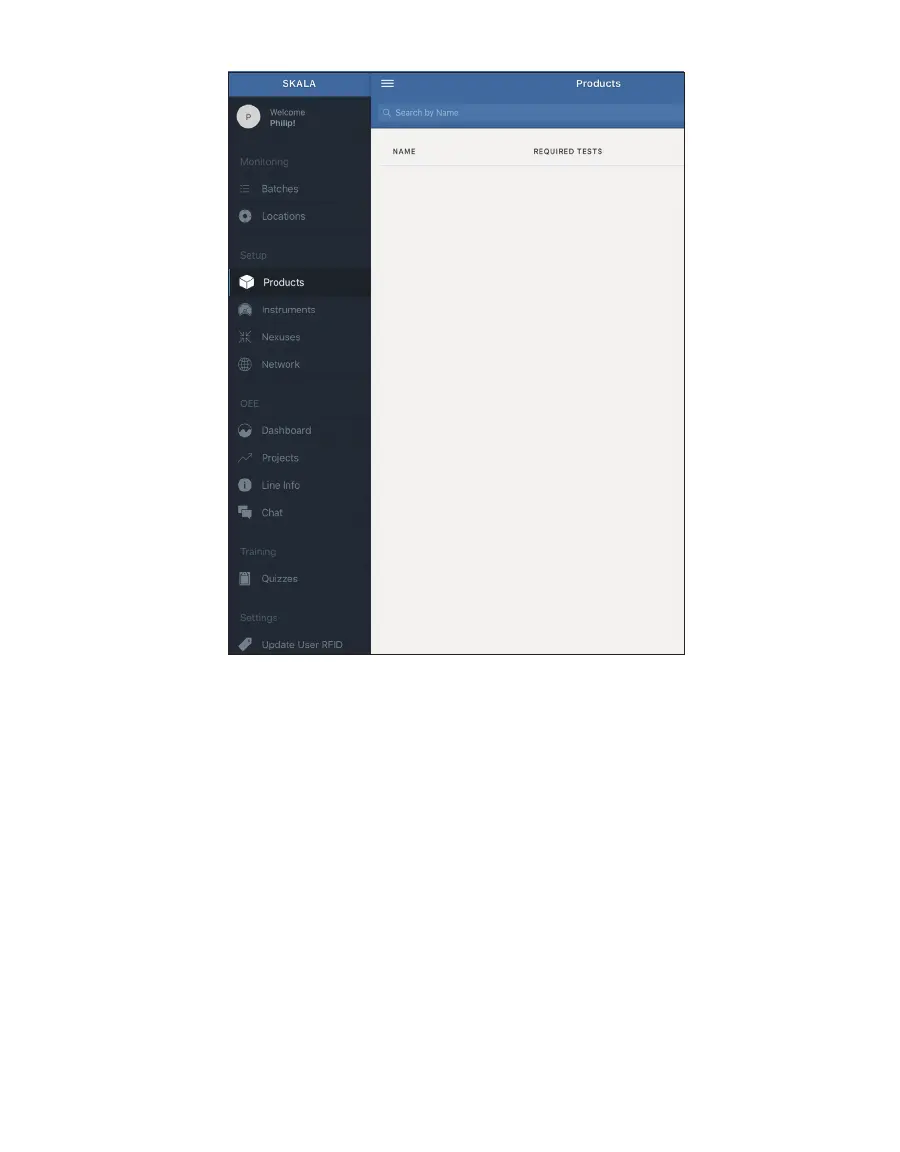
Figure40 Products option in Main menu
3. Select the plus symbol on the Products screen to add a product.
4. Enter the product Name (Figure41).
5. Select Total Moisture from the Select test dropdown menu (Figure41).
6. Select Water activity or Total moisture from the Specification use dropdown menu
(Figure41).
7. Set minimum and maximum reading values based on the specification chosen in
previous step (Figure41).
NOTE: Total moisture reading values using water activity specifications should be indicated by integers to
represent a
w
values and moisture content specifications should use numbers representing a percentage.
8. Select the Moisture Content Model from the dropdown menu at the bottom of the
window (Figure41).
9. Select the Add (Update) product button (Figure41) when all required information is entered.
NOTE: Water activity tests are always available. Additional tests can be added when subscribed to a premium plan.
Learn more about SKALA subscription plans at metergroup.com/skala-upgrade or contact Customer Support.



 To Next Page