34
AQUALAB 3
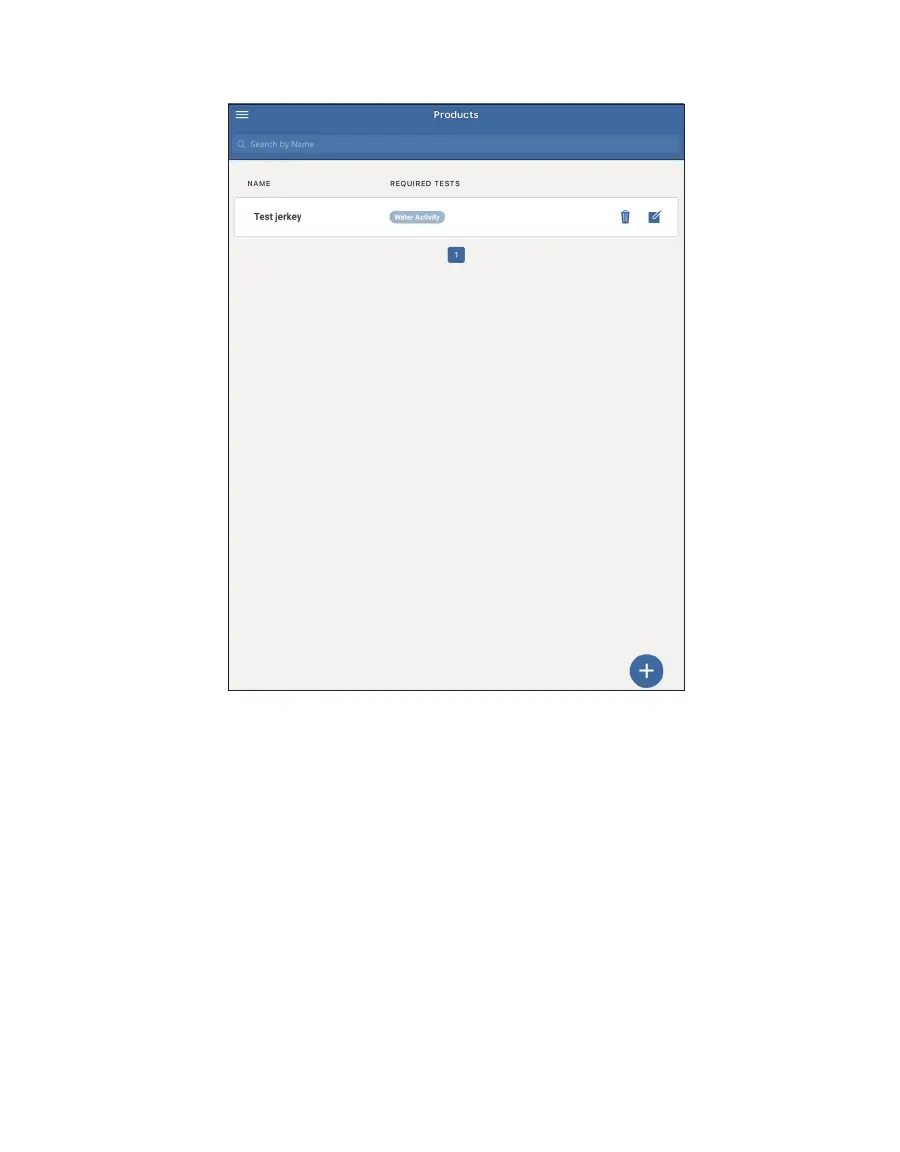
The Product screen will appear with the newly added/updated Product listed (Figure43).
Figure42 Products window
Please contact Customer Support if experiencing problems.
If products need to be removed from SKALA Mobile, please follow the steps below:
1. Open the SKALA Mobile app menu by selecting the menu icon located in the upper left
corner of the screen.



 To Next Page