PAGE 24 Metor 6M
Installation and Operating Manual
7. SWITCHING ON 92102916 REV 5
7. SWITCHING ON
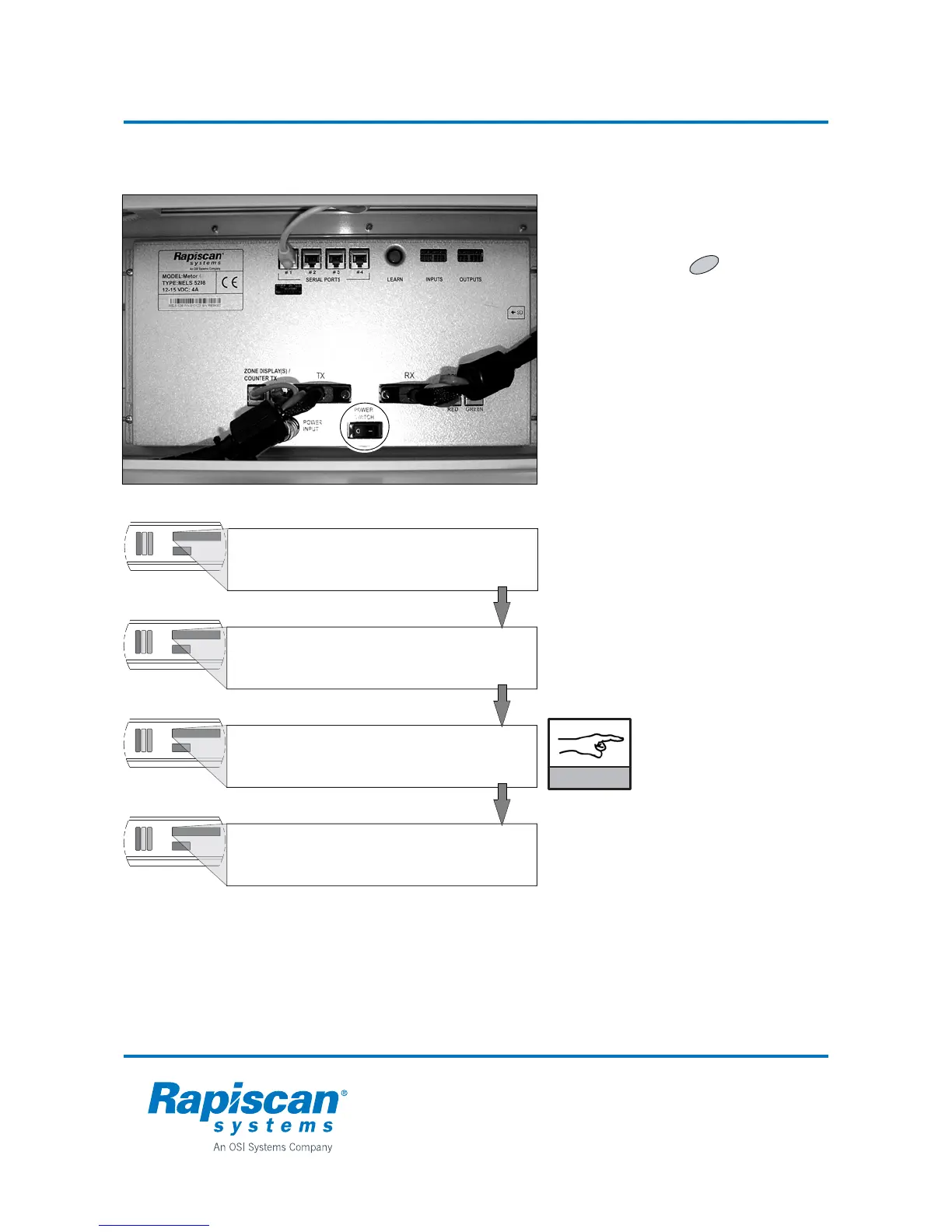
Metor 6M power switch is accessible by
opening the cross piece lid.
In addition, Metor 6M display unit
incorporates a button which has a
standby feature (see the next page). The
standby function is used to set Metor 6M
either on or standby mode. Operating
standby mode requires that function is
enabled from user interface and power is
switched on from power switch.
After switching on the WTMD will run a self-
test. At first the WTMD tests all signal
lamps. Then the test display will show:
• user interface version
• software versions
• selfcheck ok (system ready for
operation).
SW versions may differ from the ones in the
pictures.
User Interface version
and software versions of
both MDPU and MCCU
must match.
C
SW VERSION OF UNIT
MDPU V1.00
SW VERSION OF UNIT
MCCU V1.00
****
METOR 6M
****
SELFCHECK OK
METOR 6M UI:
VERSION 1.00 (ENG)
NOTICE



 To Next Page