PAGE 30 Metor 6M
Installation and Operating Manual
8. CALIBRATION 92102916 REV 5
8. CALIBRATION
Calibration procedure
Choose a frequency which gives the least background
interference level. It is recommended to use frequency
auto search function. Also manual frequency search can
be used. Frequency setting should be changed when
several WTMDs are used side-by-side (acceptable
background interference level is max. 2 - 4 illuminated
boxes).
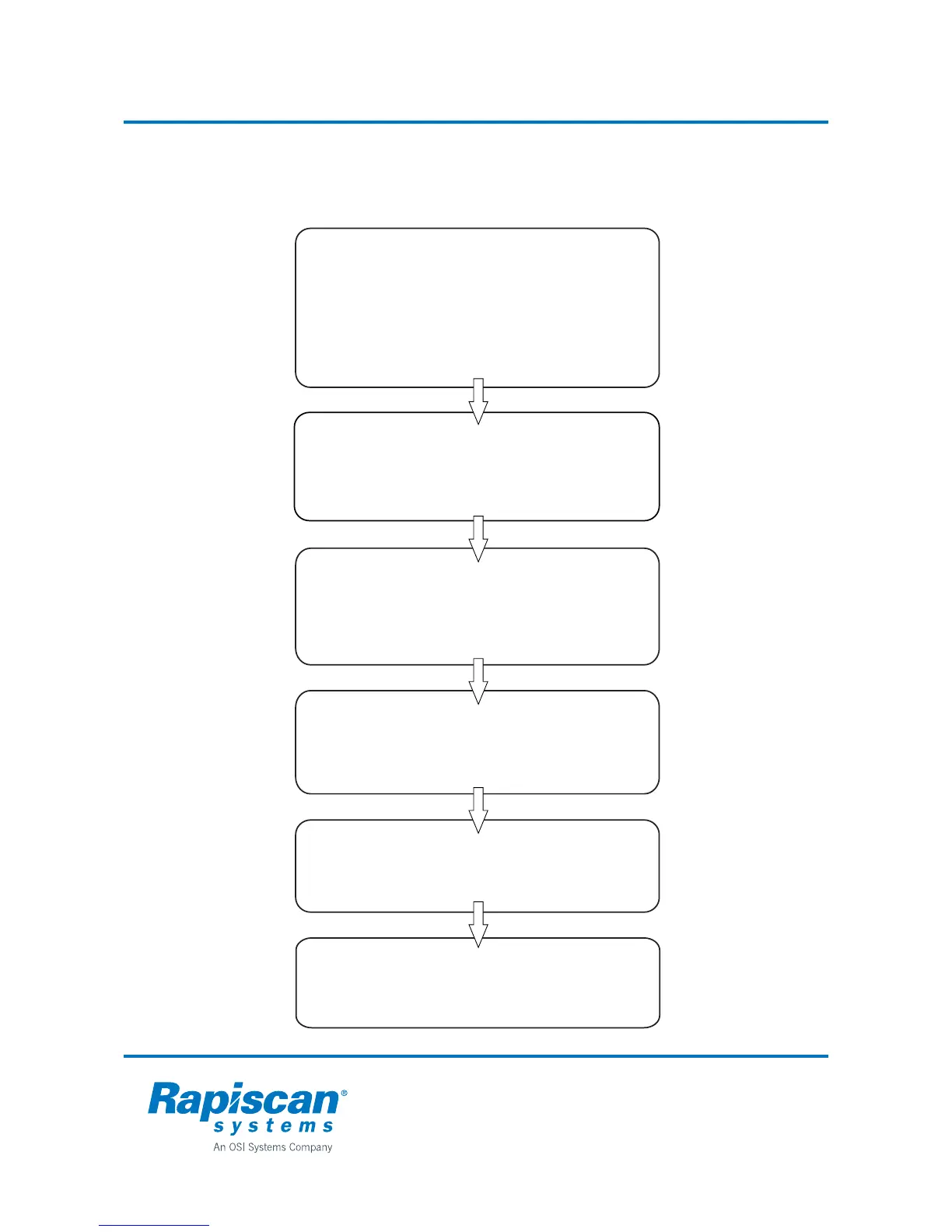
1. CHOOSE OPERATING FREQUENCY
Select threatening objects that are most likely to be
detected in real operation. Define also a comprehensive
set of harmless objects you want to discriminate.
First set overall sensitivity and then floor level sensitivity.
Do not use higher sensitivity setting than required
because it also affects interference immunity of the WTMD.
4. SET DETECTION SENSITIVITY
3. CHOOSE DETECTION PROGRAM,
DEFINE THREAT ENVIRONMENT
Select one detection program that gives the lowest metal
signal when different harmless objecs are taken through the
WTMD.
5. SELECT
Check the condition of the equipment daily
6. TEST
The speed response setting affects detecting sensitivity
when the speed of the object differs from normal walking
speed. Normally you don't have to change this setting
from the factory value.
2. SET SPEED RESPONSE



 To Next Page