PAGE 50 Metor 6M
Installation and Operating Manual
10. AUDIO/VISUAL PARAMETERS 92102916 REV 5
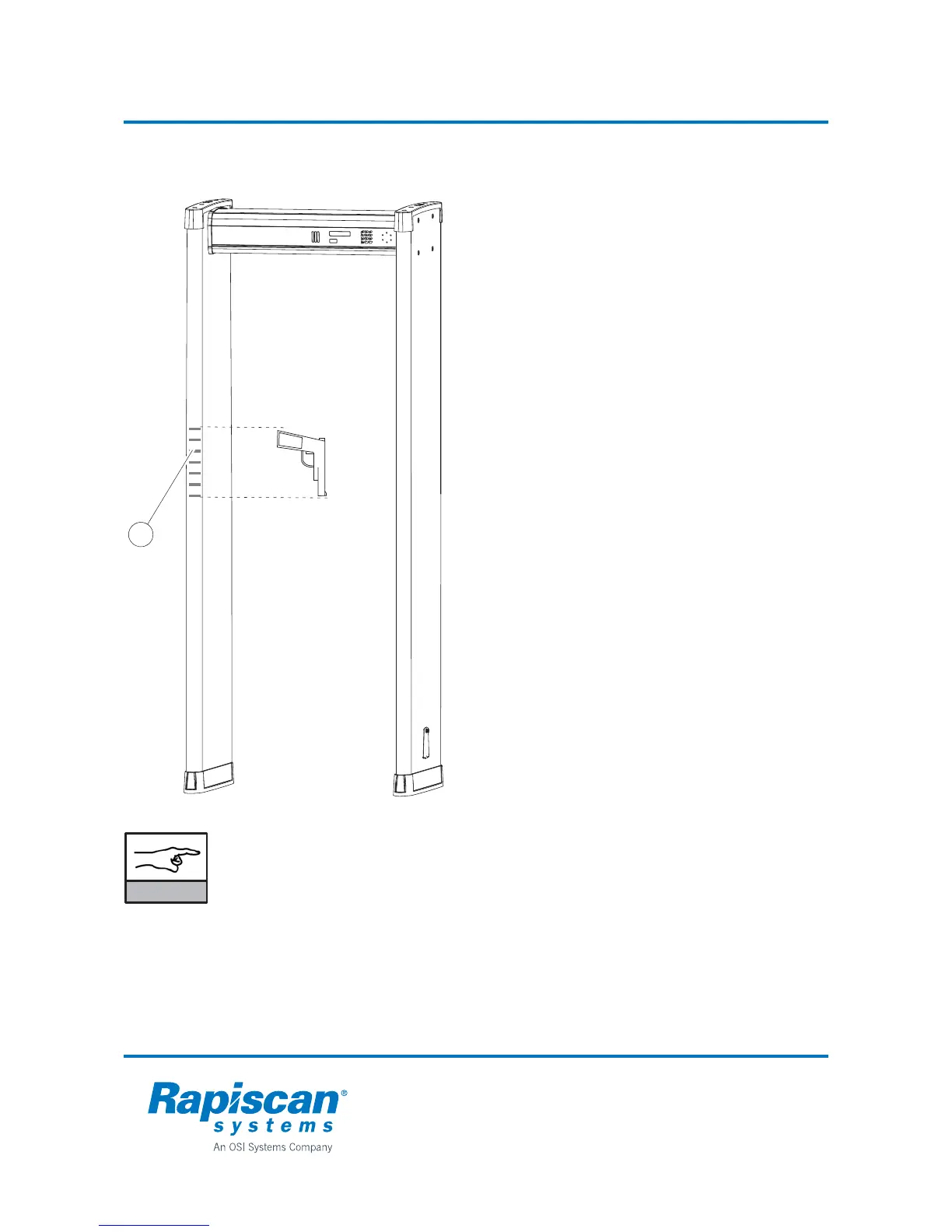
Zone display
The zone display (1) uses a red light to
indicate the approximate height of the
object that has caused the alarm.
The zone display consists of twenty
individual vertical light segments which can
be lit separately to indicate the position of
the detected item(s).
The zone display can be enabled/disabled
and active side selected using menu "2-4-1
ZONES". When shipped zone display is
installed onto the side "DIR1":
2 AUDIO/VISUAL PARAMETERS
-> 2.4 ZONE DISPLAY PARAMETERS
-> 2.4.1 ZONES
NOTICE
Audible alarm is automatically muted when user interface is opened from
display i.e. any key is pressed.
When user interface is opened by using remote control unit, audible alarm is
not muted.
1



 To Next Page