PAGE 58 Metor 6M
Installation and Operating Manual
12. STATISTICS 92102916 REV 5
Traffic counters
The equipment has a counter that registers
the number of persons passed through and
the number of alarms.
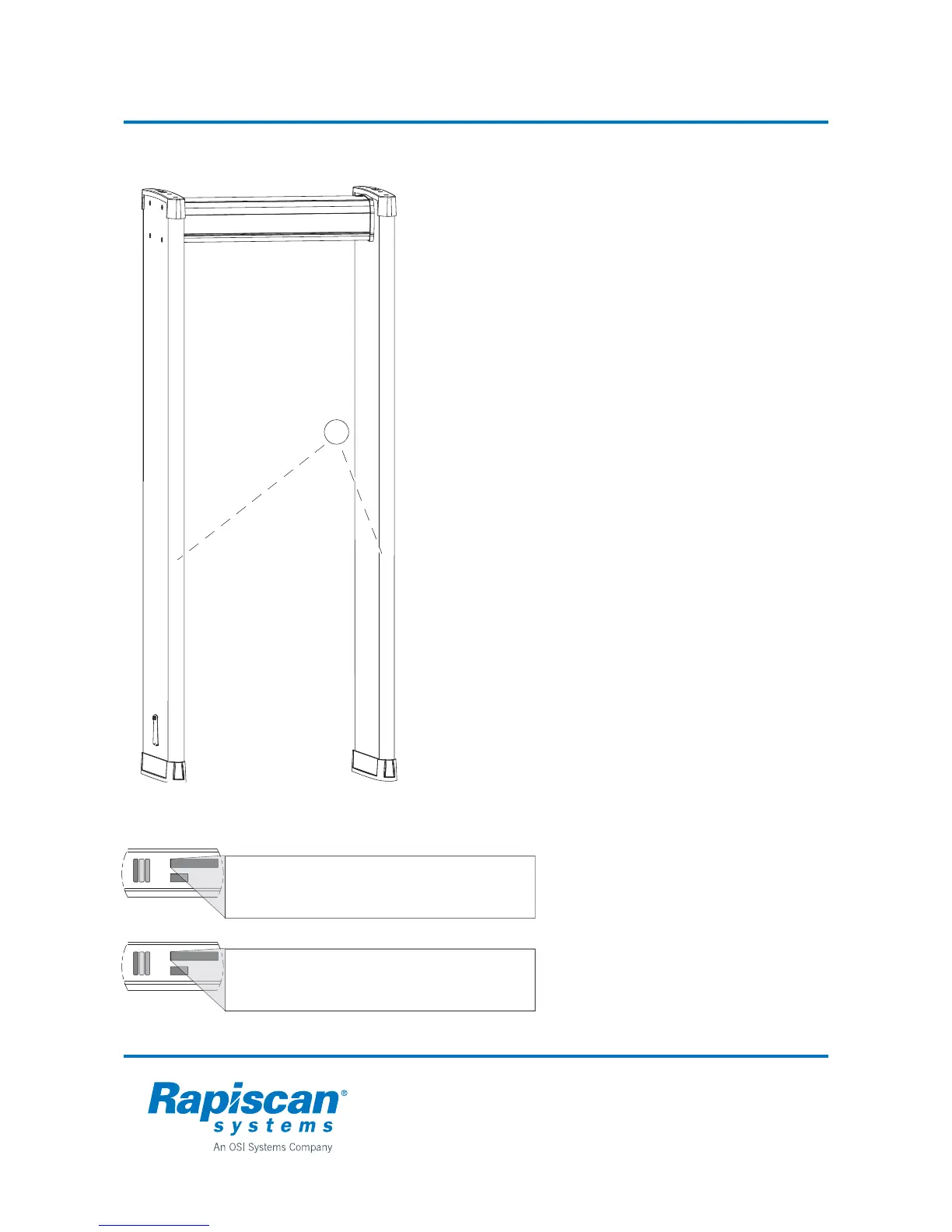
The counters use IR transmitters and
receivers (1) shown in the illustration in the
Tx and Rx panel edge profiles.
A counter can be set to two different modes
of operation:
• the total reading increases in one
direction, but the traffic in the opposite
direction does not affect the reading, or
• the total reading increases in one
direction while the traffic in the opposite
direction decreases it.
Count Direction function 4.2.1
Function 4.2.1 Count Direction is used to
choose the direction of traffic flow. The
counter reading for persons will be added
only when people pass through this
direction.
Selecting "off" will turn the counters off, the
counter reading will not increase or
decrease.
Selecting ”DIR 1” the counter reading will
increase when people pass through so that
the Tx panel is on their right side.
Selecting ”DIR 2” increases the counter
reading when people pass through so that
Tx panel is on their left side.
To select the direction automatically,
function 4.2.1 is set to "auto". The first to
pass through will decide the counter
direction. If the first pass is made with
Tx panel on the right, counter direction will
be set to "DIR 1".
• PAX = The number of persons passed
through.
• ALRM = The number of alarms.
• ALARM RATE = The alarm percentage
is automatically calculated on the basis
of the above figures.
1
4-11 PAX: 320
ALRM: 16
4-22 ALARM RATE: 5%



 To Next Page