Metor 6M PAGE 33
Installation and Operating Manual
92102916 REV 5 8. CALIBRATION
Setting speed response
The ability of the Walk Through Metal Detector to maintain the detection
performance at different object speeds is called object speed response. The object
speed response of the Metor 6M can be affected by two parameters: High Speed
and Low Speed. In practice, the effect of these parameters can be noticed only at
the extreme limits of object speeds, i.e. at very fast and very slow speeds. At
normal walking speeds the effect of these parameters is very small.
Hi Speed setting influences the detection ability of the Metor 6M at very high
object speeds. This parameter can be set from H1 to H2. The fastest speed response
is achieved with Hi Speed setting H2. The factory setting is H1 which covers the
highest normal walking speed.
Lo Speed setting influences the detection ability of the Metor 6M at very slow
object speeds. This parameter can be set from L1 to L2. The lowest speed response
is achieved with Lo Speed setting L1. The factory setting is L2 which covers the
lowest normal walking speed.
The Hi Speed setting also affects attenuation of electrical interferences. When the
value is increased, interference attenuation is lower. Due to the effect on
interference attenuation, the Hi Speed parameter should not be set to a higher value
than required for the application. The Lo Speed setting does not have any effect on
the attenuation of electrical interference.
NOTICE
In normal use these settings generally need no adjustments.
1 METAL DETECTION
PARAMETERS
1.1 SENSITIVITIES
1.1.1 SENSITIVITY
1.2 PROGRAM
1.3 FREQUENCY
1.1.2 ZONE SENSITIVITITIES
1.1.3 AUTO SENSITIVITY
1.3.1 SET FREQUENCY
1.3.2 SEARCH IN START-UP
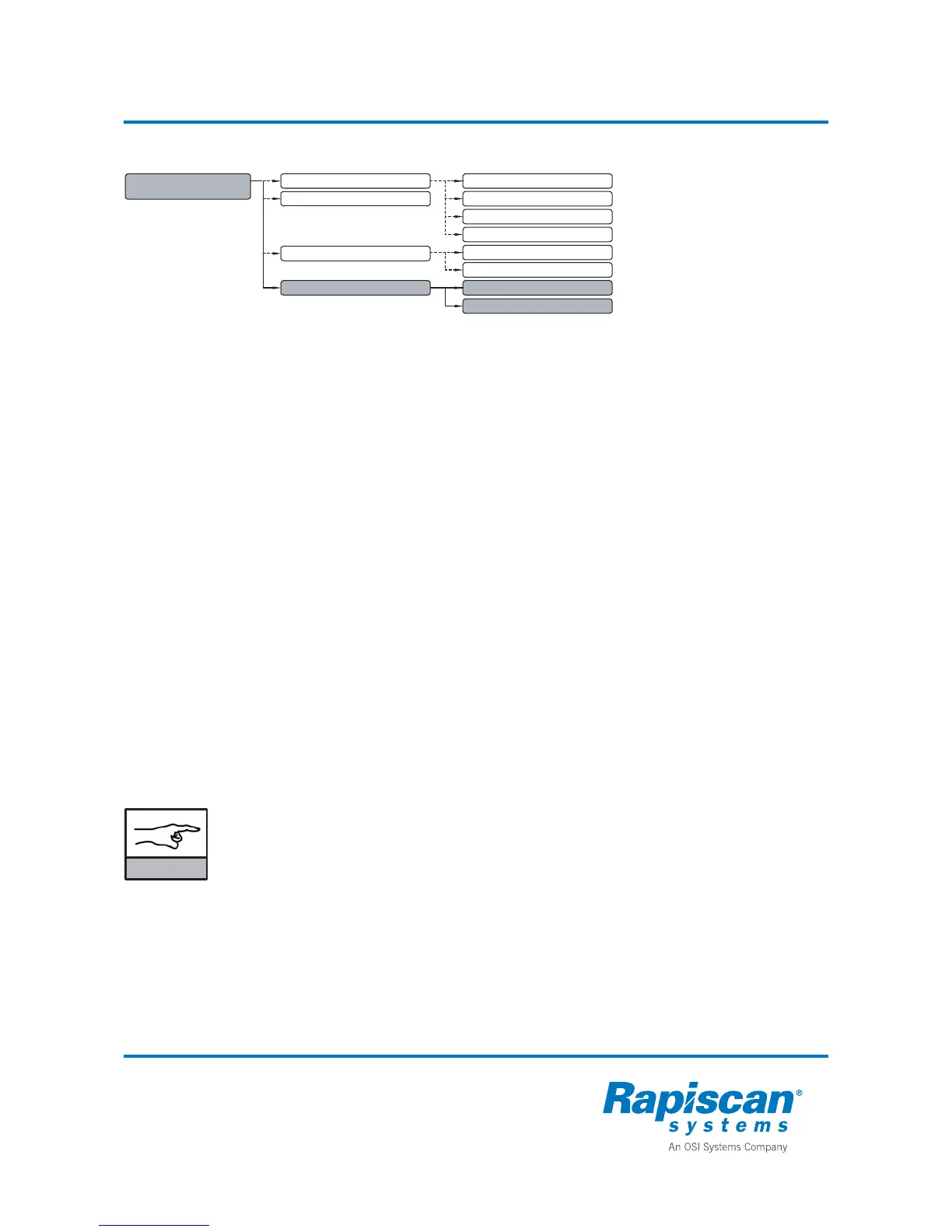
1.4 FILTERS 1.4.1 LO SPEED
1.4.2 HI SPEED
1.1.4 AUTO FLOOR SENSITIVITY



 To Next Page