Metor 6M PAGE 59
Installation and Operating Manual
92102916 REV 5 13. GENERAL PARAMETERS
13. GENERAL PARAMETERS
MetorNet Mode
MetorNet Mode is either NORMAL (with read and write possibility) or READ-
ONLY.
MetorNet Port
Parameter value "NORMAL" allows the use of MetorNet software with the unit.
Parameter value "FDATA" allows the use of special PC monitoring software
applications. Use of MetorNet is not possible. This value should only be used by
authorized service personnel.
FUNCTION NOTES
METORNET
MODE
MetorNet mode is either NORMAL or READ-ONLY.
METORNET
PORT
Value is “NORMAL” or “FDATA”.
STANDBY
MODE
Standby mode is either ON or OFF. Default is OFF. When enabled pressing for 2
seconds while in normal operation will turn the unit into standby mode.
POWER GUARD Mode is either ON or OFF. Default is OFF. When ON display unit will give an audible
alarm and show a warning message when the unit loses power.
I/O CONFIG These menu items are used to configure unit’s digital I/O ports.
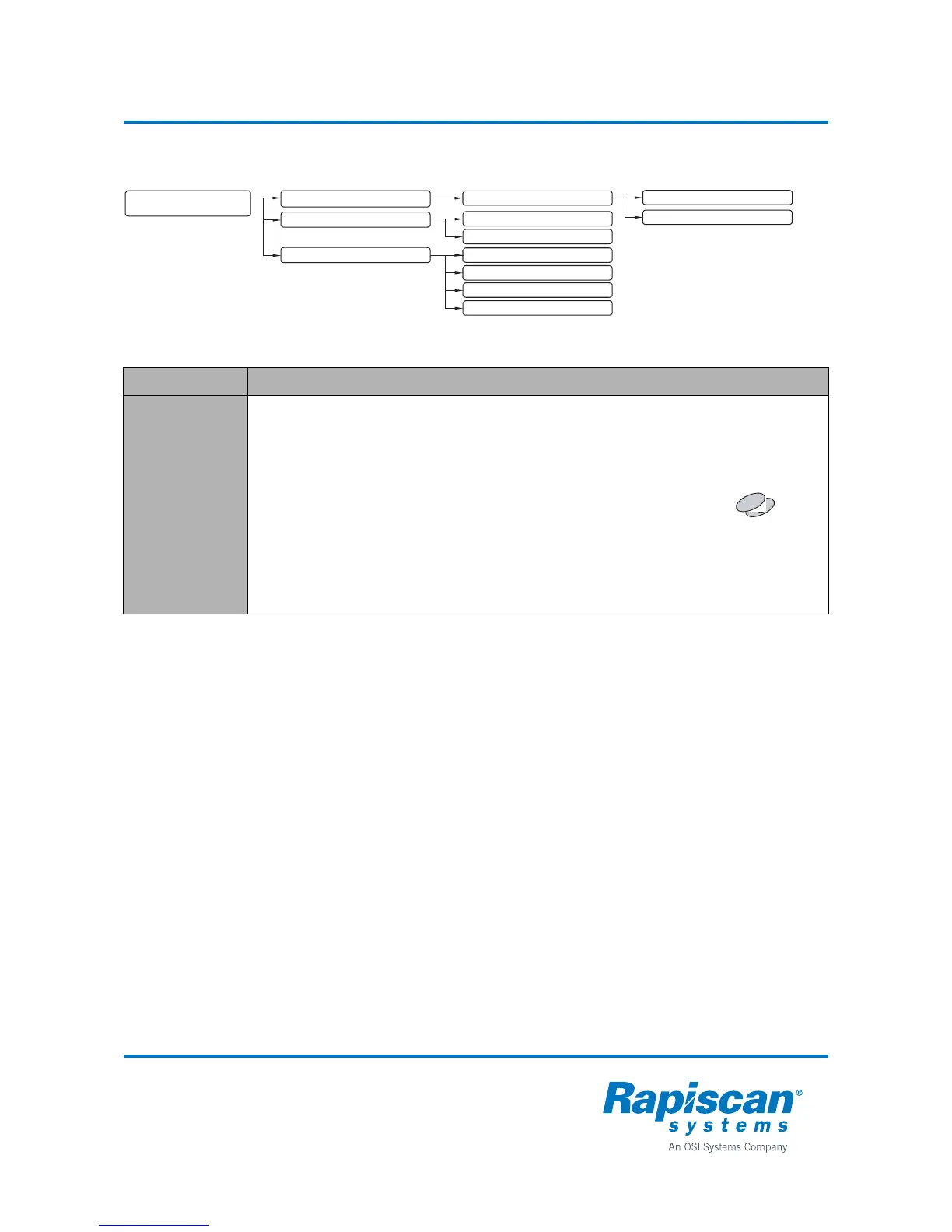
5.3.1 INPUT 1
5.3.2 INPUT 2
5.2 POWER RELATED PARAMETERS
5 GENERAL PARAMETERS
5.1 NETWORKING AND DATA
5.2.1 STANDBY MODE
5.2.2 POWER GUARD
5.1.1 METORNET
5.3 I/O CONFIG
5.1.1.1 METORNET MODE
5.1.1.2 METORNET PORT
5.3.3 OUTPUT 1
5.3.4 OUTPUT 2



 To Next Page