Metor 6M PAGE 51
Installation and Operating Manual
92102916 REV 5 11. ACCESSIBILITY PARAMETERS
11. ACCESSIBILITY PARAMETERS
FUNCTION POSSIBLE
VALUES
FACTORY
SETTING
NOTES
ACCESS
CODES
• User ID 0
• User ID 1
A…Z, 0…9,
[SPACE]
123
789
The user can set new access codes. The access codes
are combinations of three to six key entries with the
exception of the and keys.
CHANGE OWN
ACCESS CODE
Change access code for the user ID currently logged in.
CHANGE USER
N ACCESS
CODE
Change access code for a specific user ID.
ADD NEW USER Create a new user ID named between 2 - 99.
VIEW USERS View the list of all user IDs.
MODIFY USER Change the group of a user or lock/unlock a user.
DELETE USER Delete any created user IDs.
GROUPS 2-8
ARE
Off Select whether user groups 2-8 are in use or not.
DEFINE GROUP
PRIVILEGES
Define which menus are accessible for the group
members.
VIEW GROUPS View the list of all user groups.
RESET
GROUPS 2-8
Clears user groups 2-8.
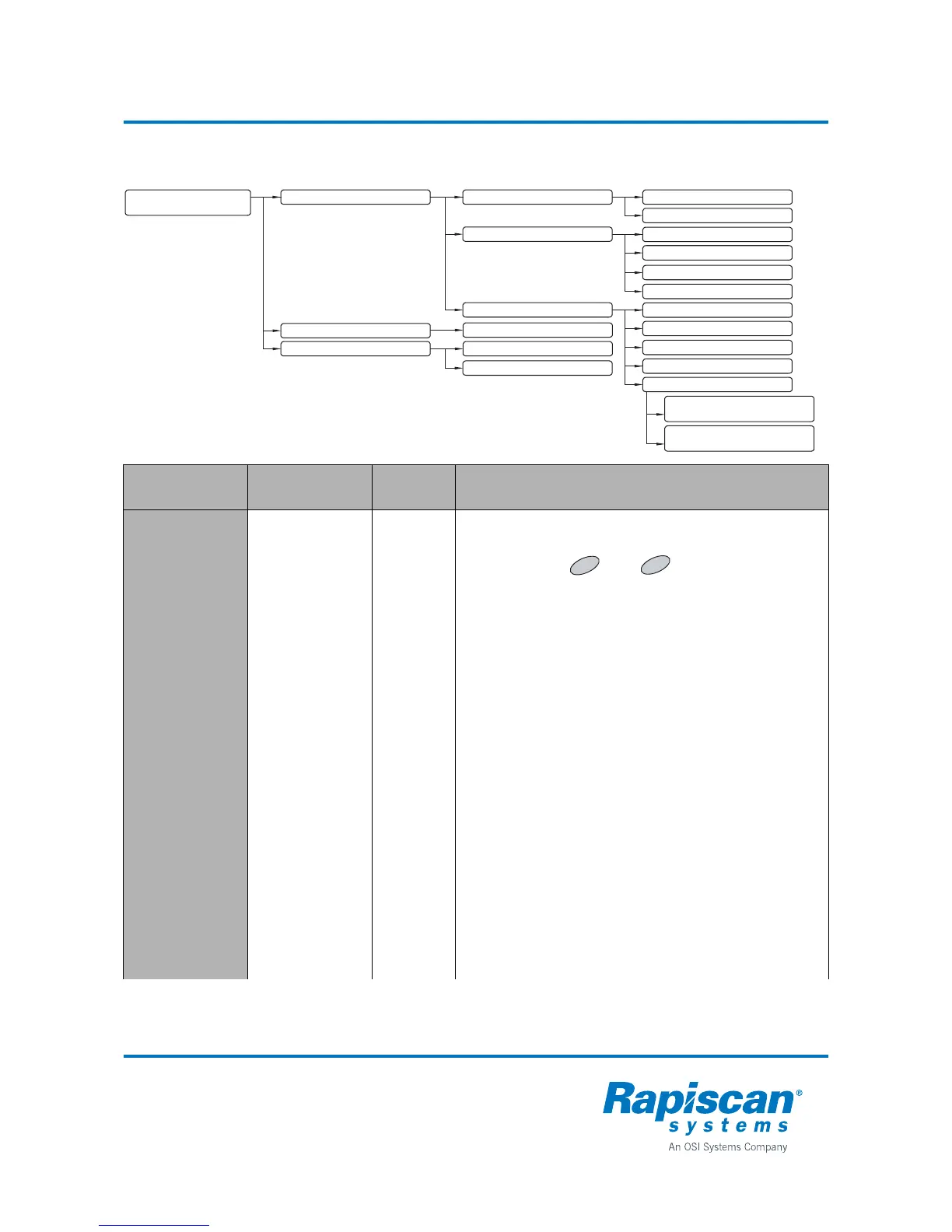
3 ACCESSIBILITY PARAMETERS
3.1 USERS
3.2 REMOTE CONTROLS
3.1.1 ACCESS CODES
3.1.2 MANAGE USERS
3.1.1.1 CHANGE OWN ACCESS CODE
3.1.1.2 CHANGE USER N ACCESS CODE
3.1.2.1 ADD NEW USER
3.1.2.3 MODIFY USER
3.1.2.2 VIEW USERS
3.1.2.4 DELETE USER
3.1.3 USER GROUPS
3.3.2 KEYPAD DISABLE
3.1.3.1 GROUPS 2-8 ARE
3.1.3.2 DEFINE GROUP PRIVILEGES
3.1.3.3 VIEW GROUPS
3.1.3.4 RESET GROUPS 2-8
3.1.3.5 COPY USERS AND GROUPS
3.1.3.5.1 COPY FROM
METOR => REMOTE
3.1.3.5.2 COPY FROM
REMOTE => METOR
3.3 LOGIN PARAMETERS 3.3.1 LOGIN TYPE
3.2.1 REMOVE ALL VALID REMOTES
OK



 To Next Page