1 Introduction
Titrando Installation Instructions 1
1 Introduction
These installation instructions provide you with a comprehensive over-
view of the installation and specifications of the Titrando system. The
Titrando is the centerpiece of the modular Titrando system. Operation is
carried out either via a Touch Control with touch-sensitive screen
("stand-alone" titrator) or from a computer via the USB connection and
using the PC software PC Control or tiamo.
A Titrando system can integrate several, different devices. With PC
Control/Touch Control, up to three control devices (Titrandos, Dosing
Interfaces, USB Sample Processors, etc.) can be controlled via USB
connection. The tiamo software allows to expand the system with prac-
tically any number of control devices. The control devices have three to
four MSB connections (MSB = Metrohm Serial Bus), to which periph-
eral devices can be connected. These are mainly dosing drives
(700/800 Dosinos and 685/805 Dosimats), stirrers and titration stands,
etc.
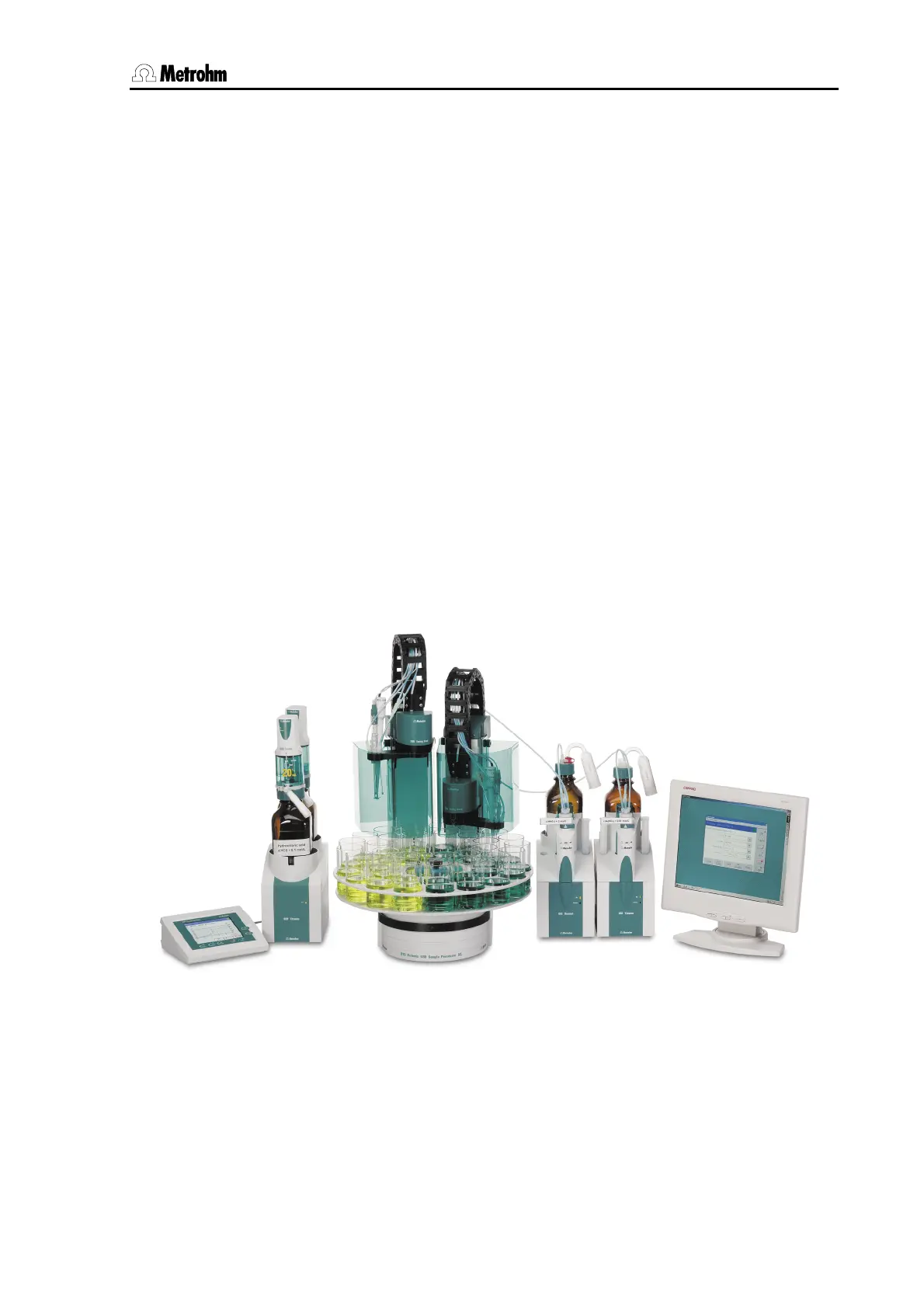
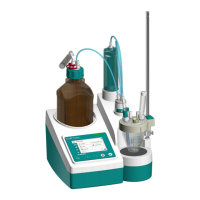
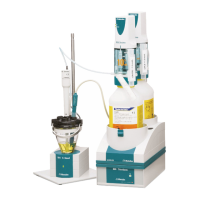
Figure 1 shows you the flexibility of the Titrando system. On the left a Ti-
trando is shown with external dosing devices operated by the Touch
Control. To the right of it you can see an automation system consisting
of a USB Sample Processor, a Titrando with internal dosing drive and a
Dosimat operated by the PC Control software.
Fig. 1: The Titrando system










 To Next Page