XTreme-EMS Operating Manual Page 33
Adjusting calibration points manually
You may want to set individual calibration points manually. For example you may find that your fuel level is over
reading at a specific fuel level. Correcting the tank level reading for this area can be simply done by adjusting the
calibration point. You can do this by moving the float level with your hands to the desired position and then performing the
calibration as outlined above, or you can use the manual option.
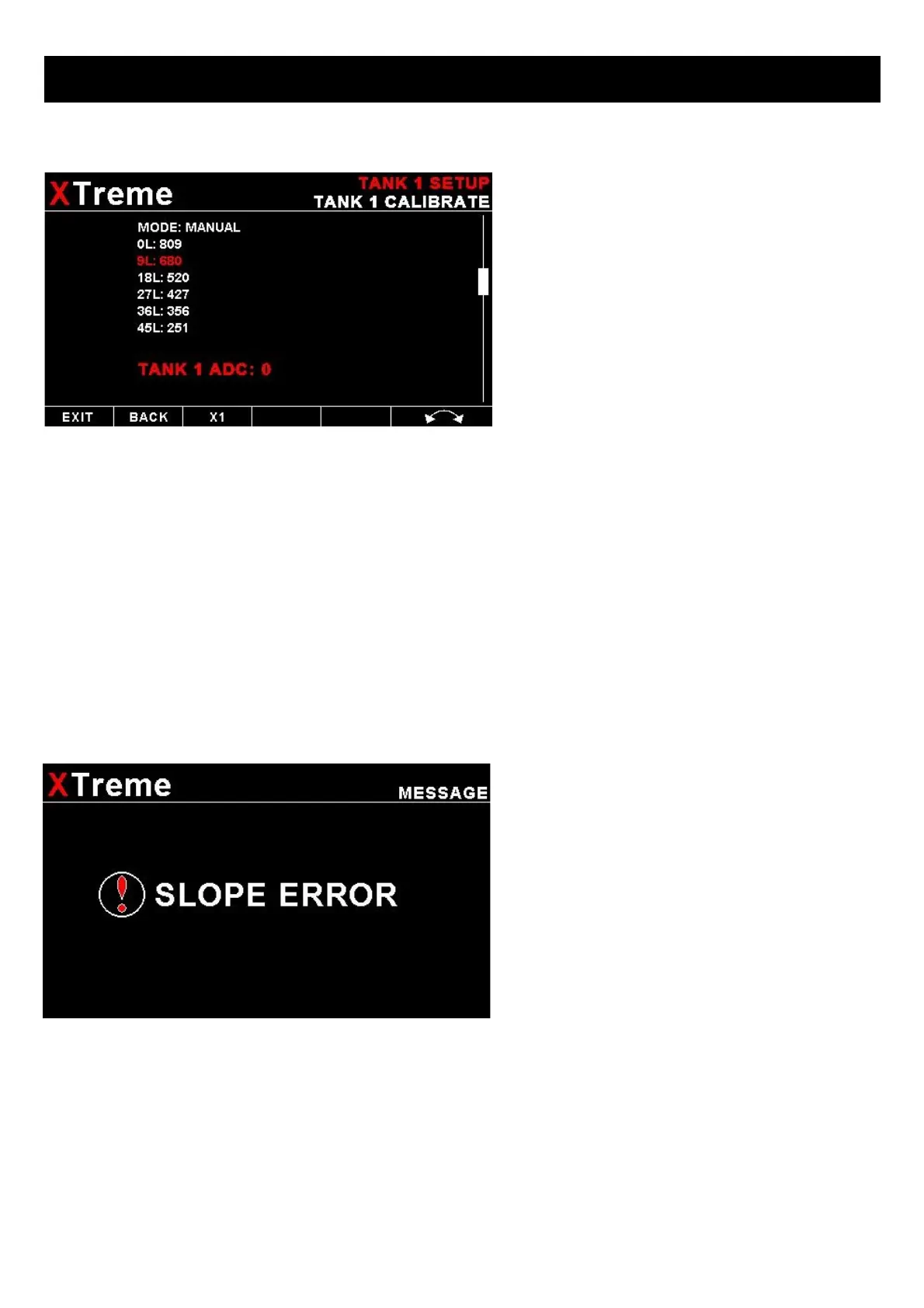
Select “MANUAL” for the “MODE” menu item. Then highlight the point you want to change manually and press the rotary
control. Use the rotary control to adjust the value. Press the rotary control when done.
Note: The calibration positions may be edited by using the rotary control. This allows you, in theory, to copy calibration
settings from one instrument to another. We however recommend that you do go though the calibration procedure even if
the two aircraft are identical in all respects. Tolerances do exist and the calibration cancels these out. Accurate fuel level
displays are a vital safety factor for an aircraft and a very useful feature for peace of mind during cross county flights.
Notes on Slope error
Sender value is a value determined by the XTreme. It
is used to calculate fuel level, fuel endurance
estimate and current range estimate. The fuel tank
setup sender value can either increase in value as
fuel is added or decrease in value if fuel is added.
This is dependent on the type of fuel level sender
used. However should the second reading be larger
than the first reading all readings will have to be
larger than the previous readings. Likewise should
the second reading be smaller than the first reading
all readings will have to be smaller than the
previous reading.
If this is not the case the wording "SLOPE ERROR" will be displayed. This could happen when fuel was removed instead
of added between steps, no fuel was added between steps or when the fuel level sender was moved in the wrong
direction e.g. moving the fuel level sender manually when it is not inserted in to the fuel tank. Determine the cause of the
error if you should get a slope error message. If you do not know the cause of your error it is best to start from scratch. It
should be remembered that accuracy in the fuel tank calibration is extremely important to enable your XTreme to display
the correct data.
TANK FILTER:
Select the damping factor for the fuel level. A selection of "NONE", "LOW", "MED" or "HIGH" can be made.



 To Next Page