Witty User Manual - EN - v1.5 P. 10 / 171
2.2 PHOTOCELLS
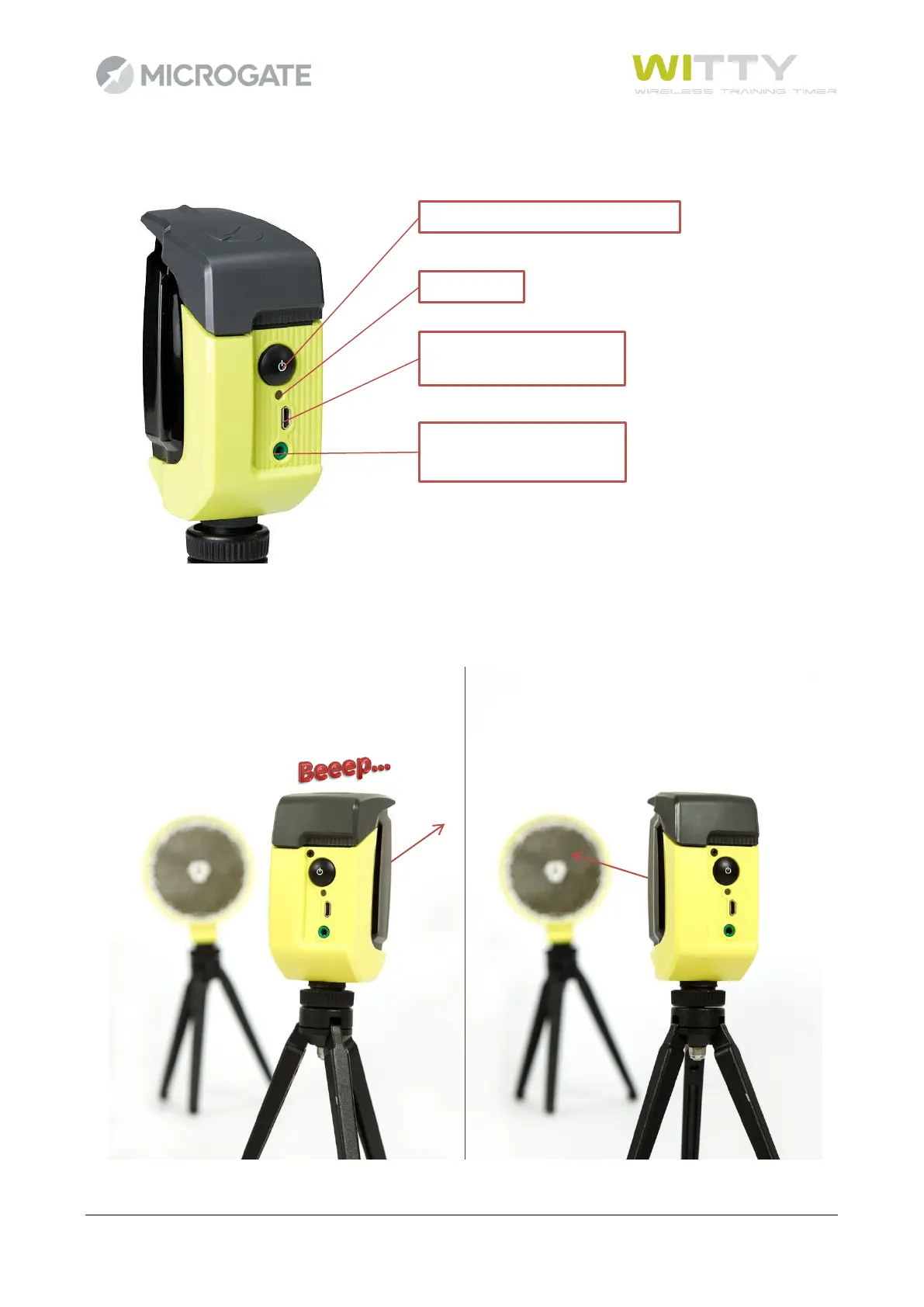
To switch on the photocell press the ON button for one second; the status LED blinks with a green light (if
the battery status is sufficient) or with an orange light (if the battery status is low). A continuous beeping
sound is produced until the correct alignment with the reflector (or a similar reflecting surface) is found.
To switch off the photocell press the button until the LED turns red, then release it.



 To Next Page