Witty User Manual - EN - v1.5 P. 25 / 171
2.4.4 ICONS ON THE HEADER BAR
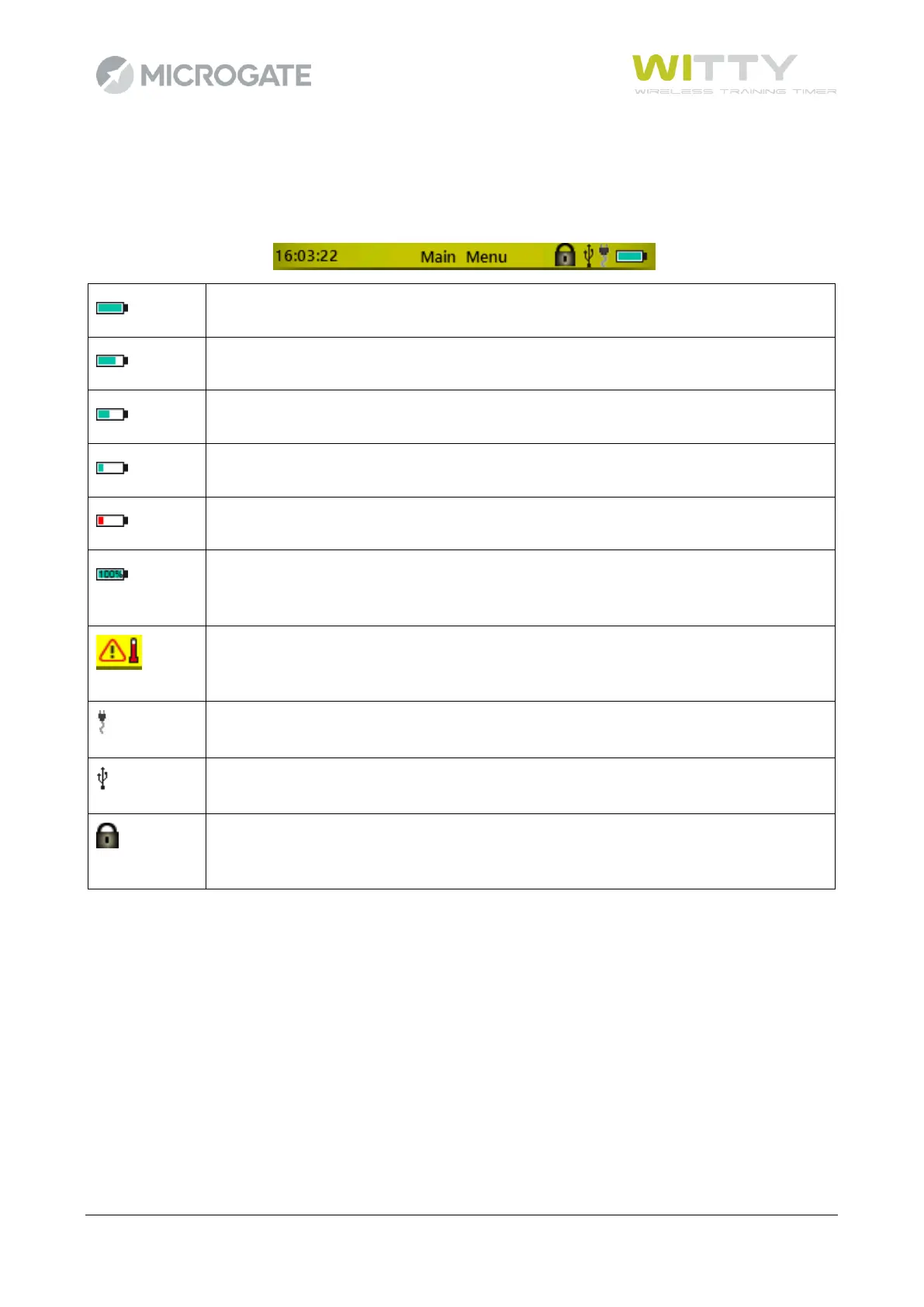
The top part of the timer (Header bar) displays the current time, as well as the a series of icons relevant to
the current screen:
This indicates that the battery has been charged completely and the timer can be
disconnected from the PC or the wall power supply.
When charging, the battery gets very hot. Disconnect from the power supply and wait
until it has cooled down.
The timer battery is being charged via the PC or wall power supply.
The timer is connected to the PC via USB cable.
The LCK key has been pressed and photocell impulse reception, as well as 3.5 mm jack
reception are disabled.



 To Next Page