Witty User Manual - EN - v1.5 P. 158 / 171
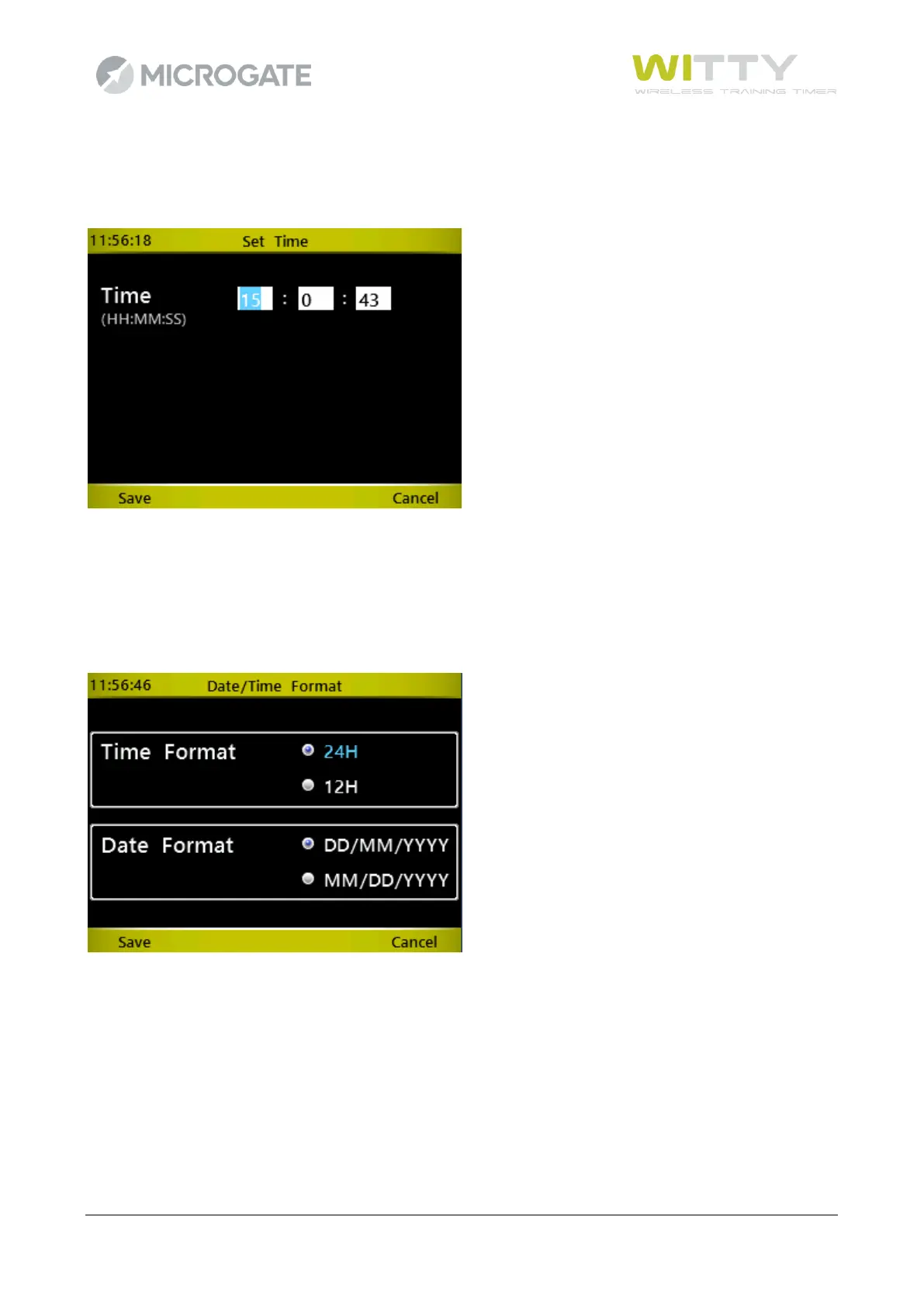
5.4.4.2 SET TIME
Enter Hours, Minutes, and Seconds using the numerical keypad. Press <OK> to toggle between the fields.
Press <F1> to save the data.
For time containing incorrect values (e.g. hours > 24 or minutes > 60) the user will be prompted with a
relevant mask. Press <F1> to correct the invalid values.
5.4.4.3 DATE/TIME FORMAT
Choose the Hour (24H/12H) and Date Format (international/American) using the <up> and <down> keys
and confirm by pressing <F1> Save.
WARNING: this configuration sets only the viewing in Results. Setting of date and time on the timer, as
explained in the chap. 5.4.4.1 and 5.4.4.2, is always in international format.



 To Next Page