Witty User Manual - EN - v1.5 P. 163 / 171
5.4.9 MISCELLANEOUS
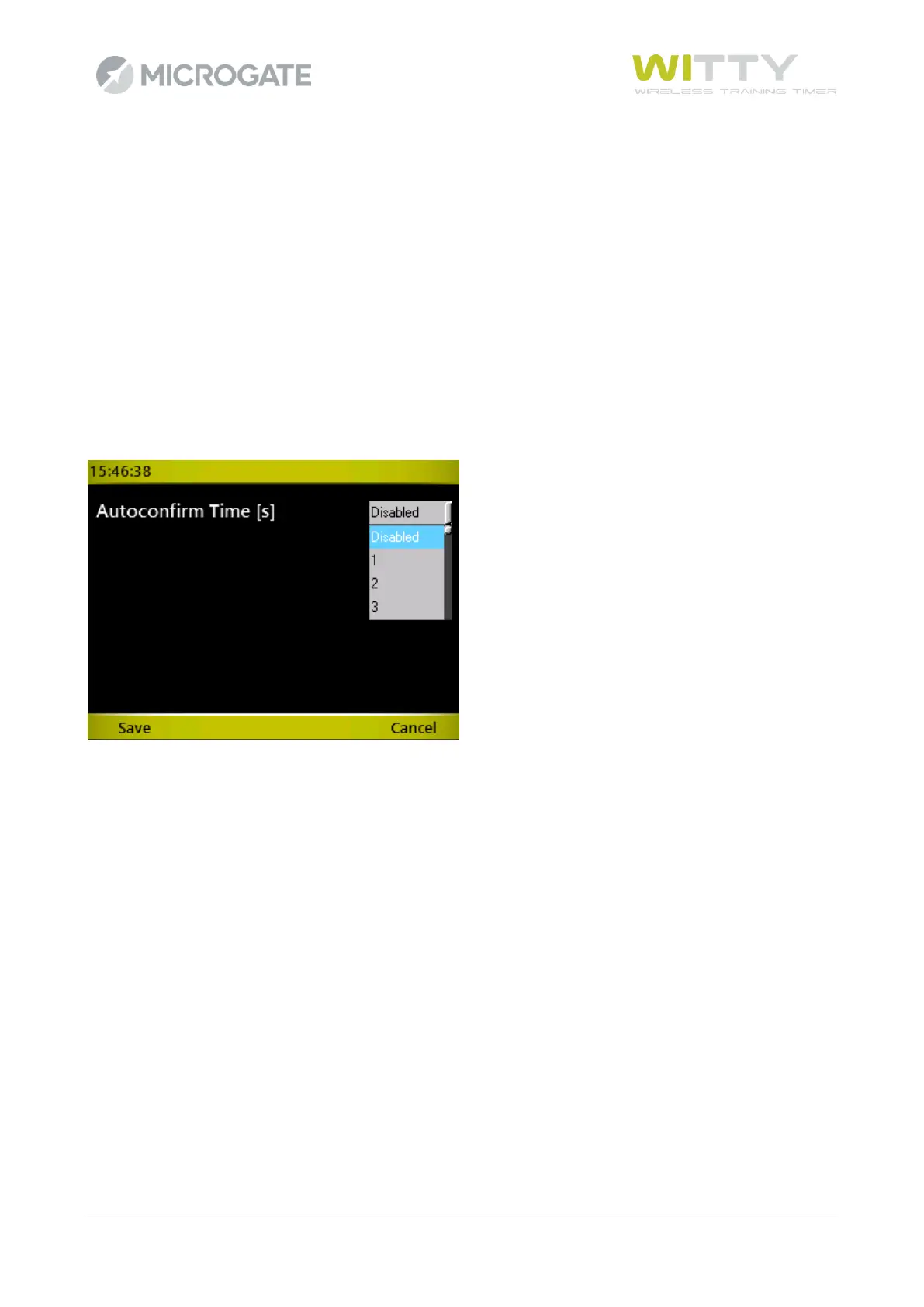
The menu currently includes only one option relating to the automatic confirmation time.
If the option is set on anything but "Disabled", when an athlete finishes a test, the timer is automatically
positioned on the next athlete's number after the number of seconds indicated.
When the timer knows that the test is finished and the next athlete can begin, the test must be configured
to receive a STOP, then, for example, the “Test Base” described in chapter 5.1.1 is not one of these and
continues to need manual intervention using the key <F1> New to move onto the next athlete. The “Sprint
Start-Stop” Test (chap. 5.1.2.2), on the other hand, is an example of a test where the second pulse received
is of the type “Stop” and therefore automatic advancement is possible.
The next athlete proposed by the timer is obviously not always the athlete number N+1, as was previously
the case, but the Start List is taken into account, as explained in chap. 5.1.1.4.2



 To Next Page