Witty User Manual - EN - v1.5 P. 151 / 171
5.4.1.3 PHOTOCELL MODE
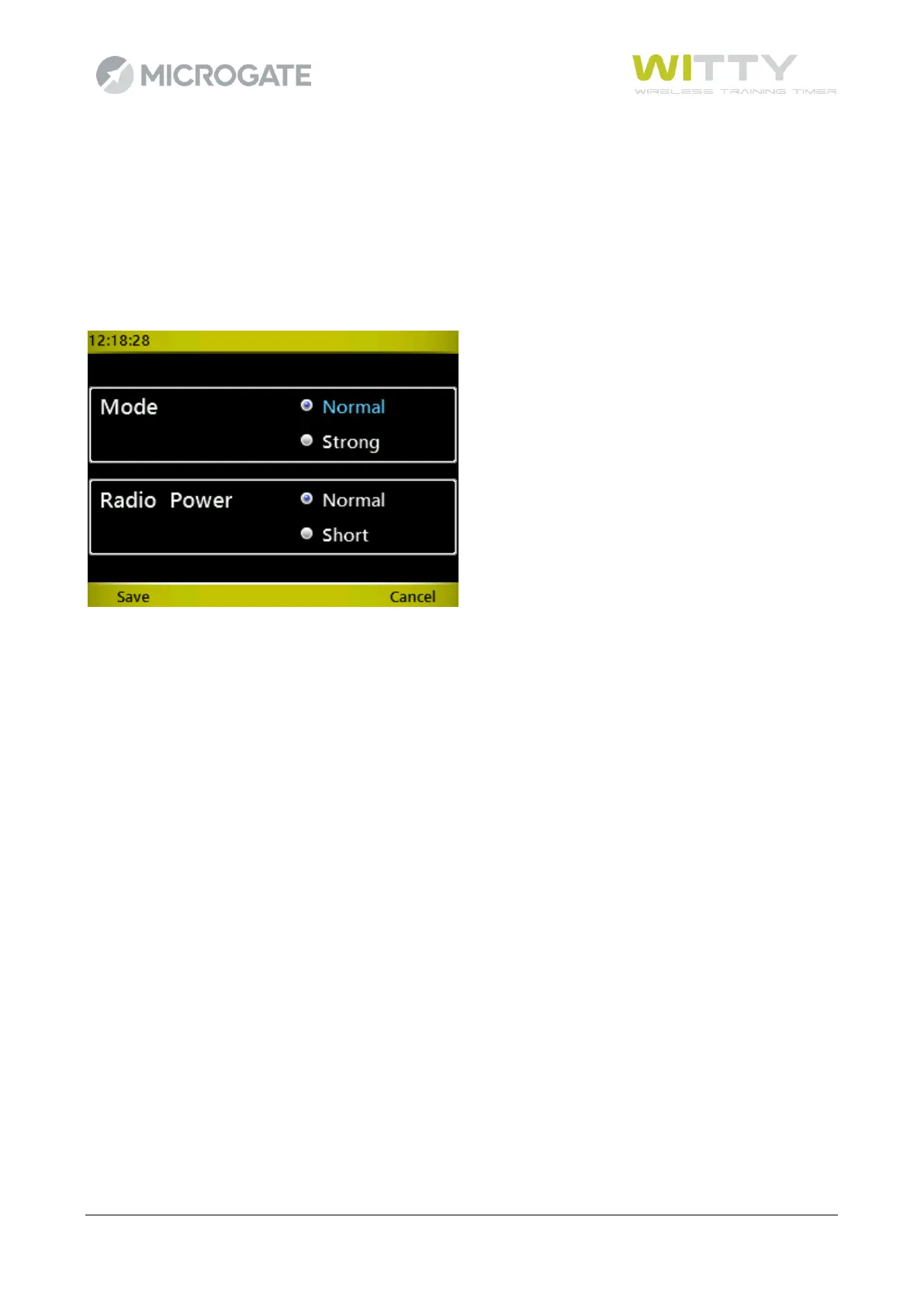
The photocells can be configured to function with two different modes depending on the minimum and
maximum distance between them and the reflector and with 2 different “radio-power” mode (see chap.
2.3.1)
To set one of the two modes, proceed as if changing the channel: put the photocells in configuration mode
(when switched off press the On button and hold it for 5 seconds, see chap. 2.2.2), on the Witty timer choose
one of the two modes and press OK. The same two-tone beep as before signals that the signal has been sent.



 To Next Page