5.1.2.1 LOAD
To begin a timing session of the desired type, select the line using the <up> and <down> arrow keys and press
<F1> Load (or the <OK> key).
Now, thanks to these preconfigured tests, let's see an example for every test type:
5.1.2.2 SPRINT START-STOP: TIMING OF A BASIC IN-LINE TEST
The Test Base is this type of test; please refer to chap. 5.1.1 for further information.
5.1.2.3 GO & BACK: TIMING OF A BASIC GO & BACK TEST
The Go & Back test is also basically the same as an In-Line test; please refer to the latter for further
information.
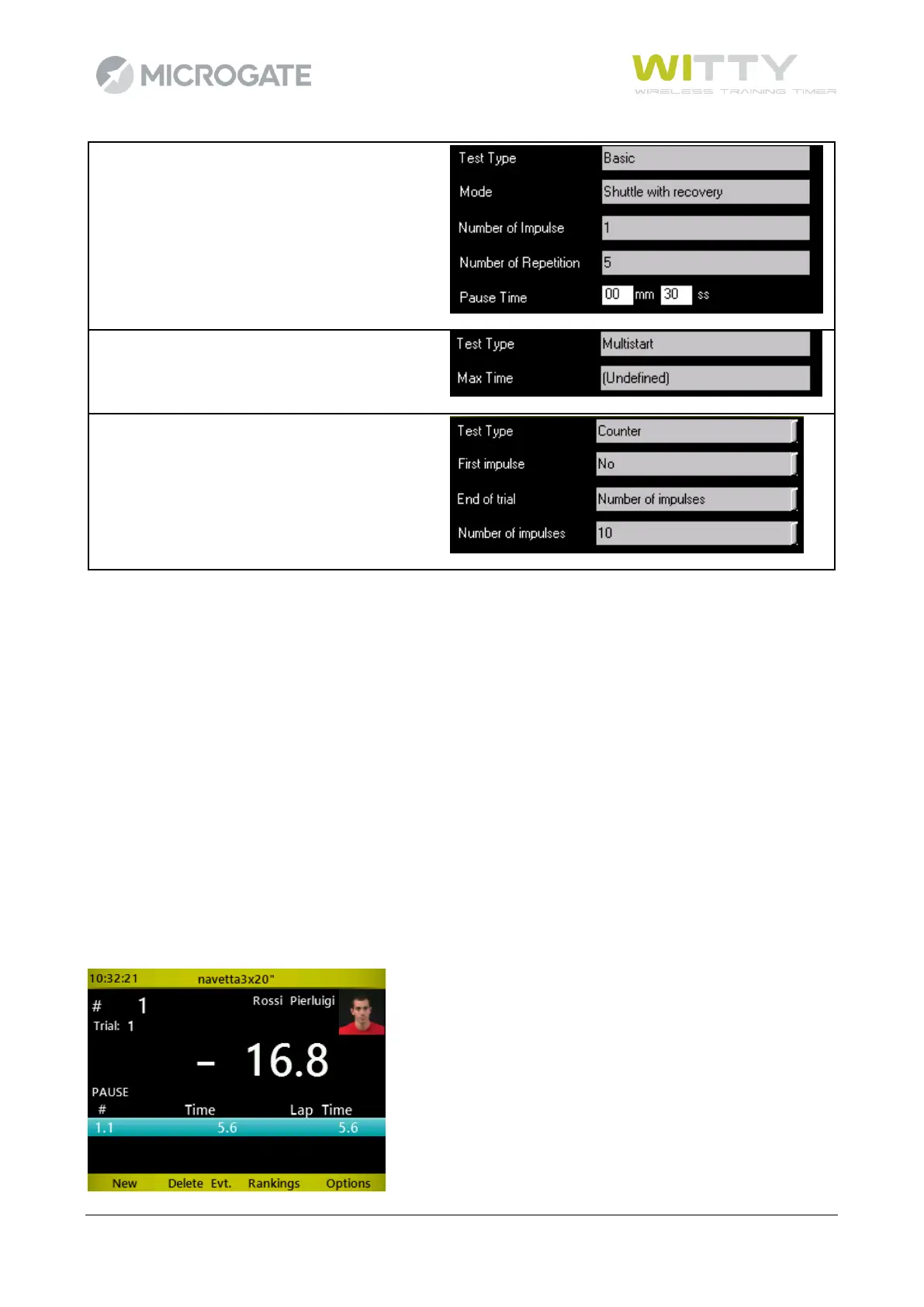
5.1.2.4 SHUTTLE 5X + 30": TIMING OF A BASIC SHUTTLE TEST
During the first sprint, the timer shows information as for an In-Line test; after crossing the stop photocell, a
countdown starts for the amount of time set as recovery time:



 To Next Page