Witty User Manual - EN - v1.5 P. 12 / 171
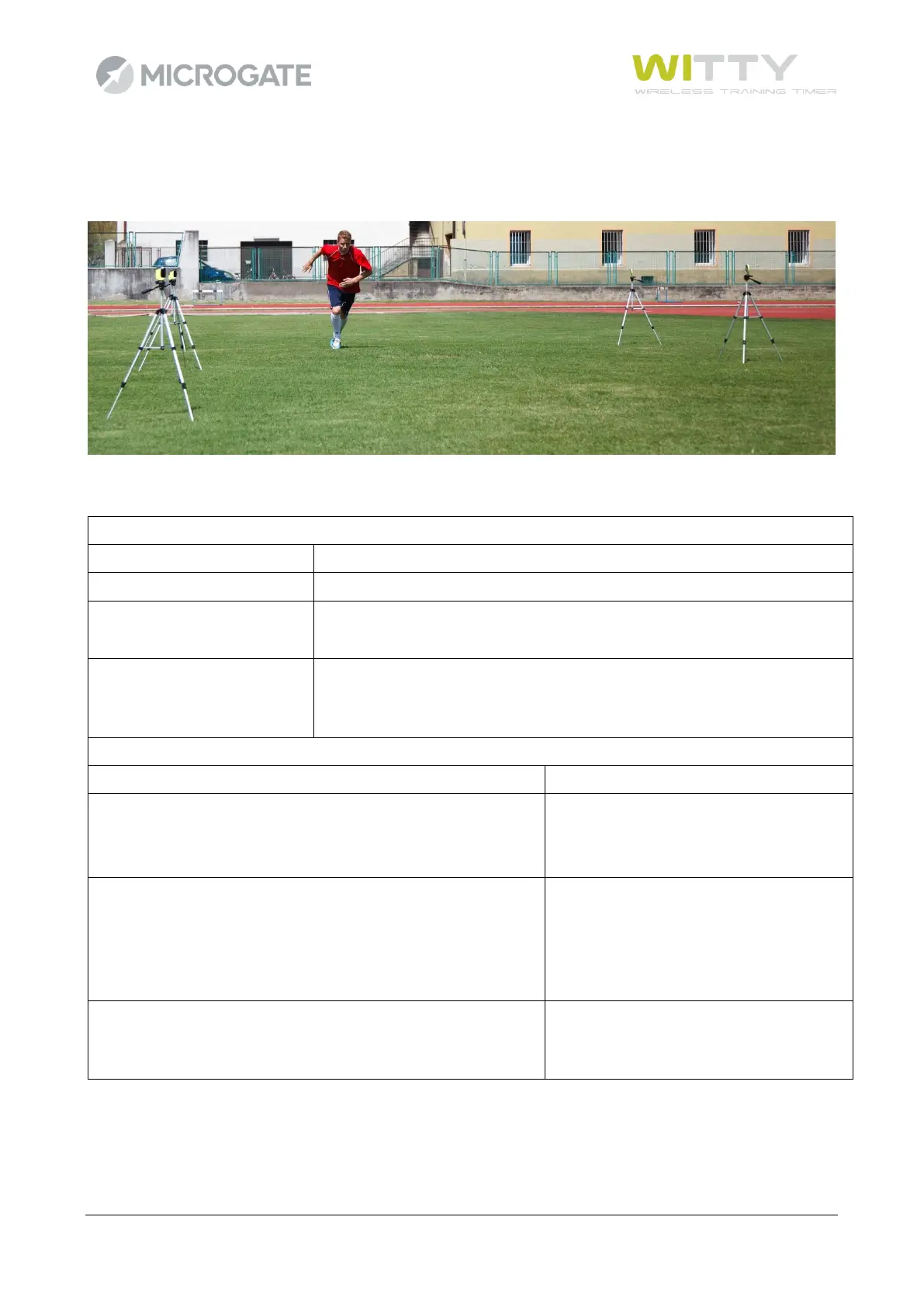
Extend the tripod legs until the required height has been reached (usually the photocell must be interrupted
by the chest of an athlete), and position the photocells and the reflectors at a distance of 1-7 meters (see
also chap. 5.4.1.3 on setting 'Normal' or 'Strong' mode depending on the position).
2.2.2 LED STATUSES AND COLORS
BOOTLOADER Mode
• The photocell has not been switched on pressing the
ON/OFF button but by connecting the USB cable to a PC.
This activates the BootLoader HID and the firmware can be
updated.
CONFIGURATION Mode
• When switching on, the ON/OFF button is pressed for at
least 5 seconds and configuration mode is activated.



 To Next Page