Witty User Manual - EN - v1.5 P. 150 / 171
5.4.1.2 FREQUENCY
To prevent frequency collisions with other Witty Kits on the field, it is possible to change the transmission
channel (of both the timer and photocells, which must of course have the same channel).
Put the n photocells that must be set into 'configuration mode': turn off the photocells and then press and
hold the on/off button for 5 seconds (see chap. 2.2.2). When all photocells have a red blinking status LED, on
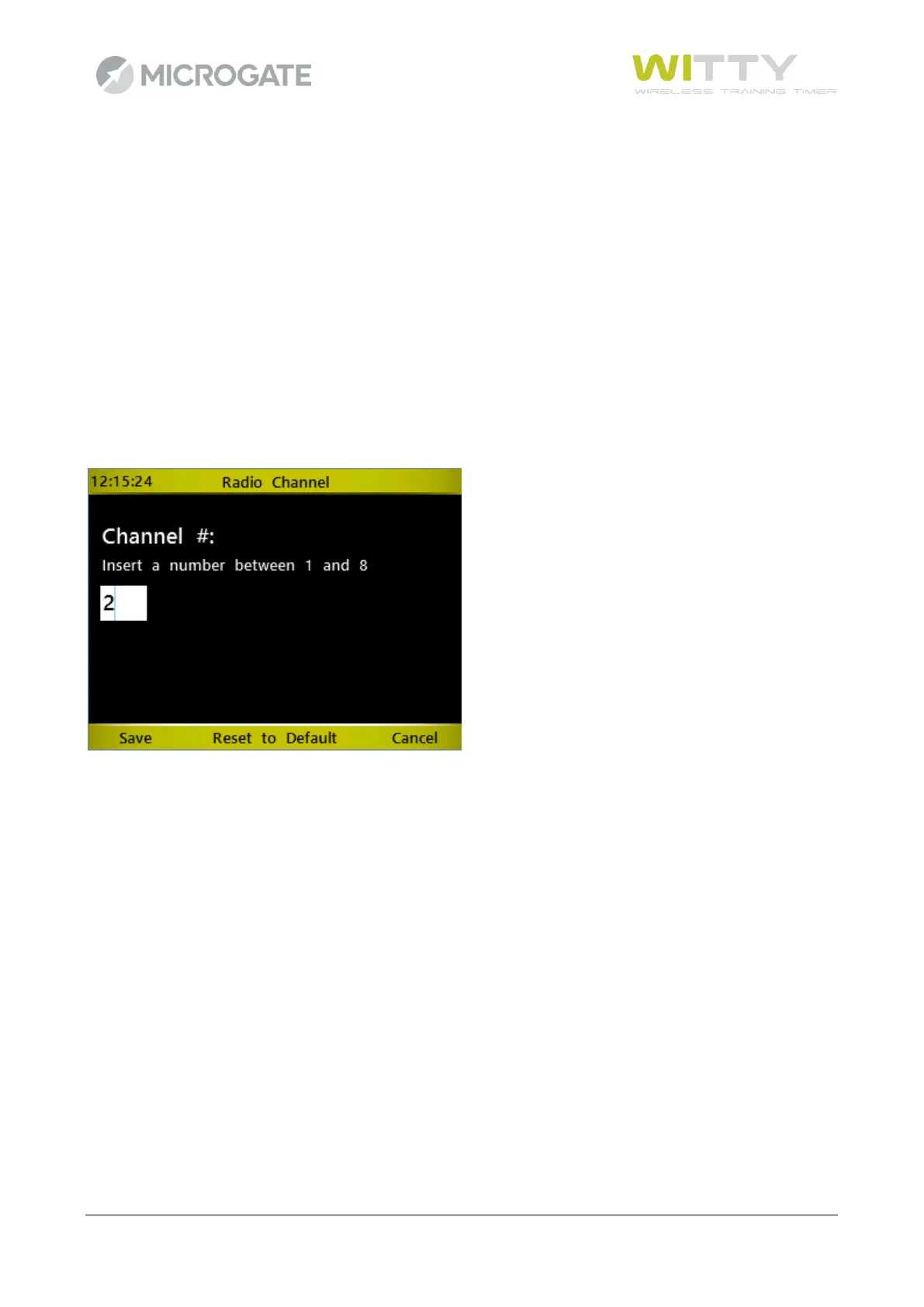
the Witty timer enter the channel number using the numerical keypad (from 1 to 8) and press Save (F1).
The photocells, which have just received the command, emit a two-tone beep, restart and are turned on in
normal mode. Use the Verify Signal function (chap. 5.4.1.1) to ensure that the channels have been set
correctly.
The “Reset Default” (F2) button resets the initial photocell conditions, i.e. Mode=Normal and
RadioPower=Normal, Activation Mode =Normally Open (see the following chapter; activation can be changed
only using the Witty Manager software).
The same applies to Witty·SEM e Witty·RFID accessories.



 To Next Page