Witty User Manual - EN - v1.5 P. 121 / 171
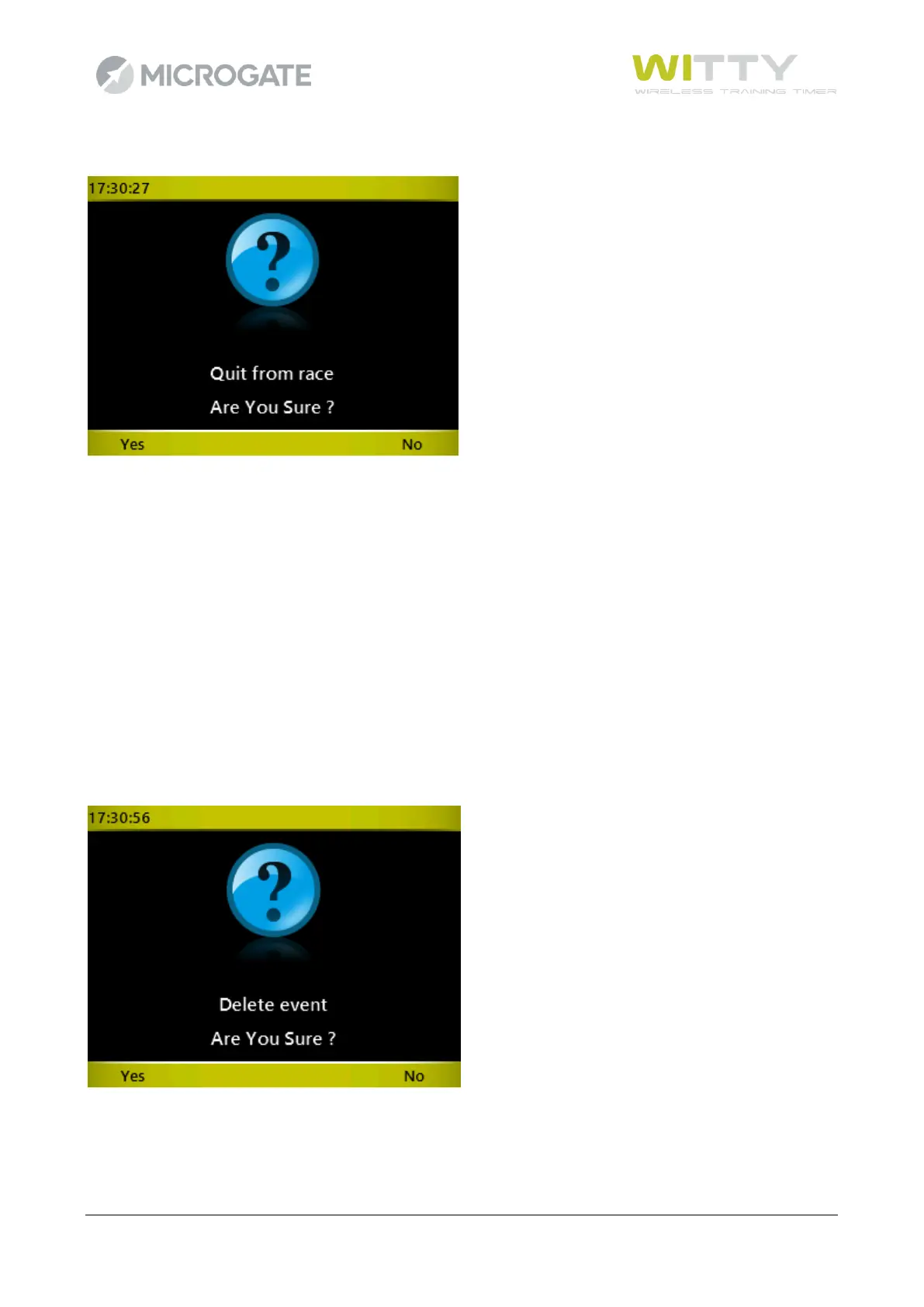
By pressing <Microgate> and confirming, the menu is closed.
If you want to begin a New Test, select the Simple Test icon again (or one of the other customized or
predefined test types), whereas if you want to continue the test that you have just closed, use Continue in
the Results menu, as described in chap. 5.2.
Now let's take a look at the various options that can be selected with the function keys:
5.1.1.1 NEW
The next athlete (or the next on the start list) is suggested but confirmation is needed. A number may be
forced by entering the digits and pressing <OK>.
5.1.1.2 DELETE EVENT
If an external element has interrupted a photocell causing an undesired impulse, the LAST EVENT (impulse)
which has been received can be deleted by pressing <F2> Delete Event and confirmed by selecting Yes.
WARNING: The deleted item is always the last one, not the one highlighted in light blue in the table.



 To Next Page