Witty User Manual - EN - v1.5 P. 147 / 171
5.3.2 SORT
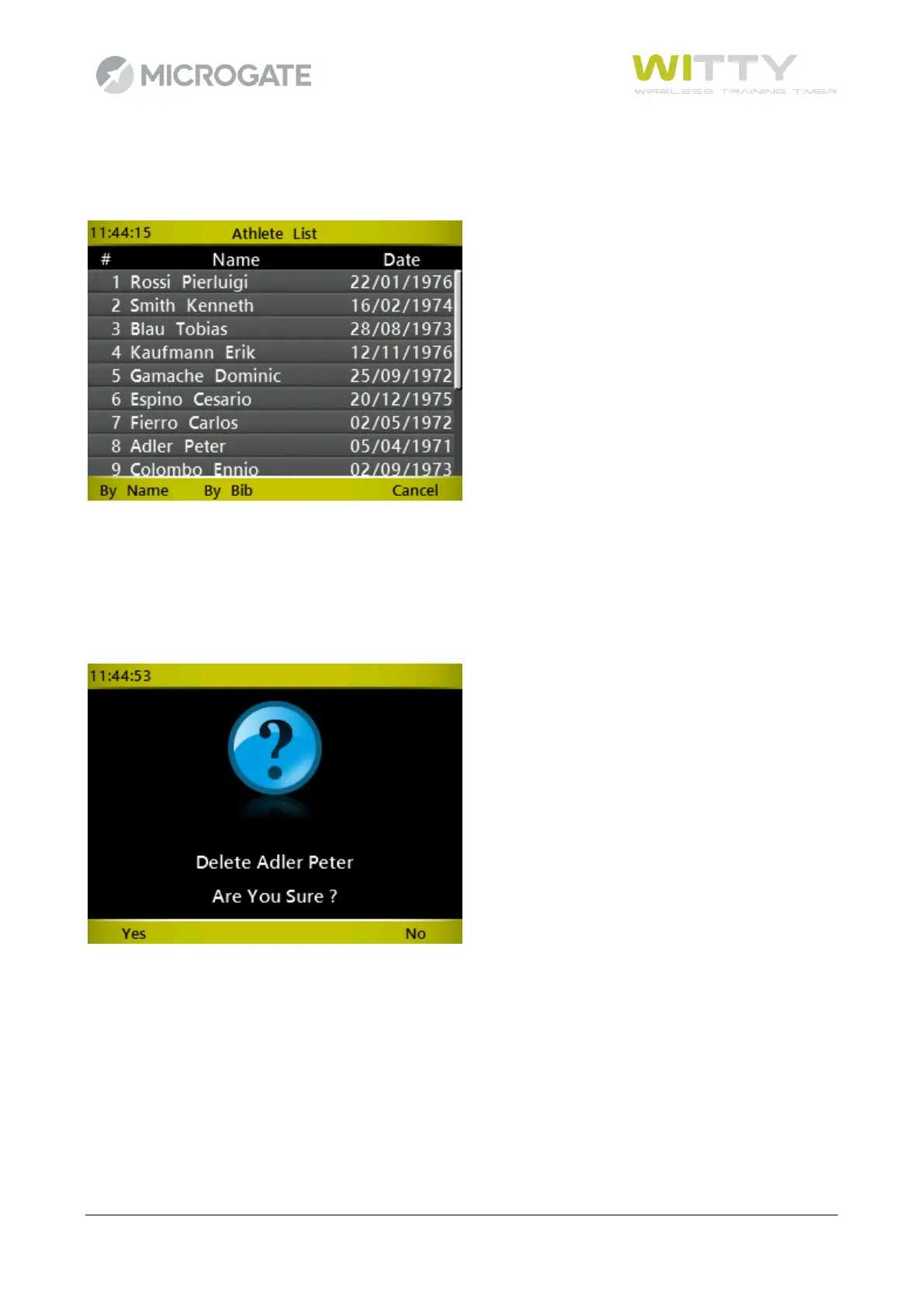
Press <F2> to display the various sorting options: <F1> = by name, <F2> by bib.
5.3.3 DELETE
An athlete can be deleted from the list; therefore if his bib number is entered, it will not be associated to that
name. Any tests that have already been carried out by that athlete are NOT deleted and will be associated to
that name (i.e. the athlete's data is always written in the test, not only a link between the trial and the athlete
is kept).
5.3.4 CANCEL
Go back to the main menu.



 To Next Page