Witty User Manual - EN - v1.5 P. 155 / 171
5.4.3 DISPLAY
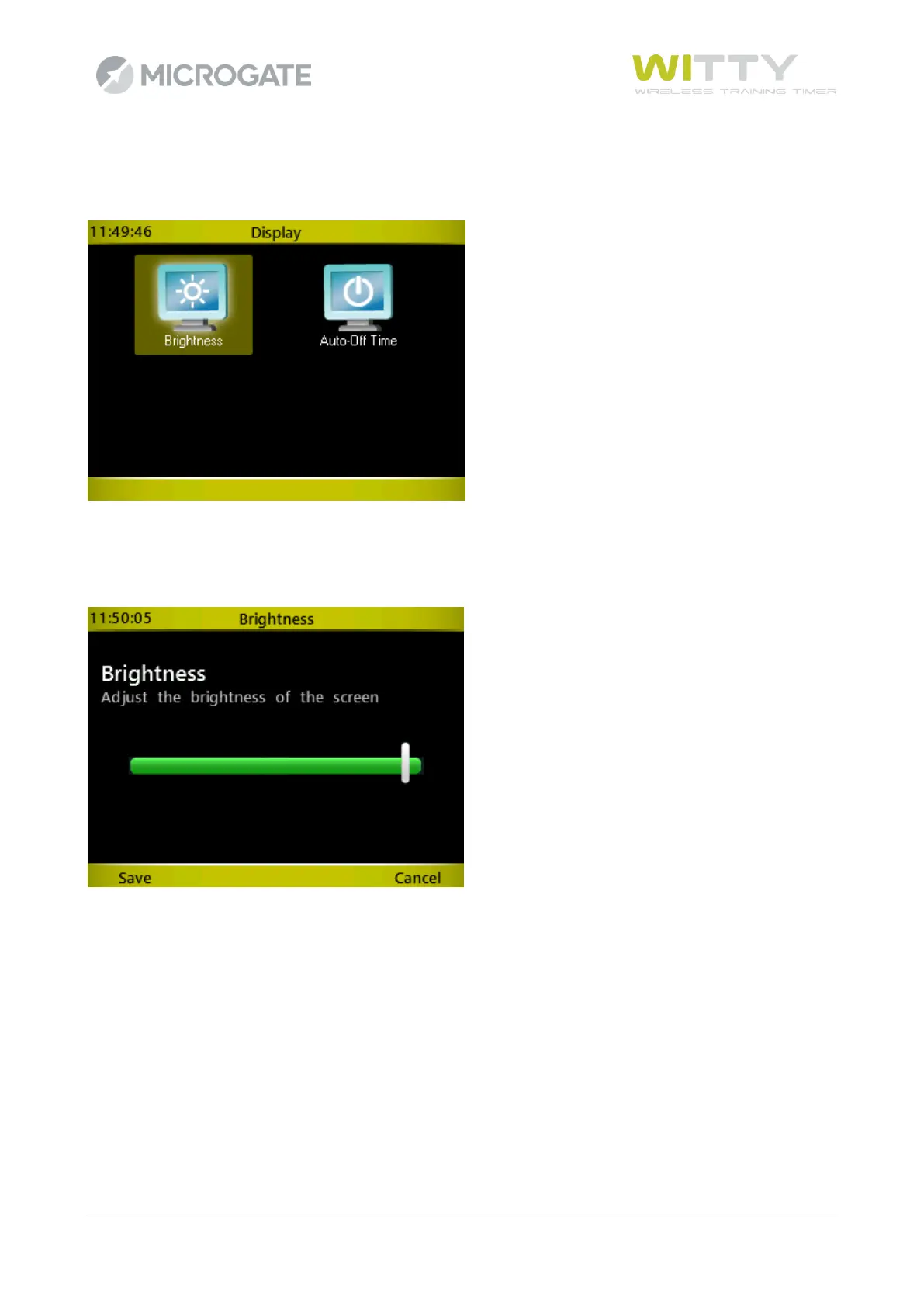
Functions for setting the display brightness and its automatic reduction time.
5.4.3.1 BRIGHTNESS
Adjust the display brightness depending on the ambient conditions (e.g. in direct sun light it must be
increased, whereas indoors it can be decreased to ensure longer battery life).
Press the right and left arrow keys to move the slider; press <F1> (Save) to confirm and exit. <F4> (Cancel)
exits the function without changing the brightness configuration previously set.



 To Next Page