Witty User Manual - EN - v1.5 P. 156 / 171
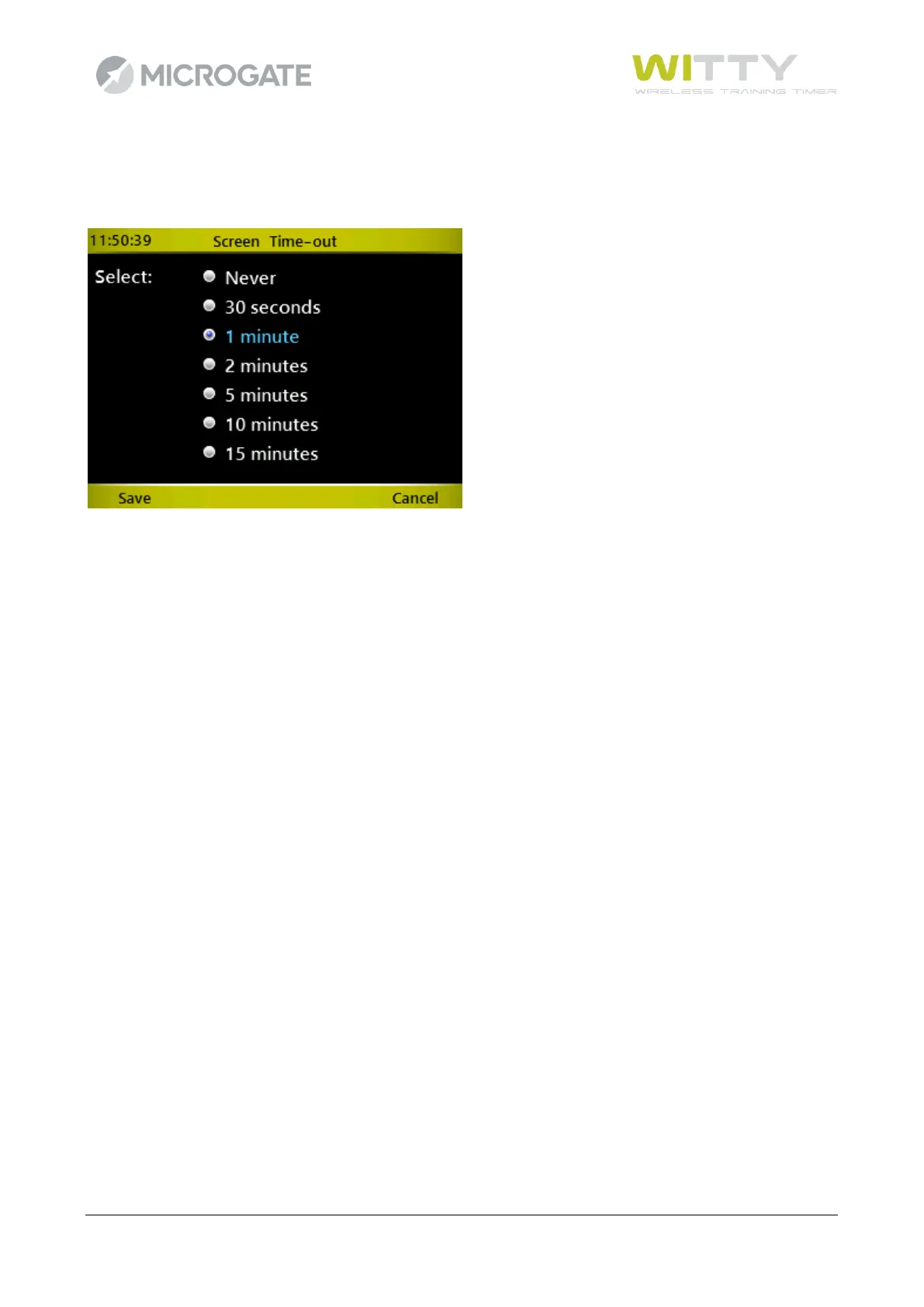
5.4.3.2 SCREEN TIME-OUT
Set the time of inactivity after which the screen reduces its brightness to 5% (it is not turned off
completely).
Using the up and down arrow keys choose an option and press <OK>. Press <F1> to save or <F4> to cancel.
After the set time (from the last operation carried out) has elapsed, the screen reduces its brightness to 5%.
To reset it, press any key.



 To Next Page