Witty User Manual - EN - v1.5 P. 27 / 171
2.6 WITTY·RFID
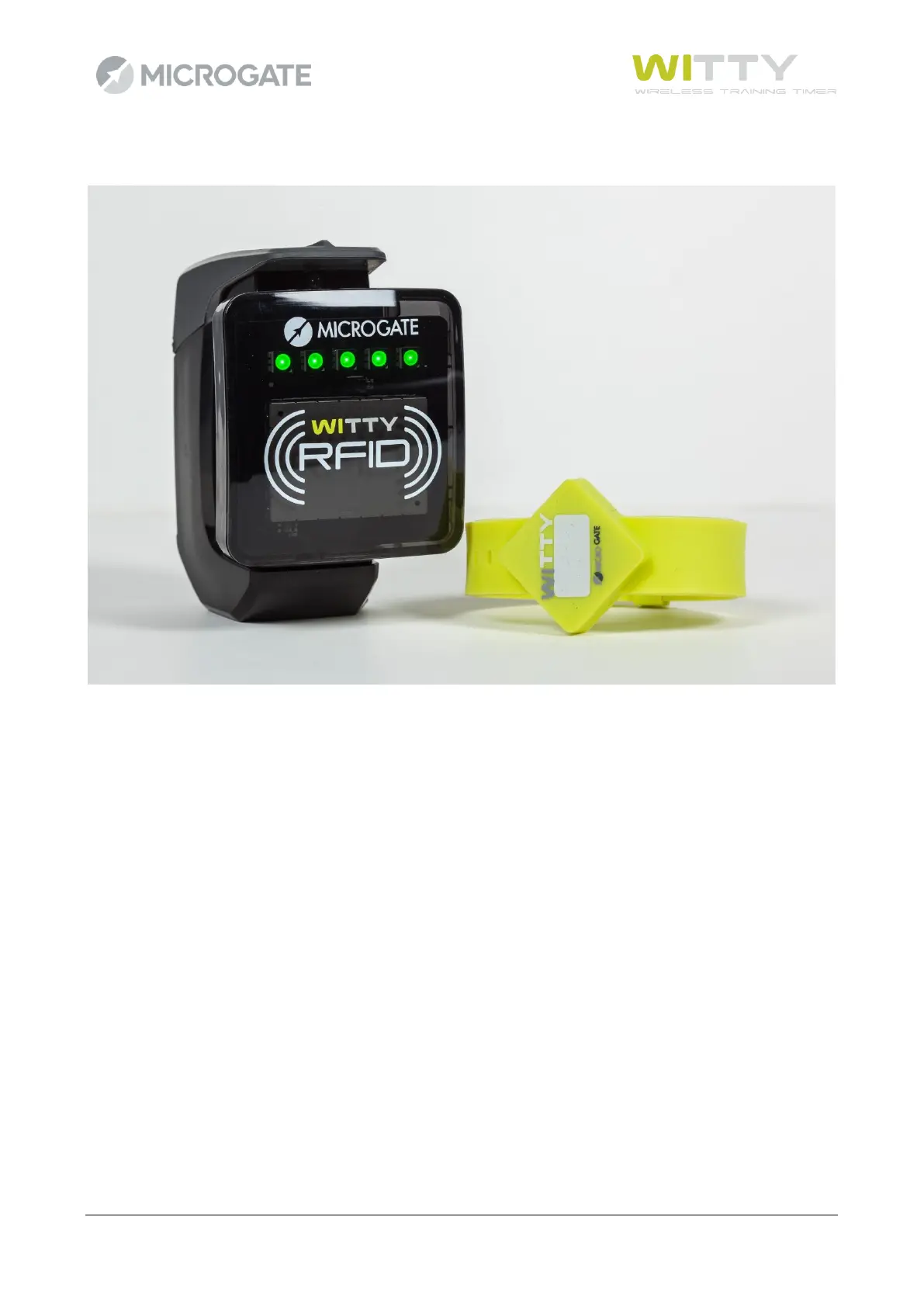
Witty·RFID is an automatic athlete detection system that makes the trainer's work easier by not having to
insert the bib (or shirt number) of the person who is starting in the Witty timer.
The player, supplied with a previously configured bracelet/watch, will simply approach the RFID reader
located near the start and his name, number and photo will automatically appear on the timer display (this
information is managed and downloaded via the Witty Manager software).
An acoustic beep and a series of green LEDs that light up indicate that the data was received and read
correctly.
The washable rubber silicone bracelets have a white space on the "face", where the assigned number can be
written after programming. Programming is done using the Witty Manager software (refer to the Witty
Manager software manager, chapter 3.1.4, for more information) and the same RFID reader that is connected
via USB to a PC.
With Witty·RFID, timing is therefore completely automated, the coach/trainer does not have to do anything
on the timer and can therefore concentrate on the athletes, following them during the test.



 To Next Page