Witty User Manual - EN - v1.5 P. 52 / 171
4.2 MULTISTART
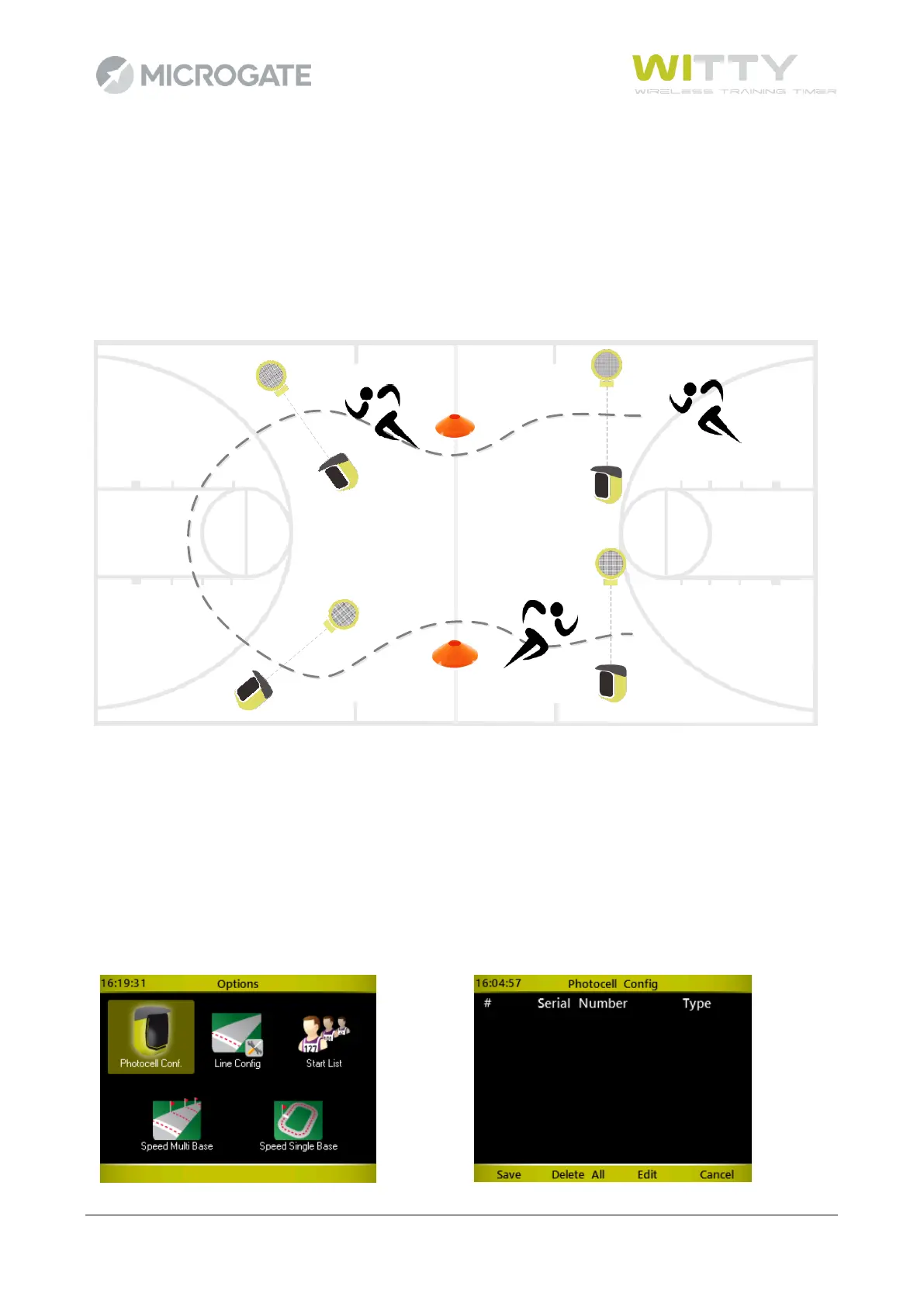
The MultiStart test allows to time circuits or courses carried out by several athletes at the same time (max.
3) from the start line to the finish line. The athletes must NOT start simultaneously (otherwise it would be
impossible to associate events to bibs) but must start one after the other and in sequence. Even though, as
we will see, it is possible to manage cases where one athlete passes another athlete, we suggest that you
distance the athlete starts in order to prevent this. If a certain sequence of events connected to impulses is
maintained (athlete 1 start-lap, athlete2 start-lap, etc.), it is much easier to manage the test.
4.2.1 CONFIGURING THE PHOTOCELLS
While for other test types (Basic and Counter) the photocells are set in the same way (start), in MultiStart
tests they must be identified and assigned (i.e. set which photocells are start, which are stop and which are
lap-n). This assignment can be carried out when defining the test (it is advisable to mark the photocells with
a piece of tape or a label for the following test sessions) or directly from the timing screen using the Options
key.
Create a MultiStart test as described in chap. 5.1.4. From test configuration, click on Options > Photocell
Config, where an empty list is displayed:



 To Next Page