Witty User Manual - EN - v1.5 P. 23 / 171
2.4.1 VIRTUAL KEYBOARD
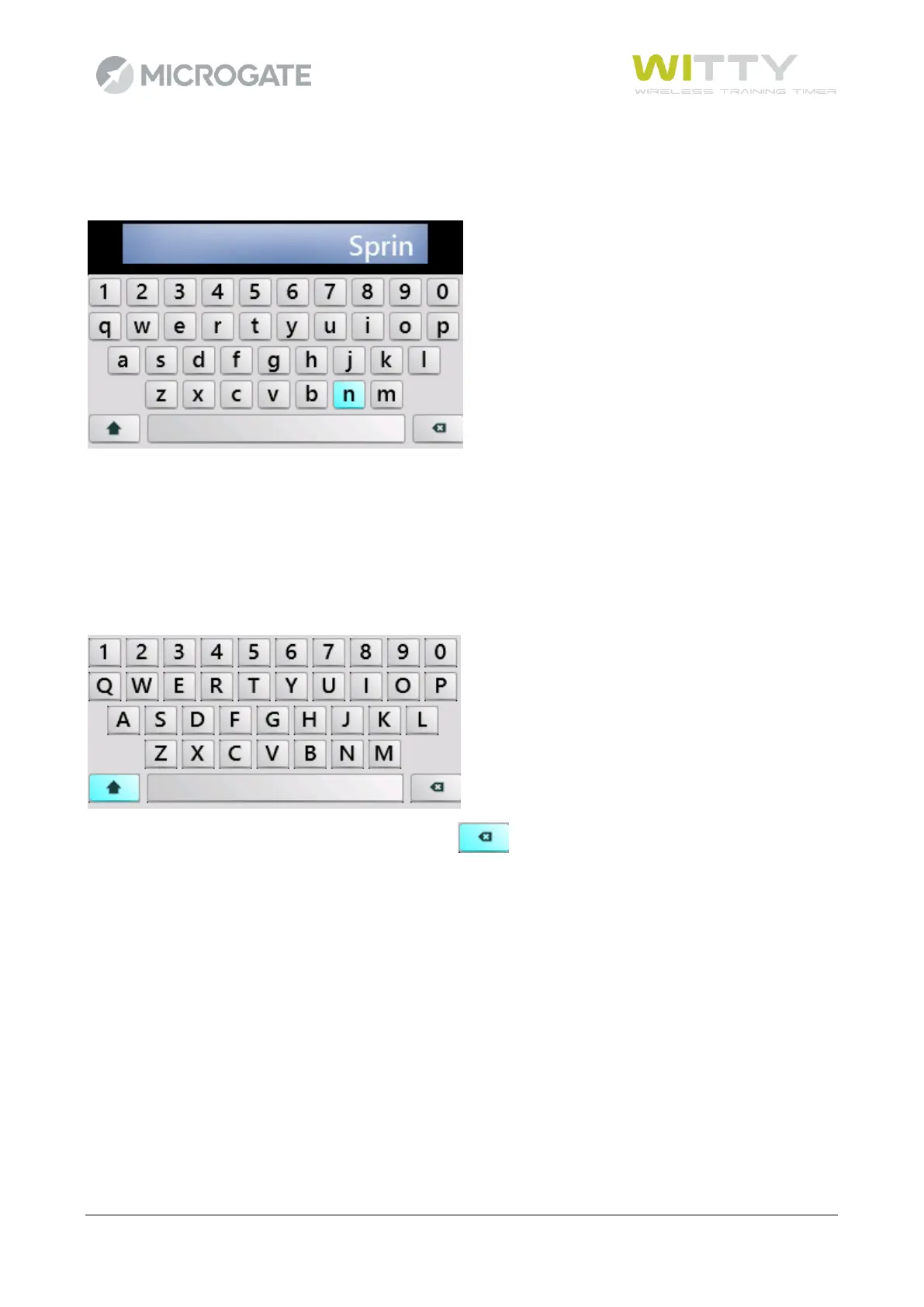
After having defined a customized test type (see chap. 5.1.4) it can be named using the virtual keyboard.
Use the four <arrow> keys to hover over the required letter (highlighted in light blue) and press <OK> to
enter.
Use the shift key () to toggle between capital and small letters. Pressing it once, only the first letter is capital
(e.g. the first letter of the name), whereas by pressing the <OK> key twice, the CAPS-LOCK function is enabled
(all capital letters).
In order to delete a mistyped letter, press BackSpace



 To Next Page