Witty User Manual - EN - v1.5 P. 22 / 171
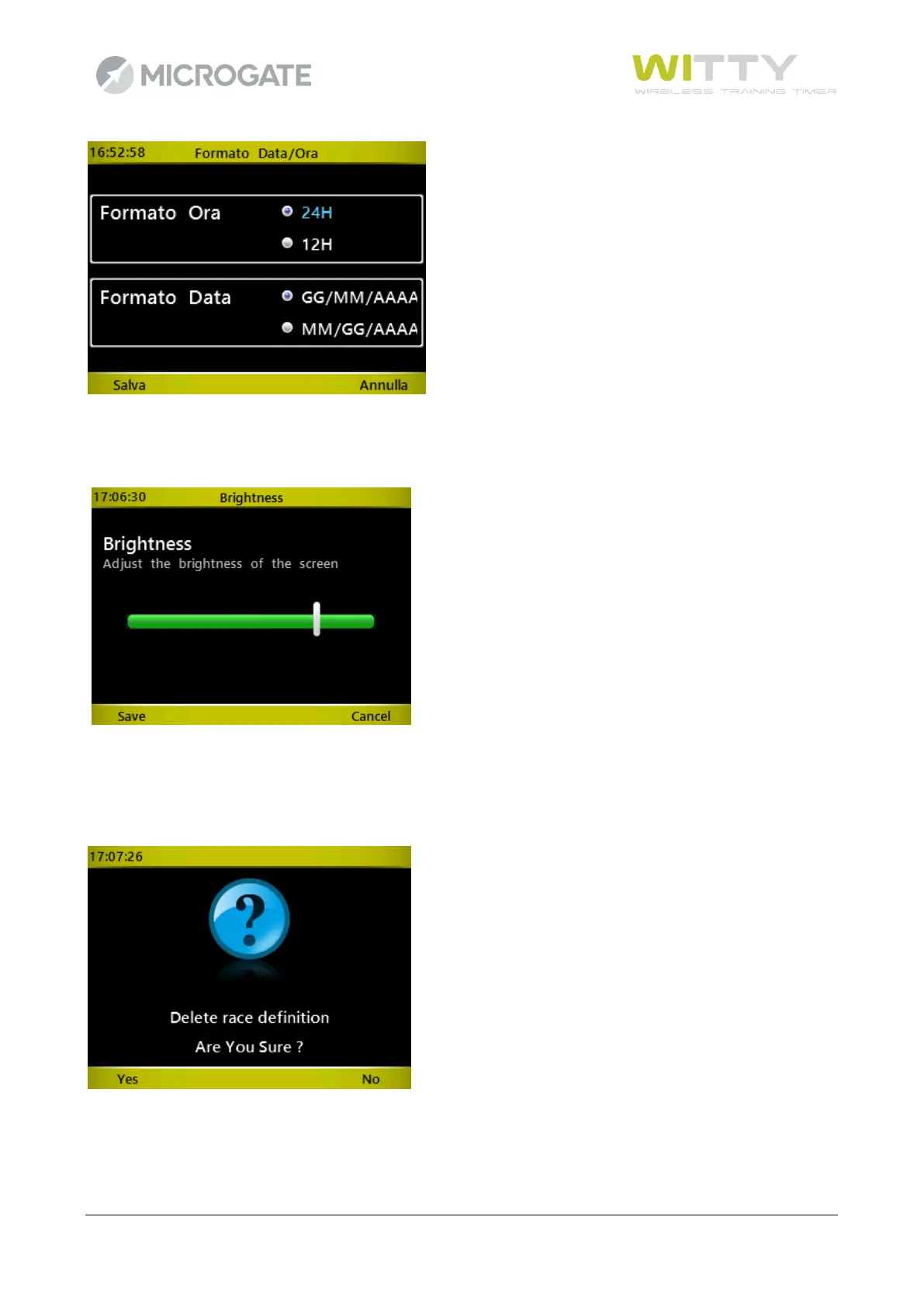
If there are control items such as sliders (e.g. for setting the display brightness), move the arrow using the
<right> and <left> keys, and save by pressing <F1>
.
As you might have already noticed from these screens, the <F1> and <F4> keys are often the opposite of
each other and in general it is true that the <F1> always corresponds to Confirm, Save, Yes, whereas <F4> is
used for Cancel, Back, No. Mainly in prompts requiring confirmation it is common to use <F1> = YES and <F4>
= NO.



 To Next Page