EasyManua.ls Logo

Microgate WITTY - Page 106

Microgate WITTY
171 pages
Print Icon
To Next Page IconTo Next Page
To Previous Page IconTo Previous Page
Loading...
Witty User Manual - EN - v1.5 P. 106 / 171
appear and 2 of these are identical). When they disappear and the semaphores show
a green dot, we need to indicate the position where the identical symbols were.
Explanation of the Levels
Level
Symbol
Total No. of Symbols
No. of Target Symbols
1 - Very Easy
Butterfly
3
2
2 - Easy
Circle
3
2
3 - Medium
Butterfly
4
2
4 - Hard
Butterfly
5
3
5 - Very hard
Circle
5
3
Custom Parameters
To create your own custom level, the following parameters are available:
Total Stimulus Count: The total number of symbols that will appear one at a time
Target Stimulus Count The number of identical symbols
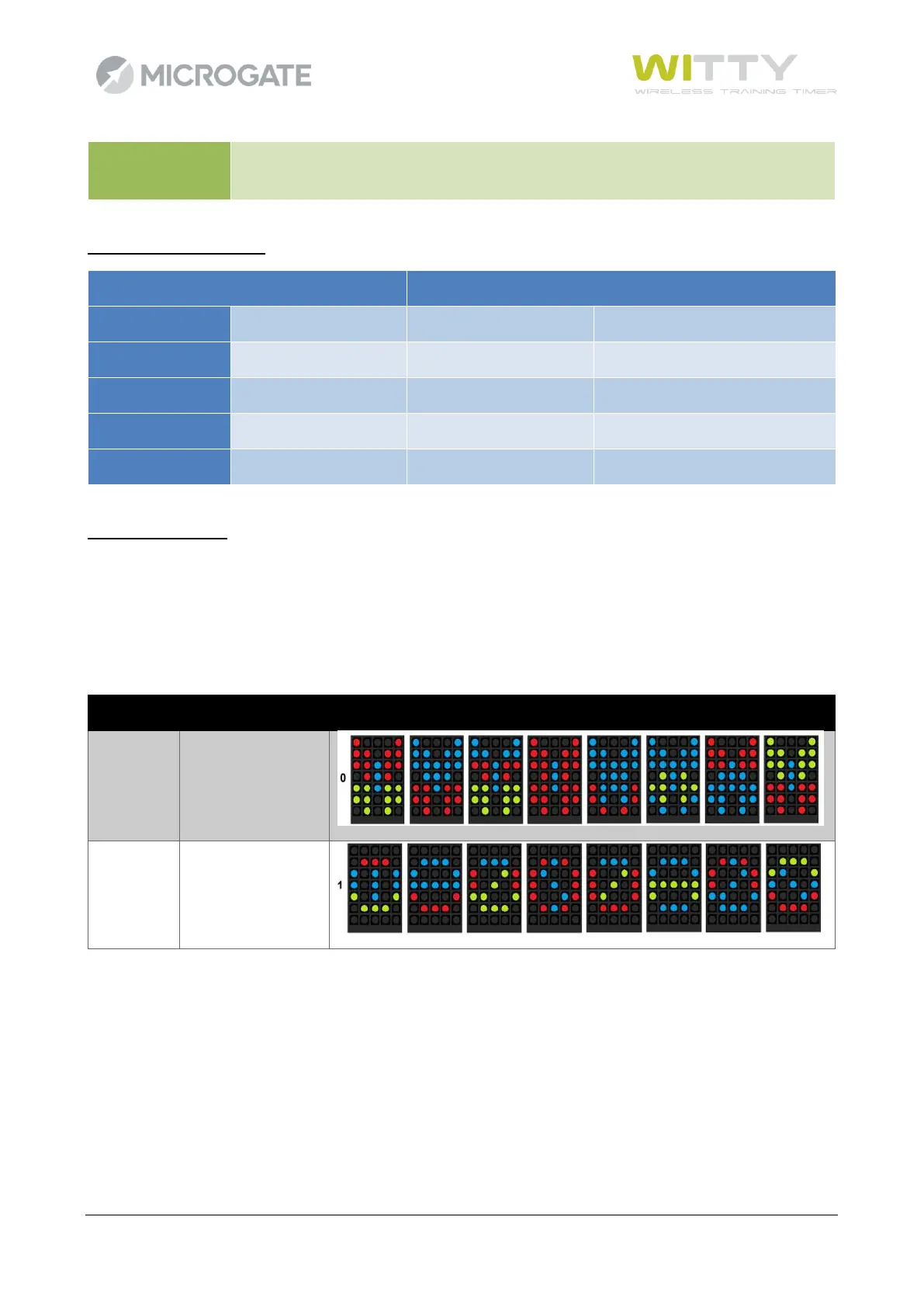
Peripheral Stimulus Set
Value
Meaning
Example
0
Butterfly Symbol
1
Circle Symbol

Table of Contents

Other manuals for Microgate WITTY