EasyManua.ls Logo

Microgate WITTY - Page 34

Microgate WITTY
171 pages
Print Icon
To Next Page IconTo Next Page
To Previous Page IconTo Previous Page
Loading...
Witty User Manual - EN - v1.5 P. 34 / 171
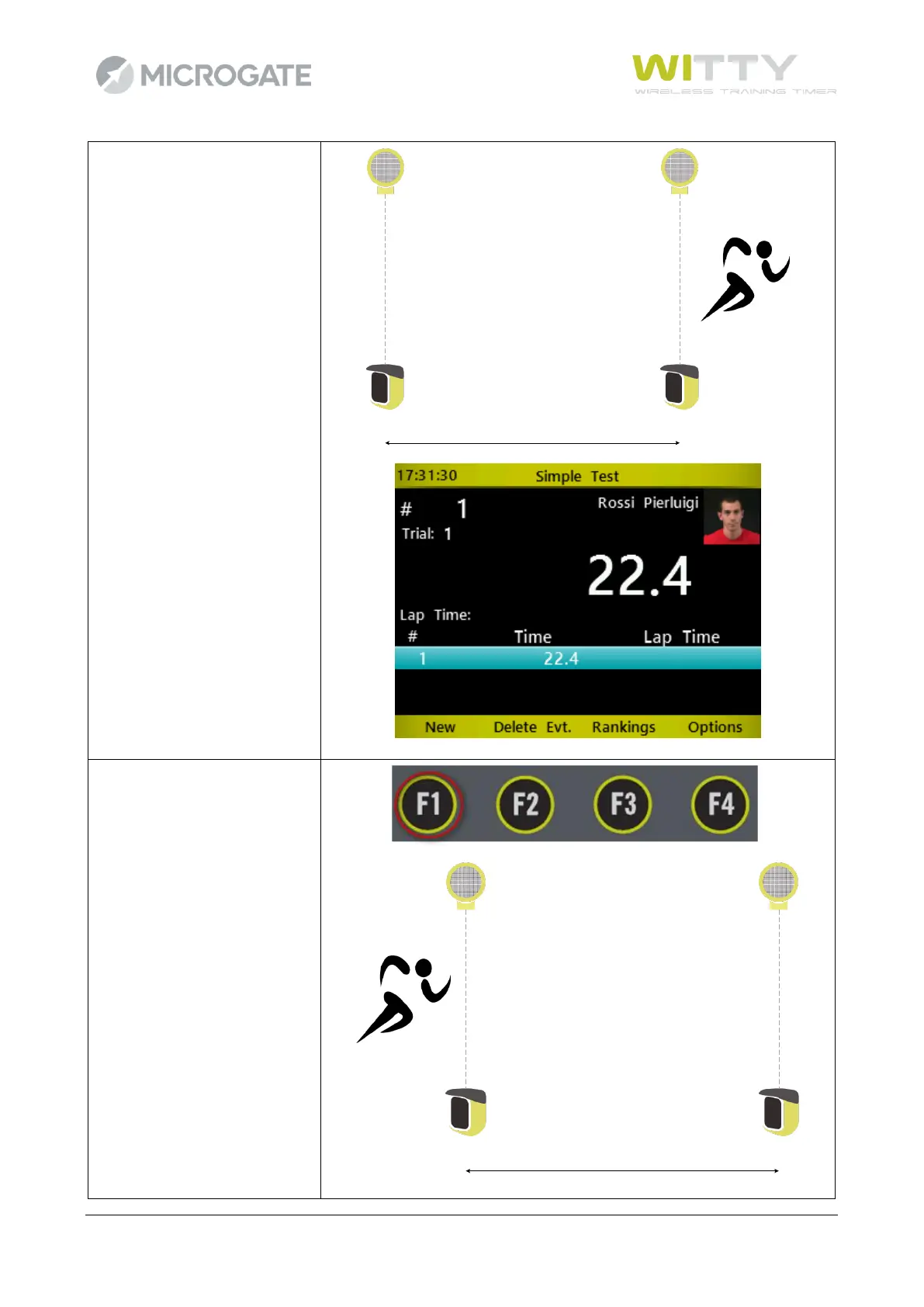
When the athlete interrupts
the finish photocell, timing is
stopped and a line is generated
in the table at the bottom of
the screen.
After 3 seconds timing
continues, because as default
all photocells are set as start
photocells and do not receive a
stop impulse, but this does not
affect the performance of a
test.

START STOP
1
Press <F1> under 'NEW' for
another athlete (in this case
bib #2).
START STOP
2

Table of Contents

Other manuals for Microgate WITTY