Witty User Manual - EN - v1.5 P. 36 / 171
Pressing the <Microgate> key
(which can always be used for
Back/Esc) or <F4> takes you
back to the timing screen.
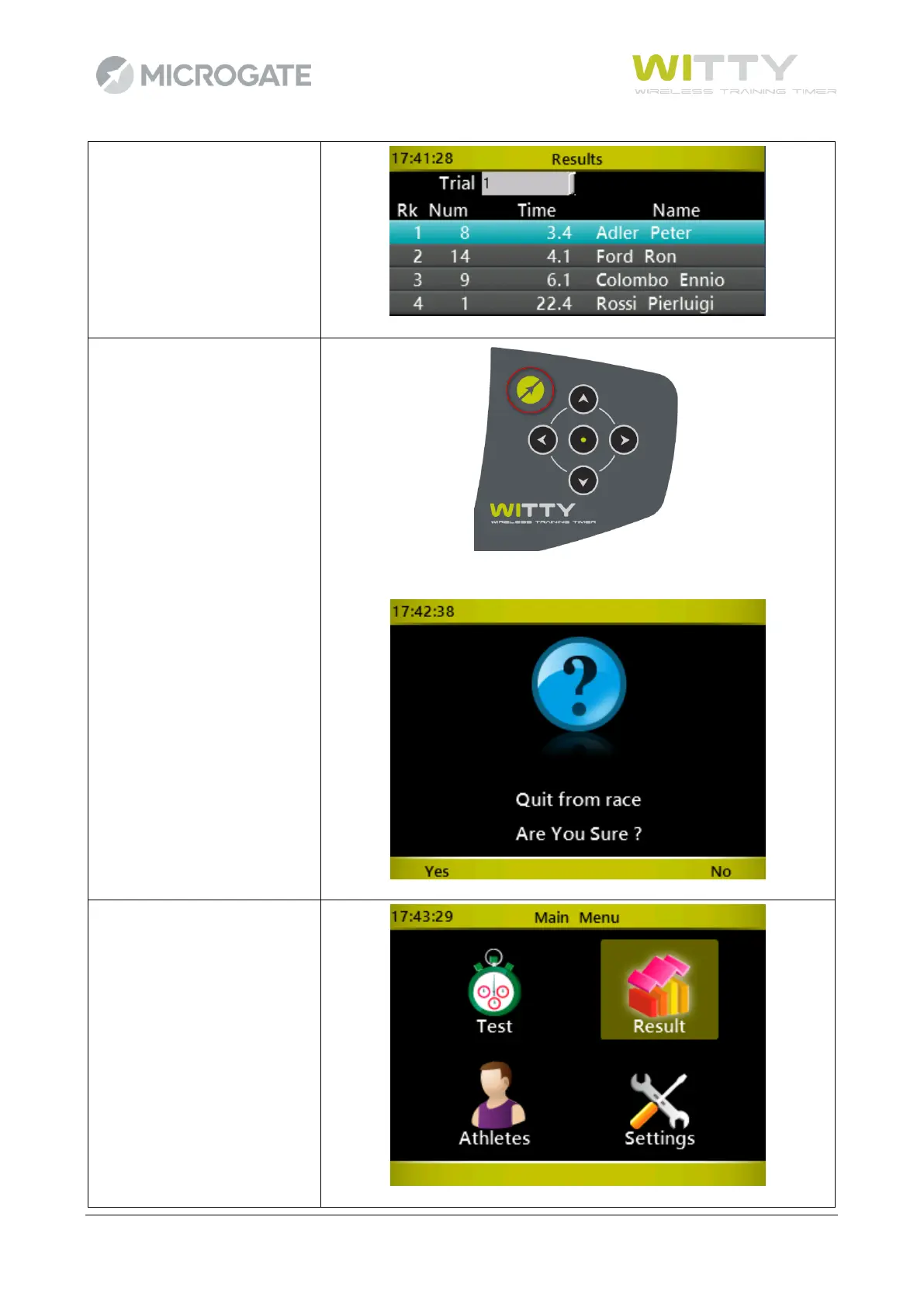
When all athletes have finished
their test, press the
<Microgate> key to exit the
Test menu (confirmation
required)
Press the <Microgate> key
again to return to the main
menu. It is possible to review
the test (ranking), continue or
delete it from the Result menu
(see chap. 5.2)



 To Next Page