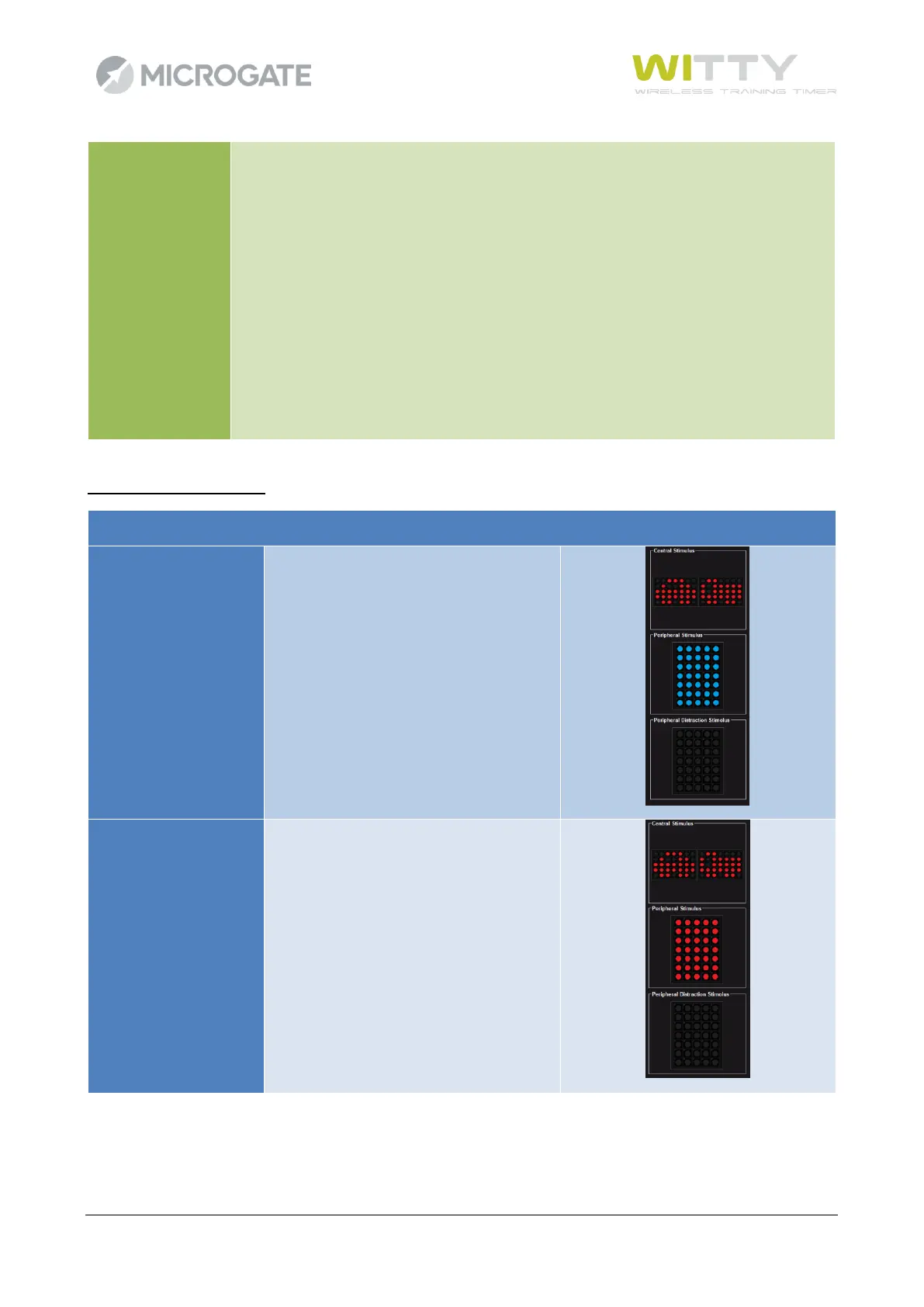
On the central semaphores A and B the user is shown a symbol–which is the same for
both semaphores–corresponding to two icons (which we will call "car" and "truck"
since in the original test they have this shape). In addition, a symbol appears on one
of the other peripheral semaphores.
When the two fixed icons (different this time) appear in the middle, the user must
indicate which one appeared and then on which semaphore the peripheral symbol
appeared.
To complicate the exercise, the peripheral semaphores can light up with a "distraction
symbol" which makes it harder to perceive the semaphore with the peripheral
stimulus.
At the easier levels there is no distraction stimulus (semaphores switched off)



 To Next Page