3-18 Workstation 4 Setup Guide
Installing and Operating the Workstation 4
Personality Swap
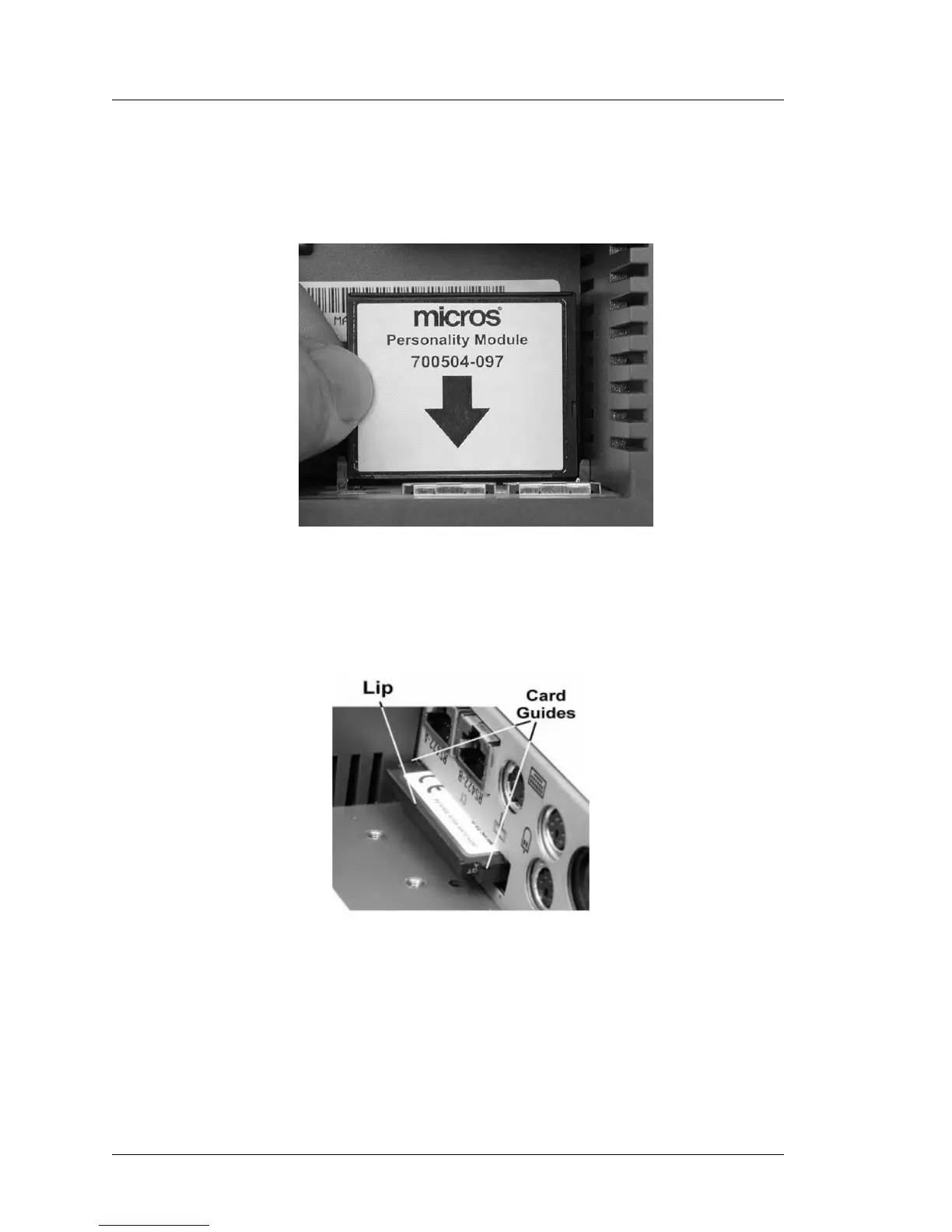
To assist in orienting the card as you install it, a label similar to that shown
in Figure 3-9 will be added to the CF card after July 2003. Note the arrow
showing the proper orientation of the card.
Figure 3-9: CF Personality Card Label
If the label is not present, Figure 3-10 denotes the location of a lip that can
also assist you in orienting the card as it is installed.
Figure 3-10: CF Personality Card Orientation



 To Next Page