LVS-95XX Series Barcode Quality Station Operations Manual
LVS-95XX Series Barcode Quality Station Operations Manual - English Page 25 of 94
Password Login
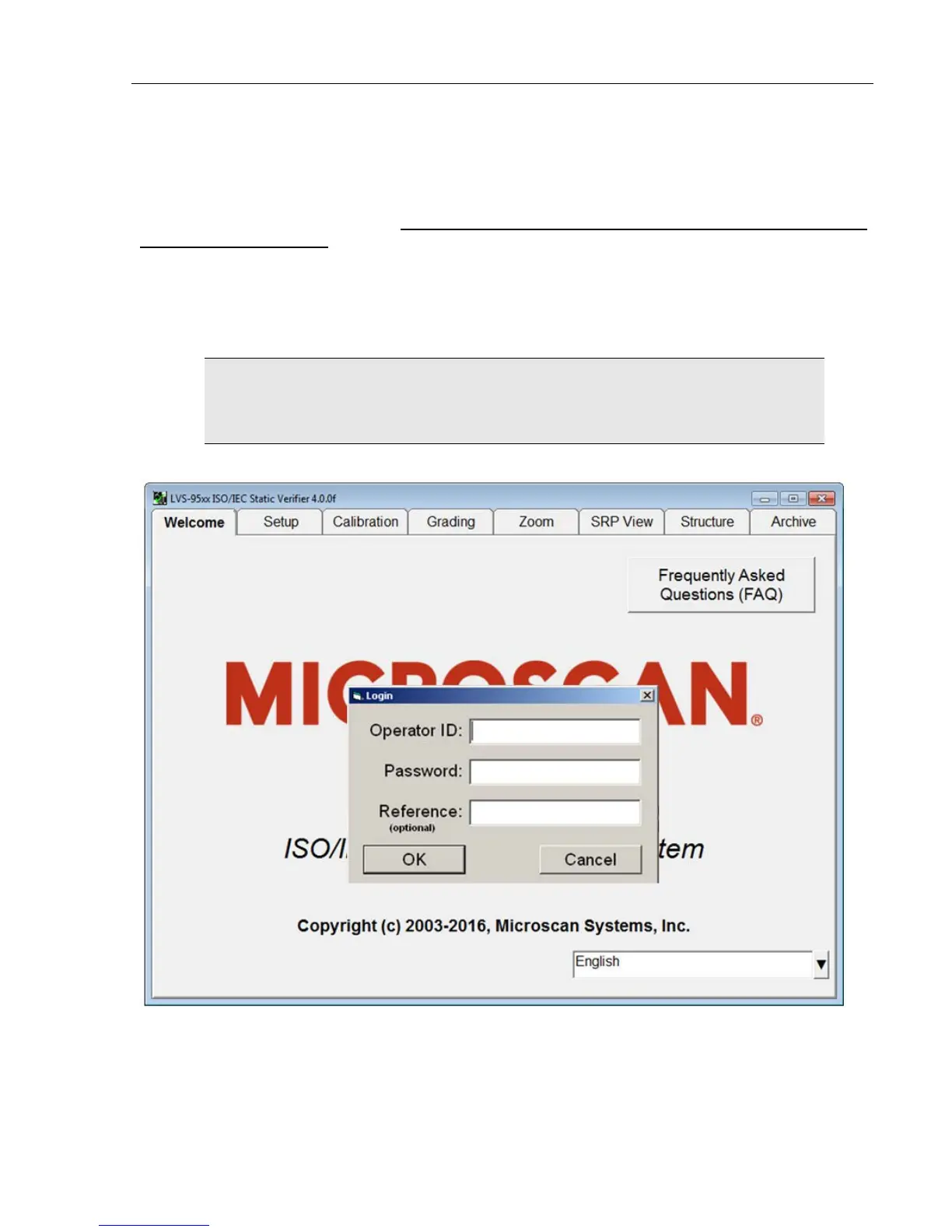
The password Login box appears when you click on any of the tabs located at the top of the screen.
Enter the Operator ID and Password. When the system is used for the first time, the Operator ID is admin
and the password is admin. This enables the administrator to gain access to where the software sets up and
maintains all passwords and levels of Permissions for each operator.
The Reference field, which is optional, allows operators to enter a reference number for the work they are
performing. This number can be used to reference a Job Number, Control Number, Purchase Order, etc.
The reference number can also be entered in the Reference field located on the Setup tab screen.
IMPORTANT: The last updated Reference field overrides the secondary Reference
field. For example, a user updating the Reference field on the Setup tab screen
overrides the reference number entered in the Login box.
Passwords and permission levels are explained in the next chapter under the Setup Operators section.



 To Next Page