LVS-95XX Series Barcode Quality Station Operations Manual
LVS-95XX Series Barcode Quality Station Operations Manual - English Page 56 of 94
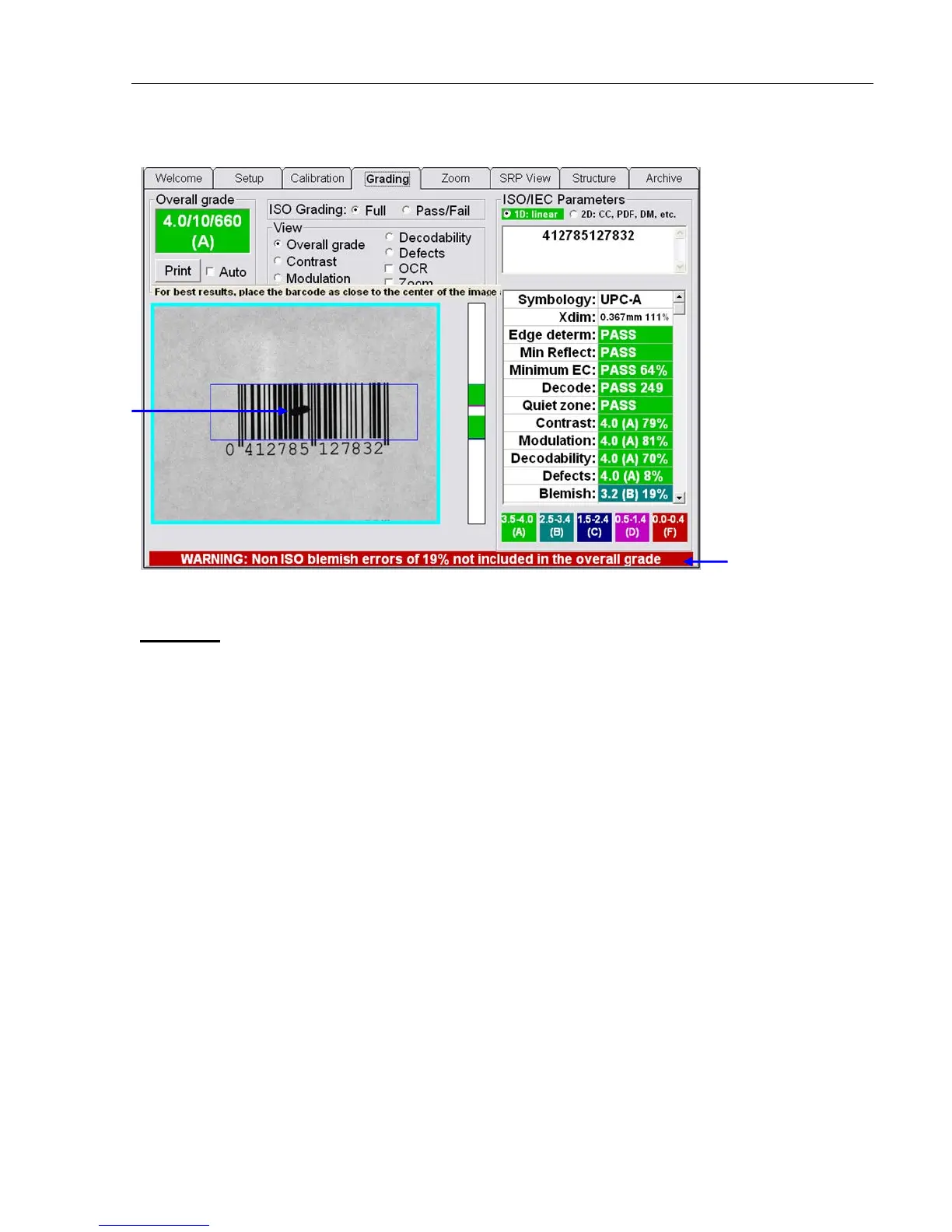
Screenshot with the Allow non-ISO blemish to affect grade feature NOT checked:
Other Grading Screen Tools
Opacity
A barcode must be verified under the same conditions as its final configuration when possible. If the
barcode is printed on a media having low opacity (meaning the substrate is transparent or translucent),
perform the verification with the symbol on a dark surface (if the final configuration will be dark) or a light
surface (if the final configuration will be light). Attempt to match the final configuration as closely as possible.
• For LVS-9500 systems: Place a sheet of paper the color of the final configuration (e.g. white, black,
etc.) on the viewing stage then place barcode on top of the paper. This will simulate the final
configuration and allow the LVS-95XX software to produce verification results that will closely match the
expected final reading conditions.
• For LVS-9505 or 9510 (desktop) systems: Place the barcode on the viewing window then place a
sheet of paper the color of the final configuration (e.g. white, black, etc.) on top of the barcode This will
simulate the final configuration and allow the LVS-95XX software to produce verification results that will
closely match the expected final reading conditions.
• For LVS-9570 (hand-held) systems: Place a sheet of paper the color of the final configuration (e.g.
white, black, etc.) on a flat surface then place barcode on top of the paper. This will simulate the final
configuration and allow the LVS-95XX software to produce verification results that will closely match the
expected final reading conditions.
Blemish
Warning message that
appears when the
Allow non-ISO
blemish to affect
grade feature is NOT
checked.



 To Next Page