LVS-95XX Series Barcode Quality Station Operations Manual
LVS-95XX Series Barcode Quality Station Operations Manual - English Page 50 of 94
3. View Box
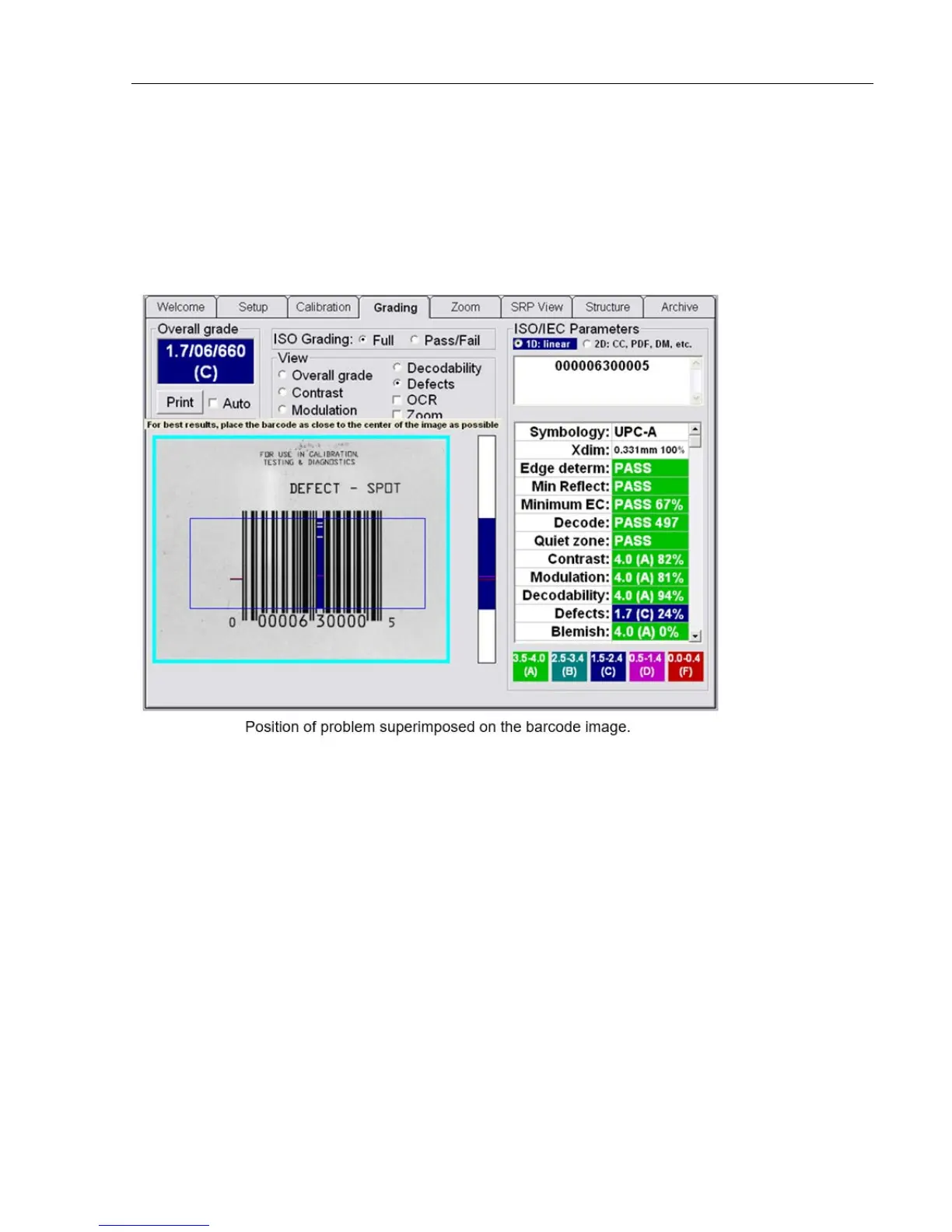
To better understand where a print quality problem is located, the software is designed to superimpose a
color mark at the position of the problem. At the bottom right of the Grading Tab screen is a chart indicating
what the different colors indicate.
There are 4 parameters that can be highlighted: Contrast, Modulation, Decodability and Defects. Click on the
desired parameter.
Within the View Box there are two additional features that can be checked: OCR and Zoom (see next pages
for additional information).



 To Next Page