LVS-95XX Series Barcode Quality Station Operations Manual
LVS-95XX Series Barcode Quality Station Operations Manual - English Page 29 of 94
Auto-Sector Feature
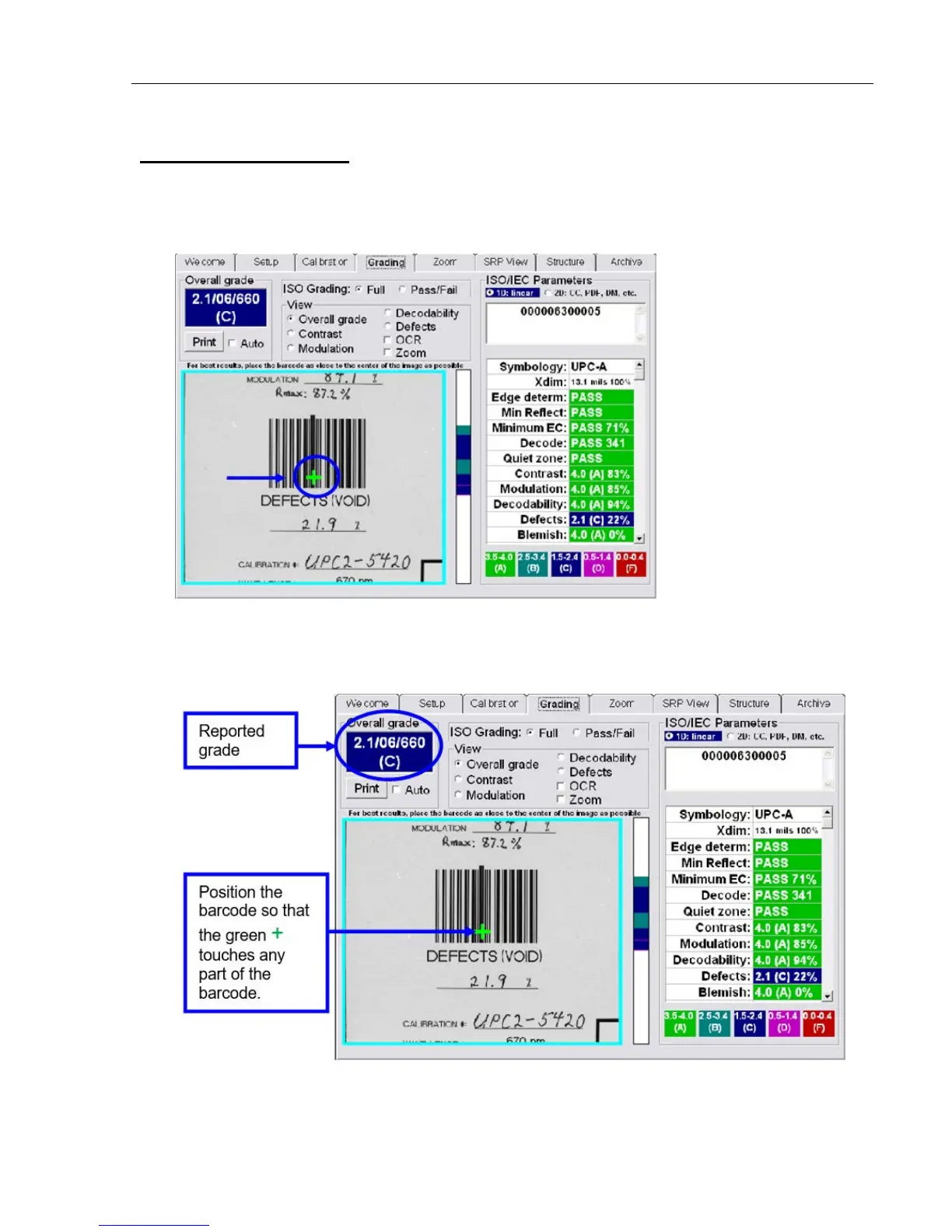
To use the Auto-sector feature:
1. Select “Auto-sector” on the Setup tab.
2. Click the Grading tab and notice the green
+ appearing in the center of the field of view.
3. Position the barcode so that the green
+ touches any part of the barcode. The software automatically
detects the barcode, draws a sector around it, and then reports the grade.



 To Next Page