LVS-95XX Series Barcode Quality Station Operations Manual
LVS-95XX Series Barcode Quality Station Operations Manual - English Page 26 of 94
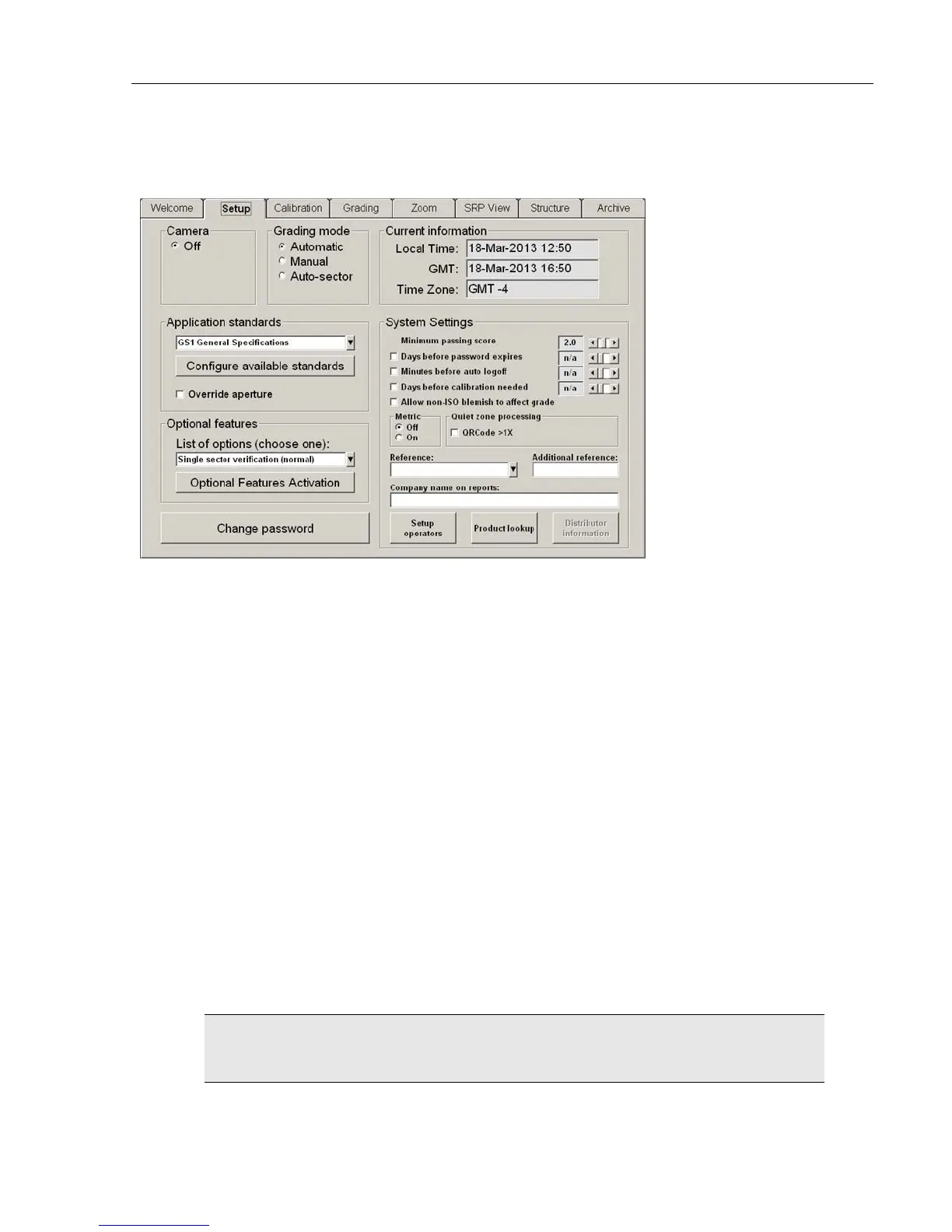
Setup Tab
The Setup tab contains the following sections:
• Camera
• Grading Mode
• Application Standards
• Current Information
• System Settings
• Optional Features
• Change Password button
Each of the aforementioned sections is listed below:
Camera
Select On to turn on the LVS-95XX system camera. Select Off to turn off the camera.
The camera automatically turns off when the following occurs:
• When an imported image is reviewed (see the Archive Tab section for more information).
• After performing a “stitching” operation (see the Barcode Too Wide for Field of View (Stitching Function)
section for more information).
After you have finished inspecting either of the above images, the camera must be turned back On to
see live images again.
IMPORTANT: The LVS-95XX system recognizes a maximum of three cameras plugged
into a computer at one time.
See the next page for camera examples.



 To Next Page