LVS-95XX Series Barcode Quality Station Operations Manual
LVS-95XX Series Barcode Quality Station Operations Manual - English Page 72 of 94
SRP View Tab
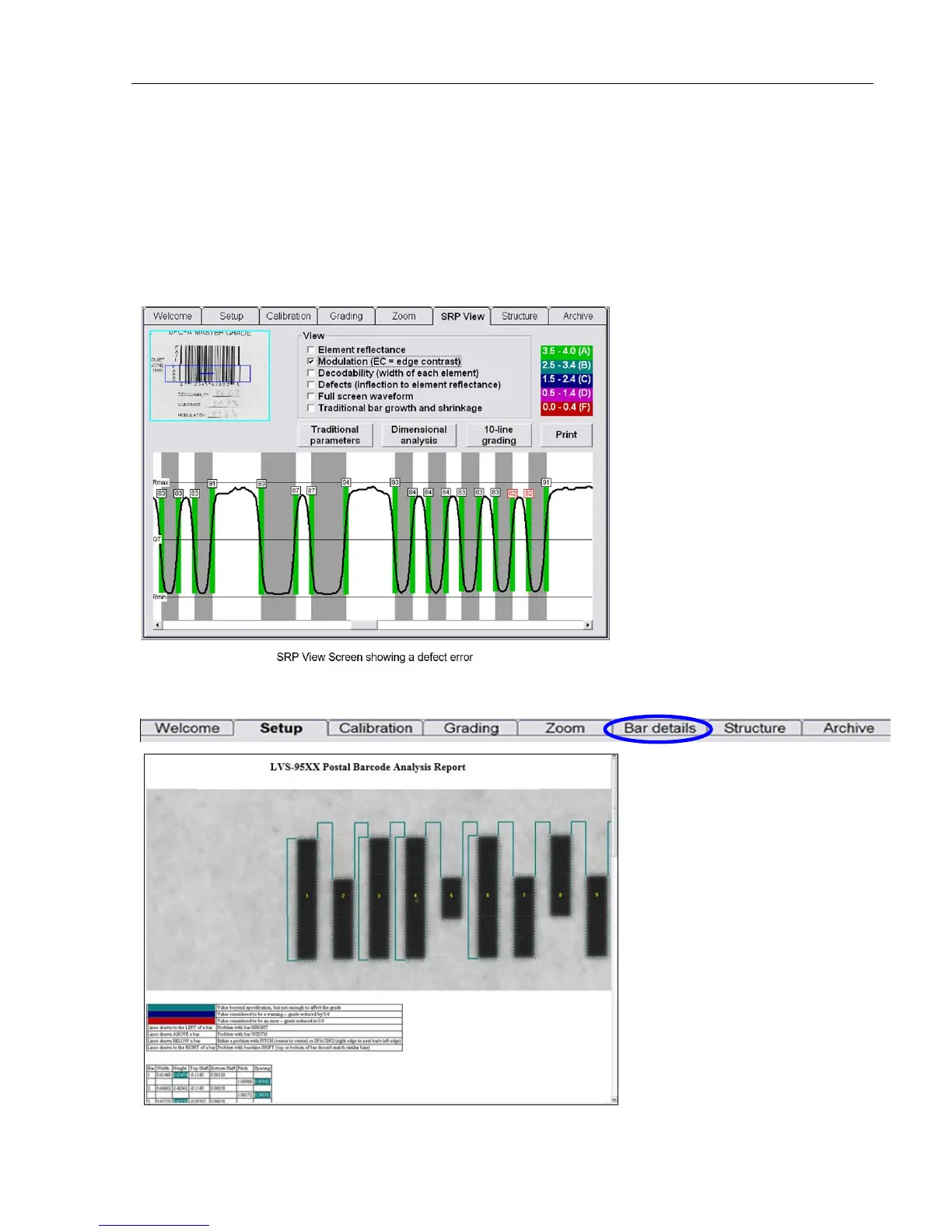
To further evaluate a barcode error, you may wish to view the Scan Reflectance Profile (SRP). Select the
SRP View tab. The SRP is displayed for the selected area as determined by the blue line overlaying the
image of the barcode on the top left side of the screen.
You can look at the SRP for any part of the barcode by simply clicking on another part of the image in the
box located on the upper left corner of the SRP View Tab screen.
When the “Postal (Intelligent Mail, PostNet, Japan Post)” Application Standard is selected, the “SRP View”
tab name changes to “Bar details” to provide an analysis report of the postal barcode.



 To Next Page