LVS-95XX Series Barcode Quality Station Operations Manual
LVS-95XX Series Barcode Quality Station Operations Manual - English Page 39 of 94
Distributor Information
The Distributor Information button allows the distributor of this LVS-95XX system to enter his/her name,
address, and phone number so that it appears on the Final Verification Report.
Optional Features
This section allows you to select your preferred verification method and to activate optional features.
List of Options
Select “Single sector verification (normal)” or “Multiple sectors verification” from the drop-down list.
• The “Single sector verification (normal)” option is the default option.
• “Multiple sectors verification” allows you to verify multiple barcode images in the field of view at the same
time. This feature is an upgraded feature and is an additional cost to customers. Multiple sectors
verification steps are outlined in “Appendix G: Special Features.” Contact Microscan or a Microscan
distributor for more information.
Optional Features Activation
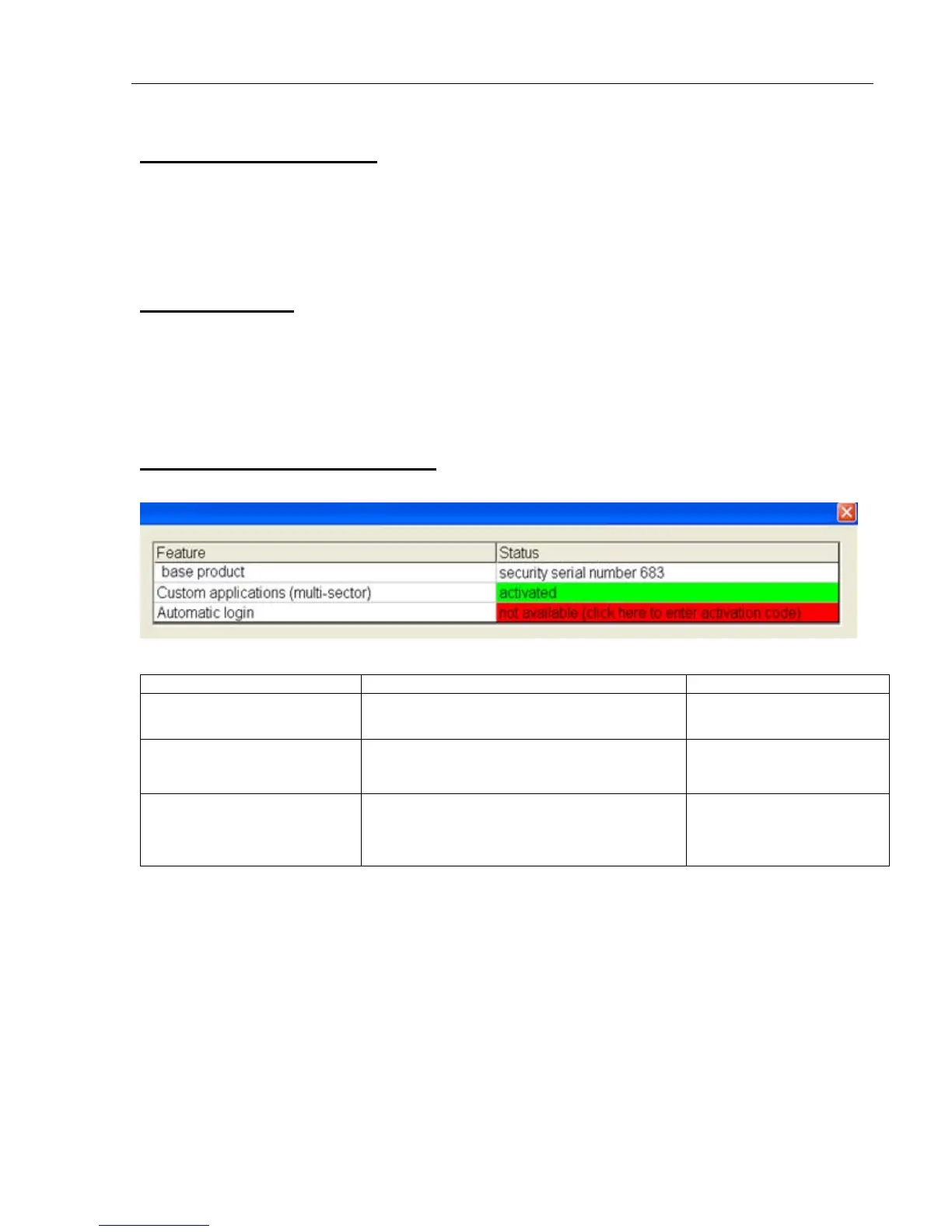
Click this button to view a list of optional features and the status of each feature:
Available options include:
Feature Function Status
LVS-95XX base product Initial activation of software.
This feature is enabled by
default.
Custom applications (multi-
sector)
Allows you to draw multiple sectors at one
time on the Grading Tab screen.
This feature is enabled
only with purchase
upgrade.
Automatic Login
Allows you to log on to the LVS-95XX
without entering an Operator ID and
Password. This feature voids 21 CFR Part
11 compliance.
This feature is enabled
only with purchase
upgrade.
Change Password
Click the “Change Password” box to change a password.



 To Next Page