LVS-95XX Series Barcode Quality Station Operations Manual
LVS-95XX Series Barcode Quality Station Operations Manual - English Page 38 of 94
Permission Description
Allow Add/Change operator
Allows the administrator to assign Permission levels for all other system
users. All new systems are shipped with the User Name and Password
set to admin.
Allow Calibration Allows the operator to calibrate the system.
Allow Change Setup Options
Allows the operator access to set any of the Setup Tab screen
parameters.
Allow Pass / Fail ISO
On the Grading Tab, there is a section entitled ISO Grading in which you
can choose between Full or Pass/Fail. This permission allows the user to
set different Pass / Fail levels. For more information, refer to the section
entitled Pass / Fail ISO Grading in the Grading Tab section.
Allow Full ISO
On the Grading Tab, there is a section entitled ISO Grading in which you
can choose between Full or Pass/Fail. This permission allows the user to
set different Pass / Fail levels. For more information, refer to the section
entitled Pass / Fail ISO Grading in the Grading Tab section.
Allow Create or Edit App
This feature is enabled only with a purchase upgrade.
Allows the user to create or edit special features, such as allowing the
user to verify multiple barcodes simultaneously within the field of view.
See the Optional Features – Multi-Barcode Verification section for
more information.
Allow Change Archive File
Allows the user to change the backup database file located on the
Archive Tab.
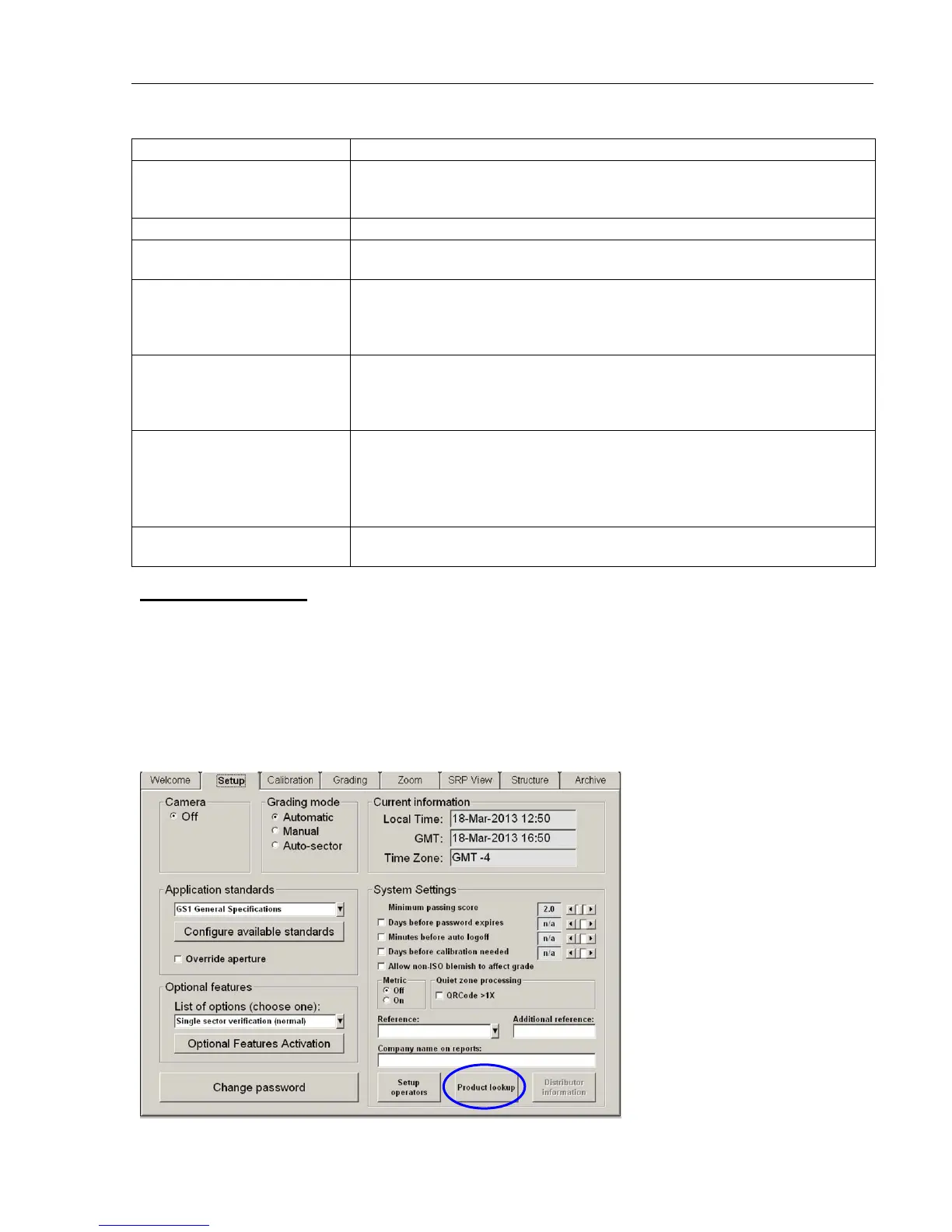
Product Lookup
The Product Lookup button is a product identification feature that allows you to enter a product code and
description into a database table that reports the information each time the software decodes that string of
data.
The Product Identification Data appears below the barcode data on the Grading Tab screen. The software
groups this data within special characters < and >.
The software is setup to accept manual entry of data and the ability to import a CSV (comma separated
values) file. The first field contains the barcode data and the next field contains its description.



 To Next Page