LVS-95XX Series Barcode Quality Station Operations Manual
LVS-95XX Series Barcode Quality Station Operations Manual - English Page 71 of 94
Zoom Tab
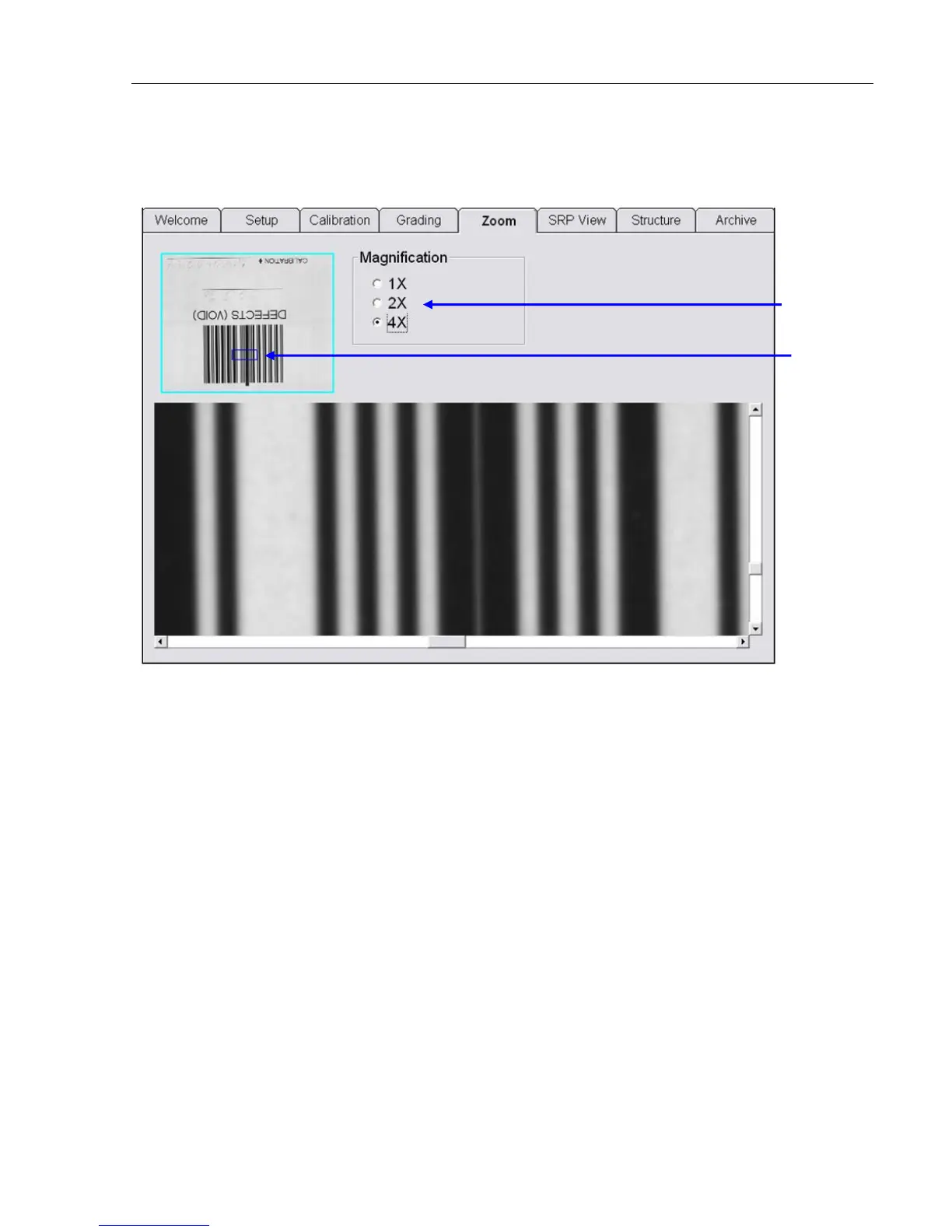
To further evaluate the quality of barcode symbols, the Zoom Tab screen allows you to magnify the barcode
image up to four times.
The position of magnification can be changed by clicking to a different position on the image box located on
the upper left corner of the screen.
There are scroll bars located at the side and at the bottom of the screen that allow the user the ability to
change its horizontal and vertical position.
Select the
magnification level.
The position of
magnification
can be changed
by clicking on a
different
position.



 To Next Page