LVS-95XX Series Barcode Quality Station Operations Manual
LVS-95XX Series Barcode Quality Station Operations Manual - English Page 67 of 94
QR Code
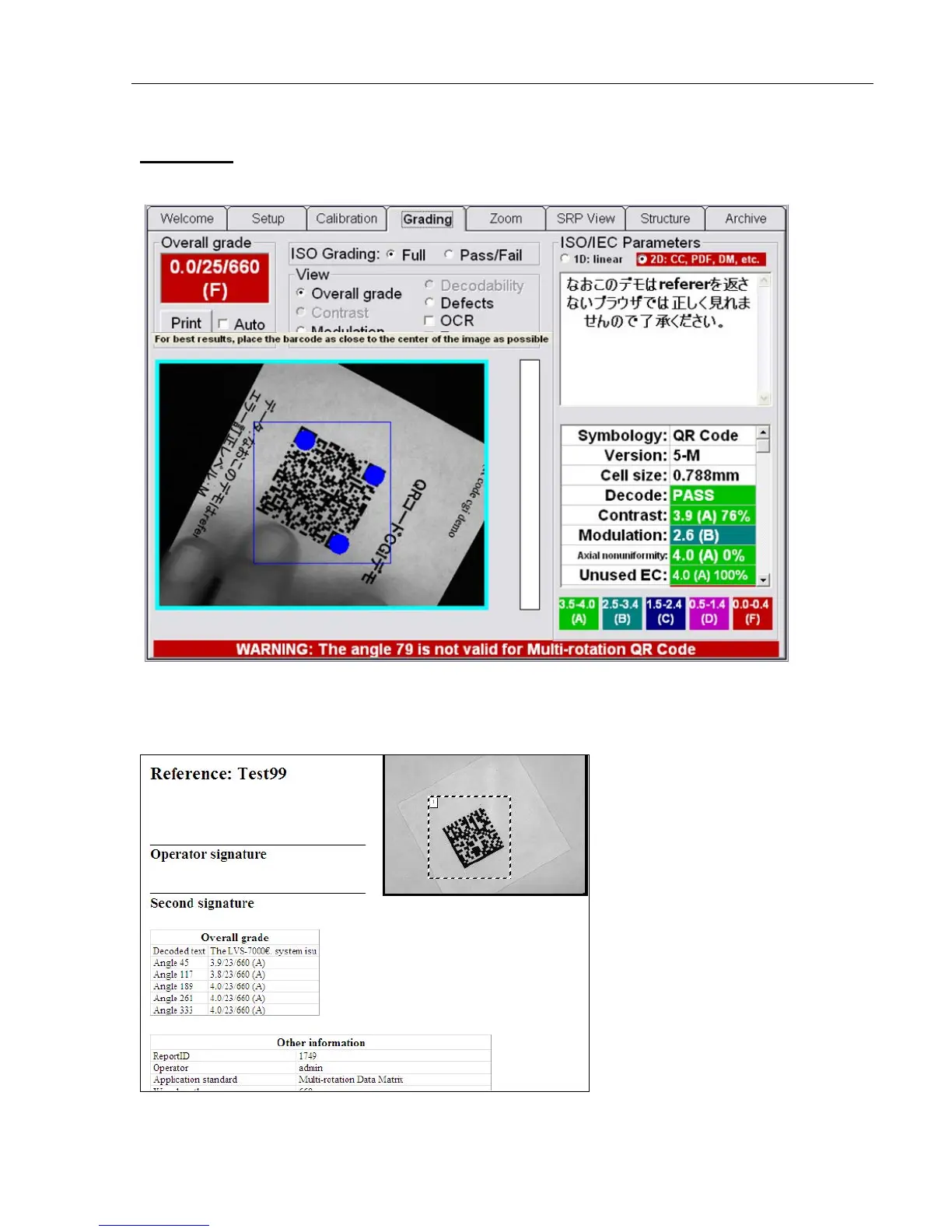
For correct placement for QR Code, position the finder patterns on the blue dots.
After grading all five rotations, a report appears showing the average grade of all rotations.
To view the individual details for each angle of rotation, click the Archive tab | Recent reports (last 30
days).



 To Next Page