LVS-95XX Series Barcode Quality Station Operations Manual
LVS-95XX Series Barcode Quality Station Operations Manual - English Page 85 of 94
Export Image to File
The “Export Image to file” button is used for remote troubleshooting assistance when an image needs to be
analyzed by a Microscan technician or other employees internal to your company using an LVS-95XX
system. Click this button to export an image, which can then be imported into another computer housing the
LVS-95XX software for the purpose of analyzing and evaluating the image. Images are exported as Bitmap
(.bmp) files.
To export an image:
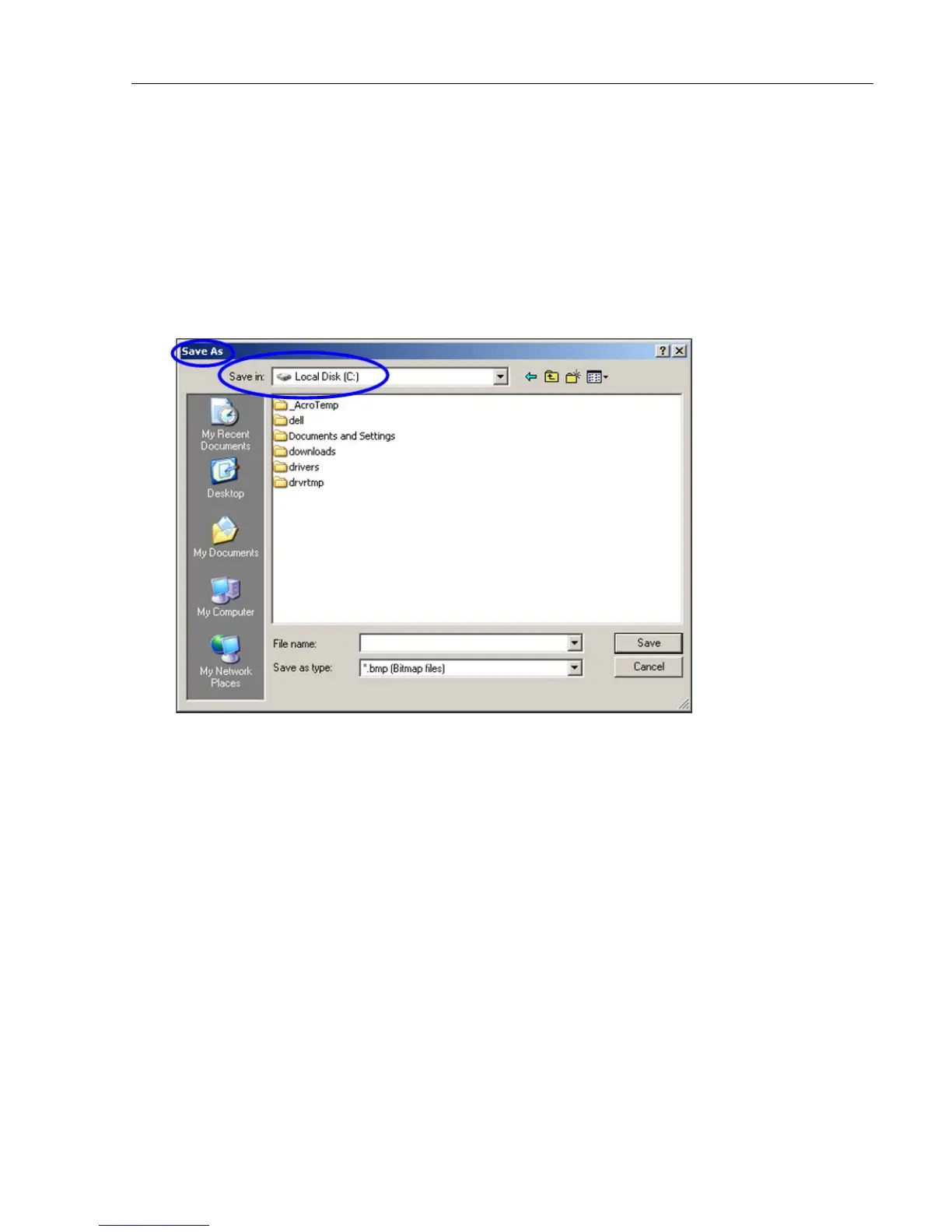
1. Click the “Export image to file” button. The “Save As” dialog box appears.
2. In the “Save in” list, click the folder where you want to save the image. Then, click “Save.” The file is
saved to the designated location.



 To Next Page