LVS-95XX Series Barcode Quality Station Operations Manual
LVS-95XX Series Barcode Quality Station Operations Manual - English Page 84 of 94
4. Click the “Grading” tab and grade the barcode. All analysis tools perform the same as if the image was
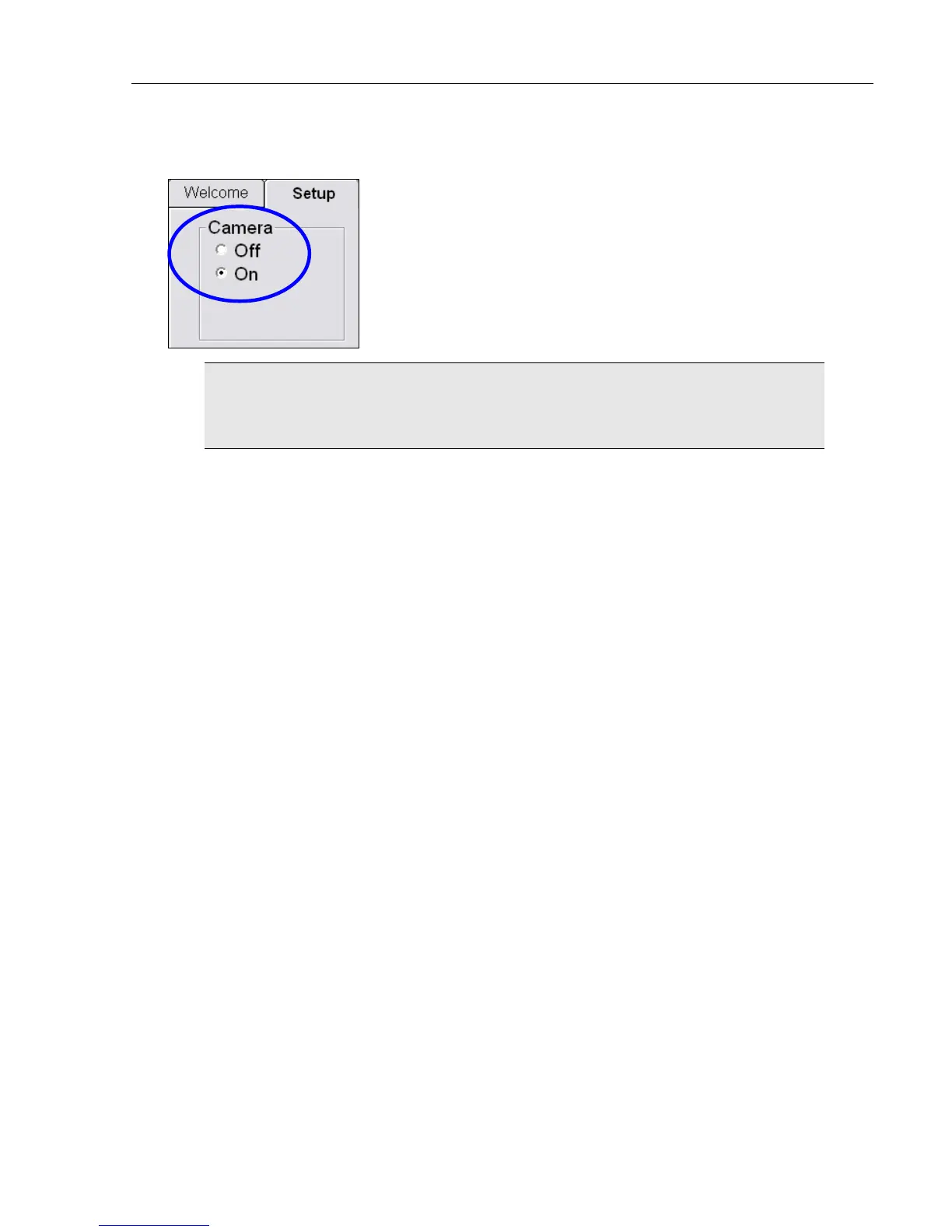
taken live from the camera. The image below shows the camera switch located on the Setup tab screen.
WARNING: When loading an imported image, the LVS-95XX camera is automatically
turned “Off.” After work is completed with the imported image, the internal camera must
be manually turned back on. Go to the “Setup” tab and turn the camera back “On.”



 To Next Page